Word search · Coding
Building software word search · Grade 10
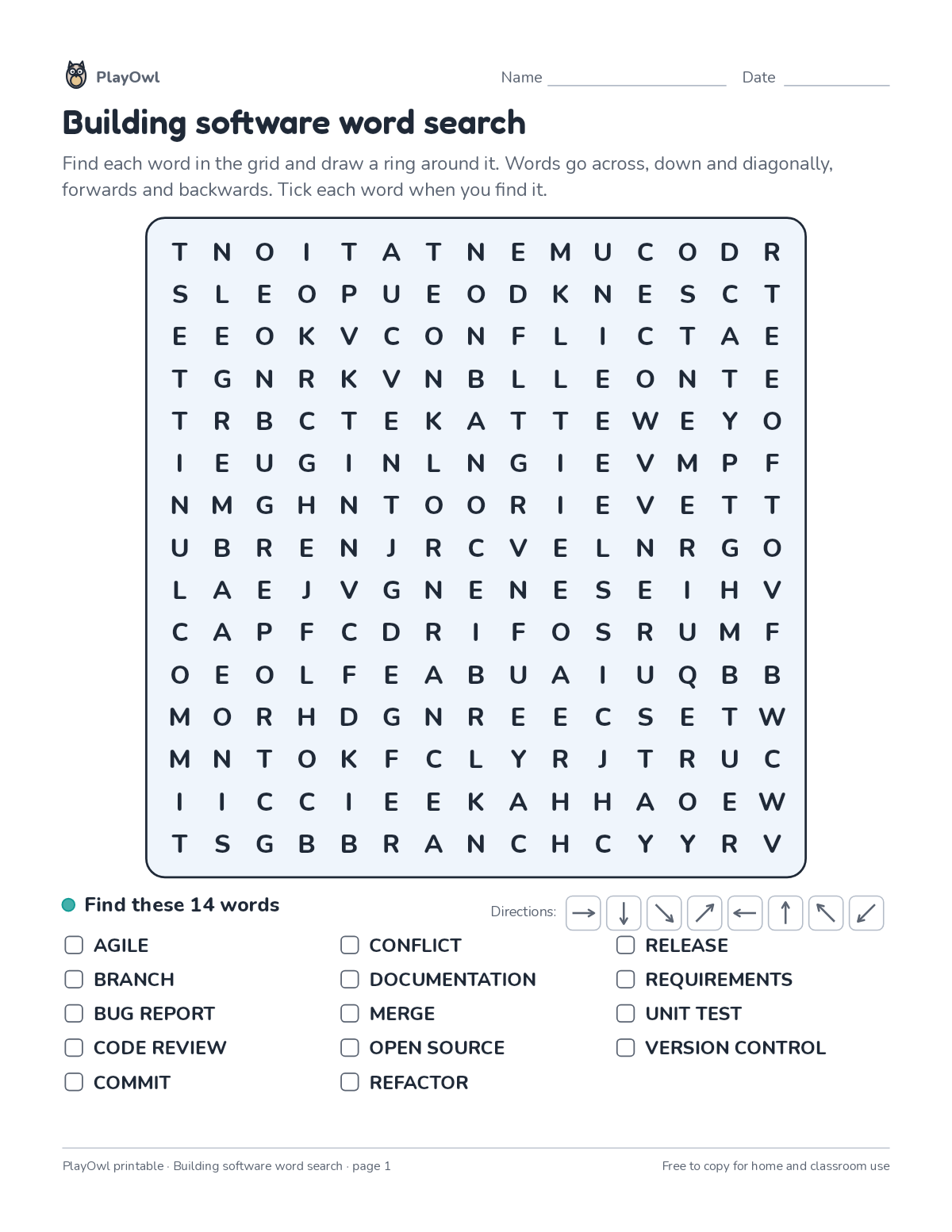
Find 14 words about building software hidden across, down, diagonally and backwards in a 15-by-15 grid. Builds topic vocabulary, spelling and careful scanning.
- Grade 10 · ages 15 to 16
- Medium
- 15 to 20 minutes
- 1 page
- Free
The answer key is a separate page for grown-ups. Sign in to download it.
The words to find
Directions: Find each word in the grid and draw a ring around it. Words go across, down and diagonally, forwards and backwards. Tick each word when you find it.
- Find these 14 words · Directions:
- AGILE
- BRANCH
- BUG REPORT
- CODE REVIEW
- COMMIT
- CONFLICT
- DOCUMENTATION
- MERGE
- OPEN SOURCE
- REFACTOR
- RELEASE
- REQUIREMENTS
- UNIT TEST
- VERSION CONTROL
What your child practices
Your child builds topic vocabulary, spelling and careful scanning.
- Grades and ages
- Grade 10, ages 15 to 16
- Time
- About 15 to 20 minutes
- Subject
- Coding
- Level
- Medium for Grade 10
- Answer key
- Yes, for grown-ups who sign in
- Printing
- 1 page, US Letter or A4, low-ink option
- Updated
How to use it
Look over the word list together before the search begins. Cross each word off the list as it is found. It is pitched at the expected level for Grade 10, for practice after the topic has been taught.
An answer key comes with it as a separate page that grown-ups download after signing in.
Tip for grown-ups: Read the word list aloud first and talk about any word that is new.
Done on paper? A grown-up can record it on the child's page in PlayOwl; downloading alone doesn't count as finished.
Coding · Grade 10
More like this
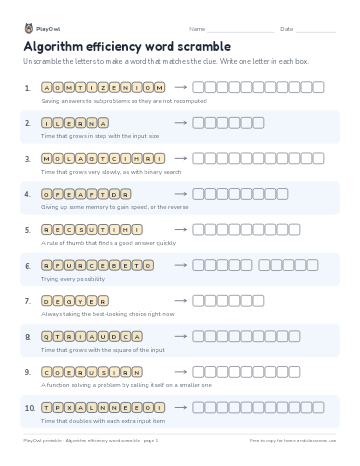 Algorithm efficiency word scramble
Coding · 10–12 · Puzzle · 1 page
Algorithm efficiency word scramble
Coding · 10–12 · Puzzle · 1 page
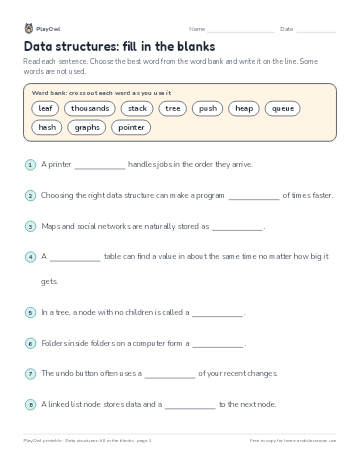 Data structures: fill in the blanks
Coding · Grade 10 · Reading · 1 page
Data structures: fill in the blanks
Coding · Grade 10 · Reading · 1 page
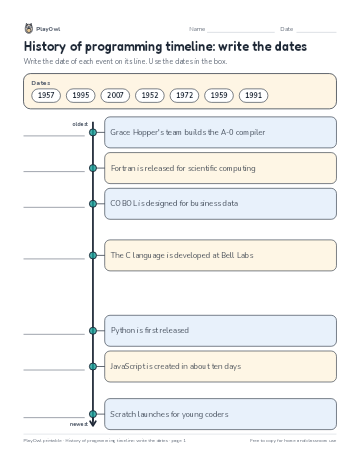 History of programming timeline: write the dates
Coding · Grade 10 · Worksheet · 1 page
History of programming timeline: write the dates
Coding · Grade 10 · Worksheet · 1 page
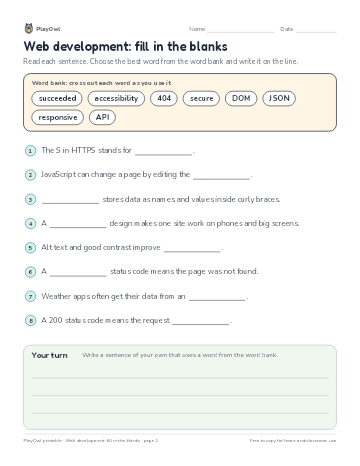 Web development: fill in the blanks
Coding · Grade 10 · Reading · 1 page
Web development: fill in the blanks
Coding · Grade 10 · Reading · 1 page
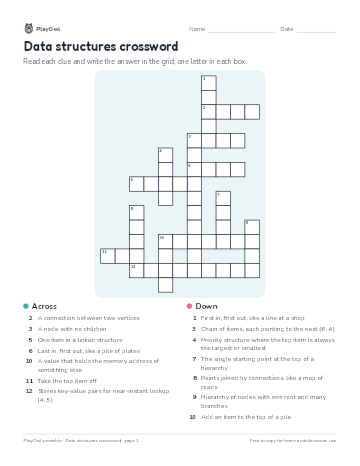 Data structures crossword
Coding · Grade 10 · Puzzle · 1 page
Data structures crossword
Coding · Grade 10 · Puzzle · 1 page
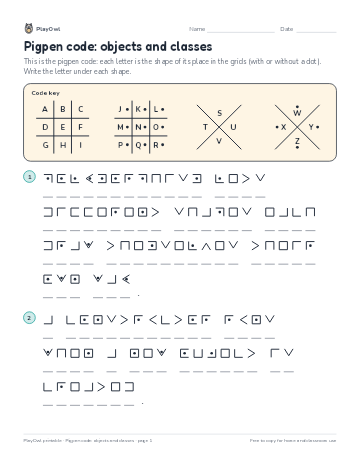 Pigpen code: objects and classes
Coding · Grade 10 · Puzzle · 1 page
Pigpen code: objects and classes
Coding · Grade 10 · Puzzle · 1 page
Printable generator
Make your own printables
Make brand-new sheets like this one, with answer keys, using the printable generator that comes with a PlayOwl plan. This sheet stays free.