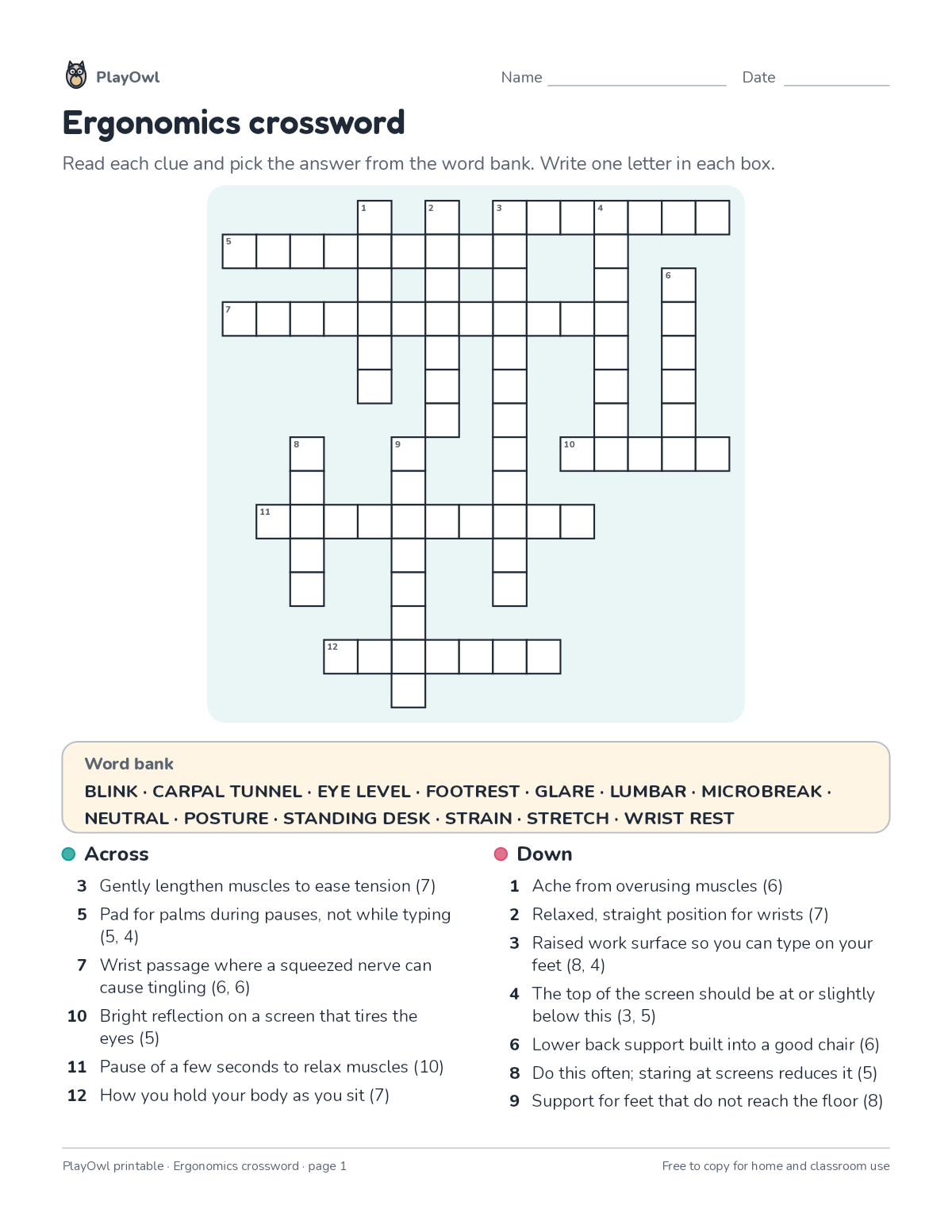
Crossword puzzle · Typing & Digital Skills
Ergonomics crossword · Grade 10
Solve a crossword of up to 13 words about ergonomics from short definition clues, with a word bank to help. Builds vocabulary, spelling and reading for meaning.
- Grade 10 · ages 15 to 16
- Easy
- 20 to 30 minutes
- 1 page
- Free
The answer key is a separate page for grown-ups. Sign in to download it.
The crossword clues
Directions: Read each clue and pick the answer from the word bank. Write one letter in each box.
- Word bank
- BLINK · CARPAL TUNNEL · EYE LEVEL · FOOTREST · GLARE · LUMBAR · MICROBREAK
- NEUTRAL · POSTURE · STANDING DESK · STRAIN · STRETCH · WRIST REST
- Across
- 3 Gently lengthen muscles to ease tension (7)
- 5 Pad for palms during pauses, not while typing (5, 4)
- 7 Wrist passage where a squeezed nerve can cause tingling (6, 6)
- 10 Bright reflection on a screen that tires the eyes (5)
- 11 Pause of a few seconds to relax muscles (10)
- 12 How you hold your body as you sit (7)
- Down
- 1 Ache from overusing muscles (6)
- 2 Relaxed, straight position for wrists (7)
- 3 Raised work surface so you can type on your feet (8, 4)
- 4 The top of the screen should be at or slightly below this (3, 5)
- 6 Lower back support built into a good chair (6)
- 8 Do this often; staring at screens reduces it (5)
- 9 Support for feet that do not reach the floor (8)
What your child practices
Your child builds vocabulary, spelling and reading for meaning. The skill is “Meaningful passages”: type short passages accurately at a steady pace.
- Grades and ages
- Grade 10, ages 15 to 16
- Time
- About 20 to 30 minutes
- Subject
- Typing & Digital Skills
- Level
- Easy for Grade 10
- Answer key
- Yes, for grown-ups who sign in
- Printing
- 1 page, US Letter or A4, low-ink option
- Updated
How to use it
Read the first across clue together so the format is clear. Use a pencil so mistakes rub out easily, and check every answer at the end. It is one of the easier sheets for Grade 10, good as a warm-up or a first look at the skill.
An answer key comes with it as a separate page that grown-ups download after signing in.
Tip for grown-ups: Use the letter count after each clue and any crossing letters when a clue gets stuck.
Done on paper? A grown-up can record it on the child's page in PlayOwl; downloading alone doesn't count as finished.
Typing & Digital Skills · Grade 10
More like this
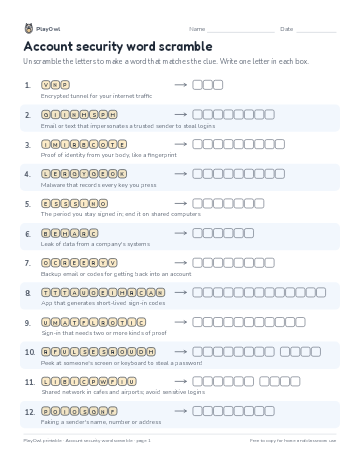 Account security word scramble
Typing & Digital Skills · 10–11 · Puzzle · 1 page
Account security word scramble
Typing & Digital Skills · 10–11 · Puzzle · 1 page
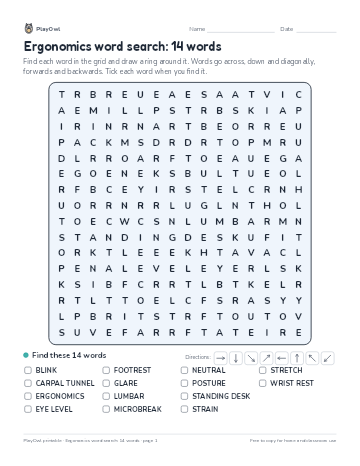 Ergonomics word search: 14 words
Typing & Digital Skills · Grade 9 · Puzzle · 1 page
Ergonomics word search: 14 words
Typing & Digital Skills · Grade 9 · Puzzle · 1 page
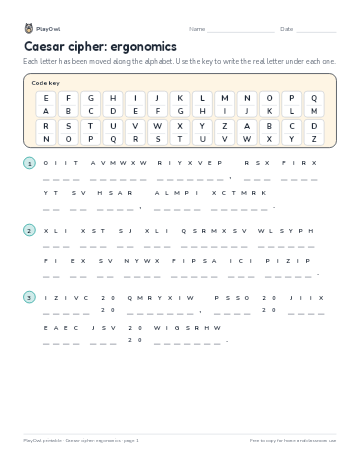 Caesar cipher: ergonomics
Typing & Digital Skills · Grade 9 · Puzzle · 1 page
Caesar cipher: ergonomics
Typing & Digital Skills · Grade 9 · Puzzle · 1 page
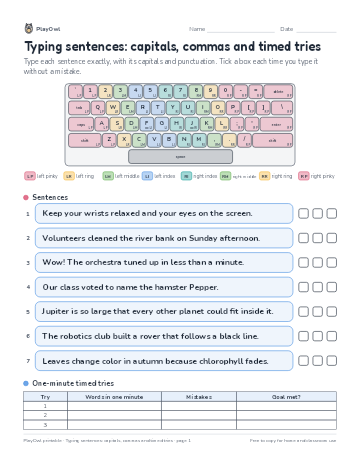 Typing sentences: capitals, commas and timed tries
Typing & Digital Skills · Grade 10 · Worksheet · 1 page
Typing sentences: capitals, commas and timed tries
Typing & Digital Skills · Grade 10 · Worksheet · 1 page
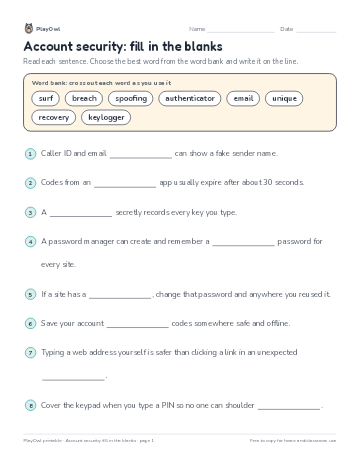 Account security: fill in the blanks
Typing & Digital Skills · Grade 12 · Reading · 1 page
Account security: fill in the blanks
Typing & Digital Skills · Grade 12 · Reading · 1 page
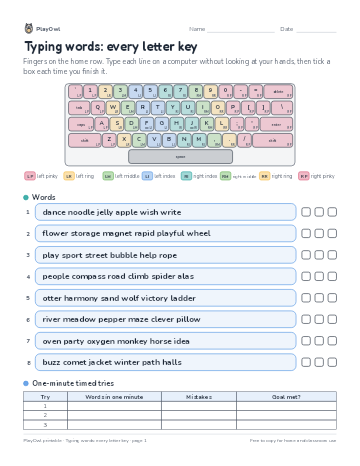 Typing words: every letter key
Typing & Digital Skills · 9–10 · Worksheet · 1 page
Typing words: every letter key
Typing & Digital Skills · 9–10 · Worksheet · 1 page
Printable generator
Make your own printables
Make brand-new sheets like this one, with answer keys, using the printable generator that comes with a PlayOwl plan. This sheet stays free.