Matching worksheet · Computers & Digital Literacy
Databases match-up · Grade 12
Match 8 pairs about databases. Practices recall and connecting ideas.
- Grade 12 · ages 17 to 18
- Easy
- 10 to 15 minutes
- 1 page
- Free
The answer key is a separate page for grown-ups. Sign in to download it.
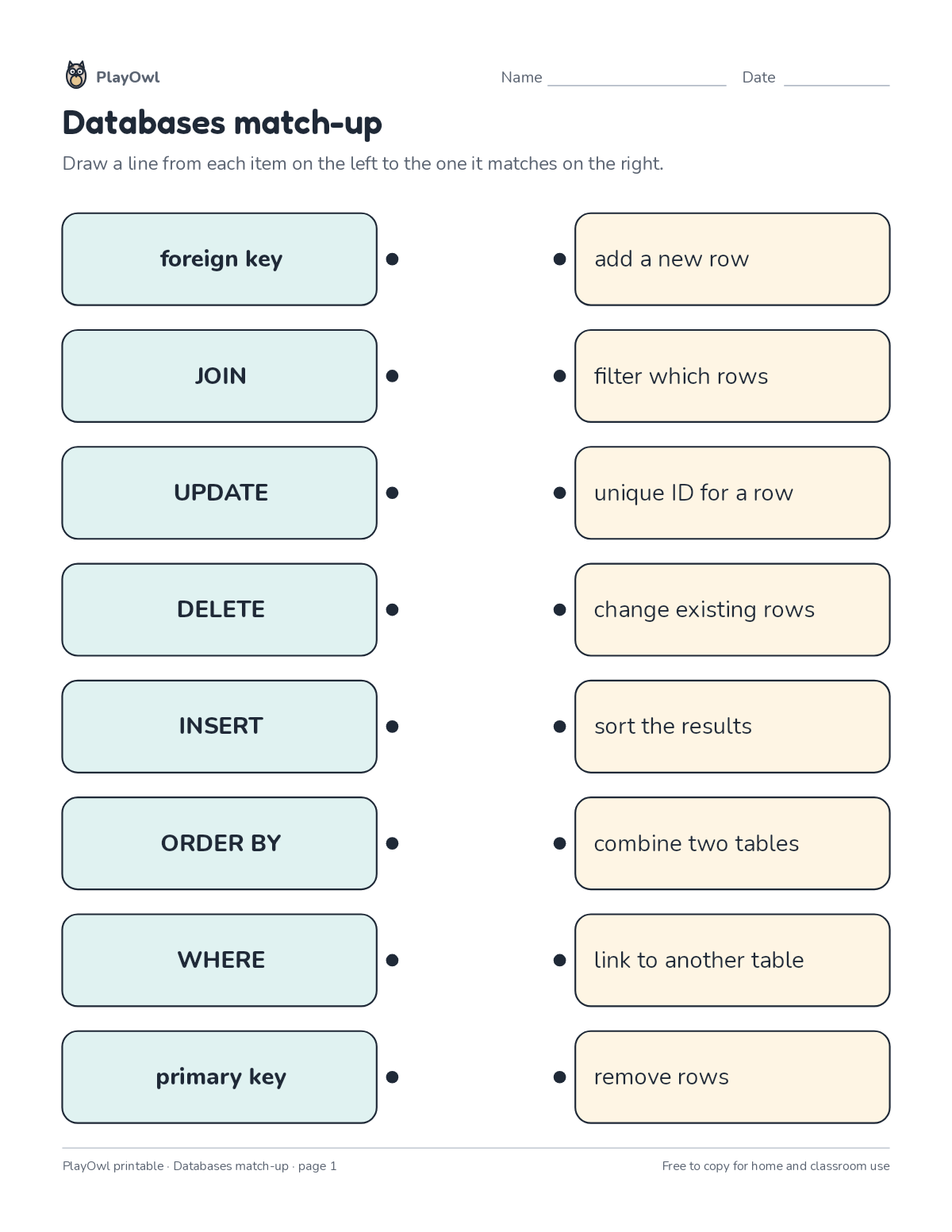
The two columns to match
Directions: Draw a line from each item on the left to the one it matches on the right.
- Left column: foreign key · JOIN · UPDATE · DELETE · INSERT · ORDER BY · WHERE · primary key
- Right column (in a different order):
- add a new row
- change existing rows
- combine two tables
- filter which rows
- link to another table
- remove rows
- sort the results
- unique ID for a row
What your child practices
Your child practices recall and connecting ideas. The skill is “Data and information”: collect, organize, visualize and question data and information sources.
- Grades and ages
- Grade 12, ages 17 to 18
- Time
- About 10 to 15 minutes
- Subject
- Computers & Digital Literacy
- Level
- Easy for Grade 12
- Answer key
- Yes, for grown-ups who sign in
- Printing
- 1 page, US Letter or A4, low-ink option
- Updated
How to use it
Try the first question together so the format is clear. Then let your child work through the rest, showing their thinking on the page. It is one of the easier sheets for Grade 12, good as a warm-up or a first look at the skill.
An answer key comes with it as a separate page that grown-ups download after signing in.
Tip for grown-ups: Match the pairs your child is sure of first, then work out the rest from what is left.
Done on paper? A grown-up can record it on the child's page in PlayOwl; downloading alone doesn't count as finished.
Computers & Digital Literacy · Grade 12
More like this
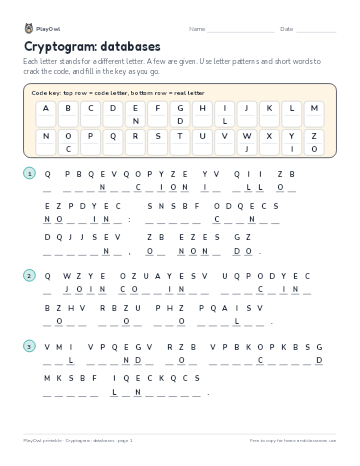 Cryptogram: databases
Computers & Digital Literacy · Grade 12 · Puzzle · 1 page
Cryptogram: databases
Computers & Digital Literacy · Grade 12 · Puzzle · 1 page
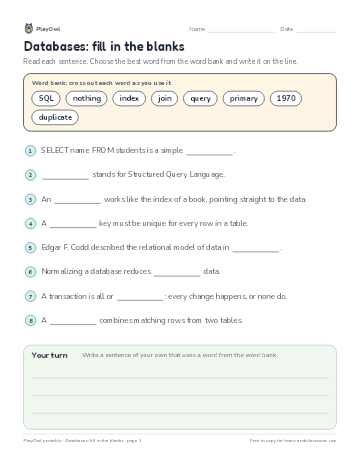 Databases: fill in the blanks
Computers & Digital Literacy · Grade 10 · Reading · 1 page
Databases: fill in the blanks
Computers & Digital Literacy · Grade 10 · Reading · 1 page
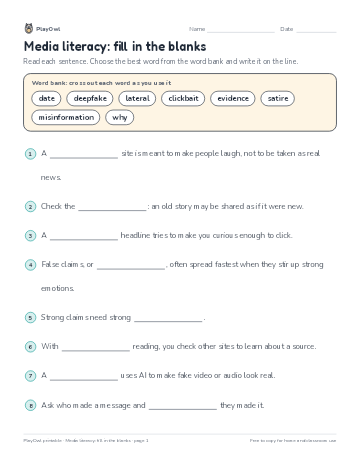 Media literacy: fill in the blanks
Computers & Digital Literacy · Grade 7 · Reading · 1 page
Media literacy: fill in the blanks
Computers & Digital Literacy · Grade 7 · Reading · 1 page
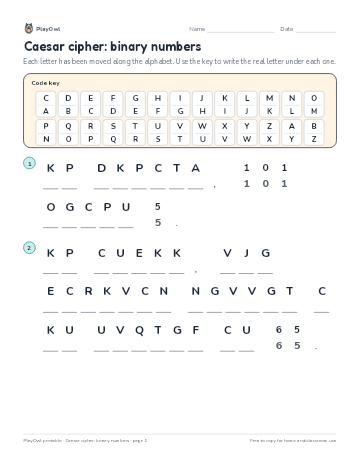 Caesar cipher: binary numbers
Computers & Digital Literacy · Grade 6 · Puzzle · 1 page
Caesar cipher: binary numbers
Computers & Digital Literacy · Grade 6 · Puzzle · 1 page
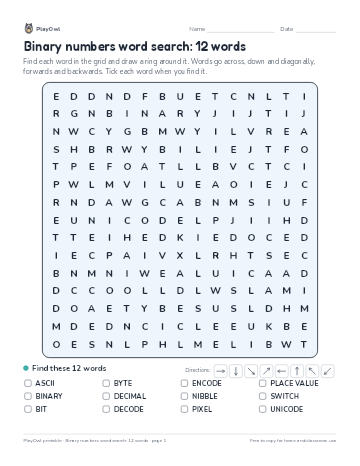 Binary numbers word search: 12 words
Computers & Digital Literacy · Grade 8 · Puzzle · 1 page
Binary numbers word search: 12 words
Computers & Digital Literacy · Grade 8 · Puzzle · 1 page
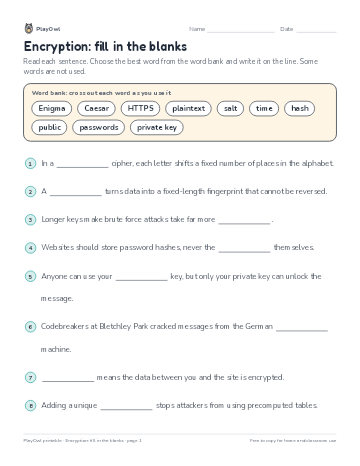 Encryption: fill in the blanks
Computers & Digital Literacy · Grade 12 · Reading · 1 page
Encryption: fill in the blanks
Computers & Digital Literacy · Grade 12 · Reading · 1 page
Printable generator
Make your own printables
Make brand-new sheets like this one, with answer keys, using the printable generator that comes with a PlayOwl plan. This sheet stays free.