Coding puzzle · Coding
Trace the owl: where does it stop? · Grade 5
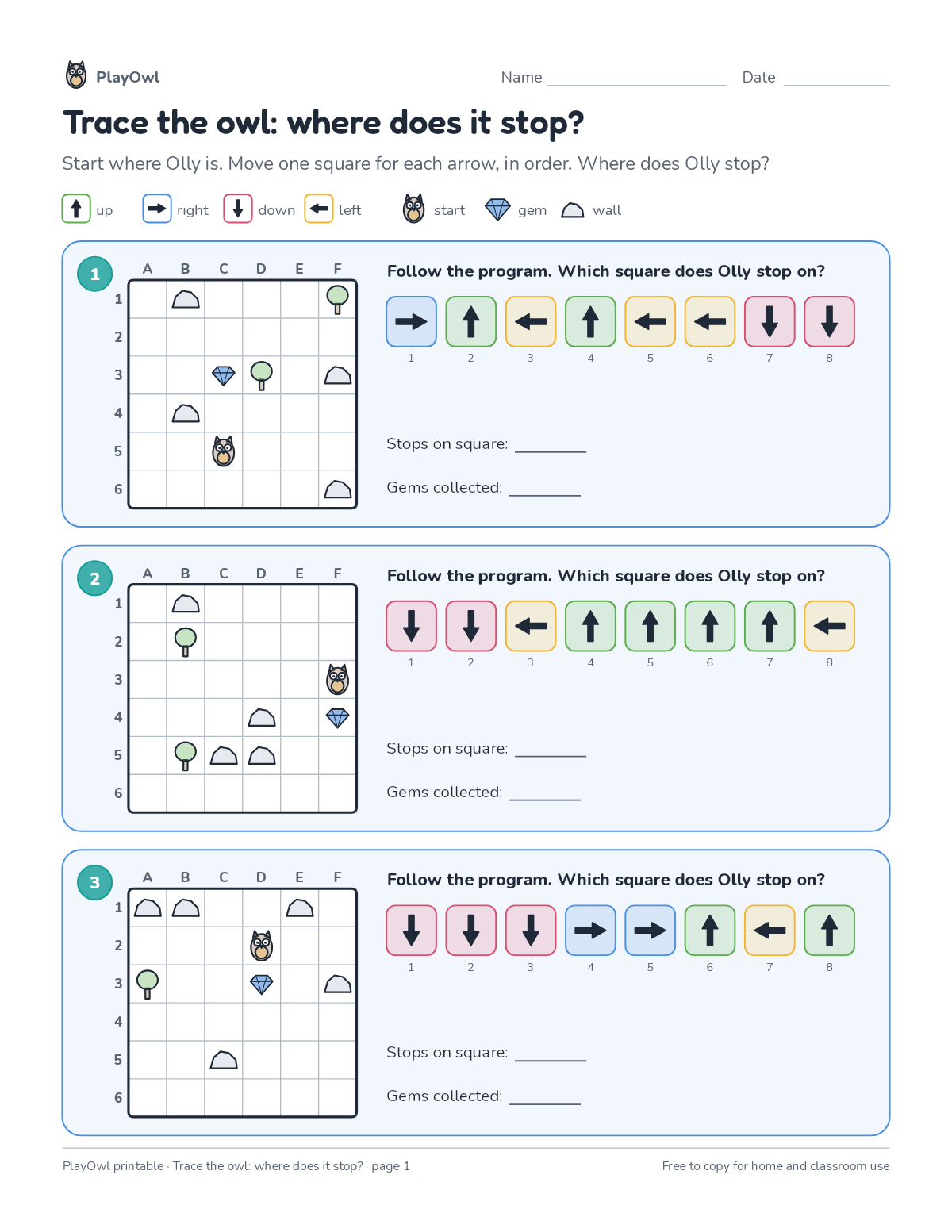
Follow 8-step arrow programs one square at a time on 6-by-6 grids and mark where Olly stops, counting the gems on the way. Practices reading code in order and directions.
- Grade 5 · ages 10 to 11
- Easy
- 5 to 10 minutes
- 1 page
- Free
The answer key is a separate page for grown-ups. Sign in to download it.
What the sheet says
Directions: Start where Olly is. Move one square for each arrow, in order. Where does Olly stop?
- up · right · down · left · start · gem · wall
- Follow the program. Which square does Olly stop on?
What your child practices
Your child practices reading code in order and directions. The skill is “Sequences”: order instructions to reach a goal.
- Grades and ages
- Grade 5, ages 10 to 11
- Time
- About 5 to 10 minutes
- Subject
- Coding
- Level
- Easy for Grade 5
- Answer key
- Yes, for grown-ups who sign in
- Printing
- 1 page, US Letter or A4, low-ink option
- Updated
How to use it
Work through the first program together, one line or arrow at a time. Use a pencil so changes are easy to make. It is one of the easier sheets for Grade 5, good as a warm-up or a first look at the skill.
An answer key comes with it as a separate page that grown-ups download after signing in.
Tip for grown-ups: Let your child move a coin or finger square by square for each arrow.
Done on paper? A grown-up can record it on the child's page in PlayOwl; downloading alone doesn't count as finished.
Coding · Grade 5
More like this
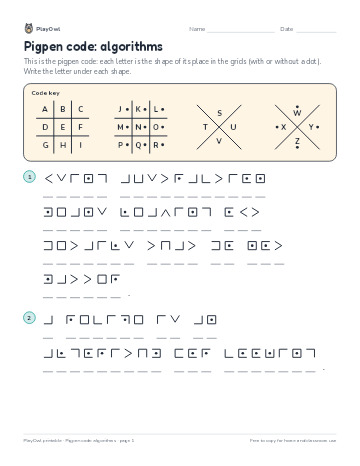 Pigpen code: algorithms
Coding · Grade 5 · Puzzle · 1 page
Pigpen code: algorithms
Coding · Grade 5 · Puzzle · 1 page
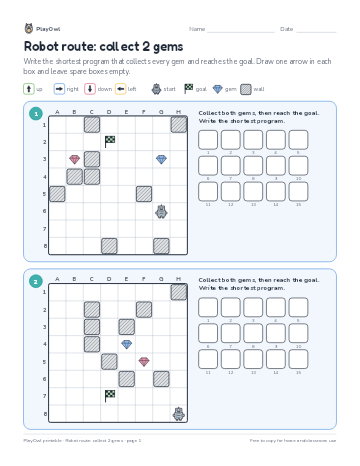 Robot route: collect 2 gems
Coding · Grade 6 · Logic · 1 page
Robot route: collect 2 gems
Coding · Grade 6 · Logic · 1 page
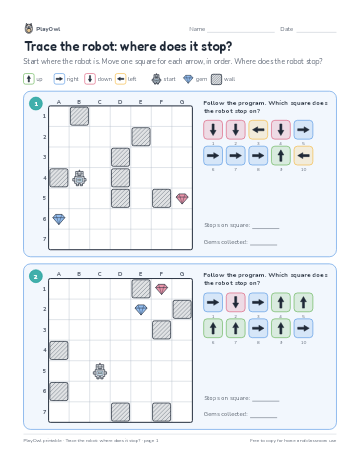 Trace the robot: where does it stop?
Coding · Grade 6 · Logic · 1 page
Trace the robot: where does it stop?
Coding · Grade 6 · Logic · 1 page
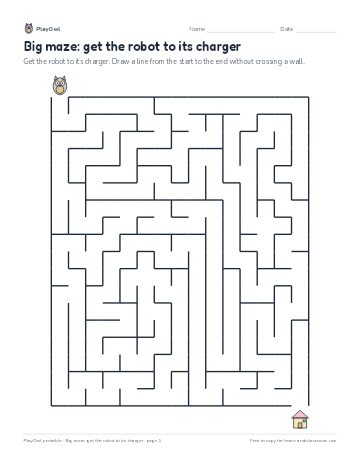 Big maze: get the robot to its charger
Coding · Grade 5 · Logic · 1 page
Big maze: get the robot to its charger
Coding · Grade 5 · Logic · 1 page
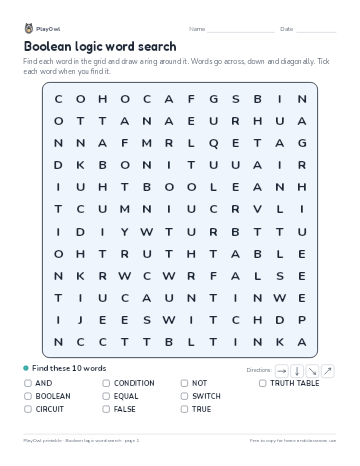 Boolean logic word search
Coding · Grade 5 · Puzzle · 1 page
Boolean logic word search
Coding · Grade 5 · Puzzle · 1 page
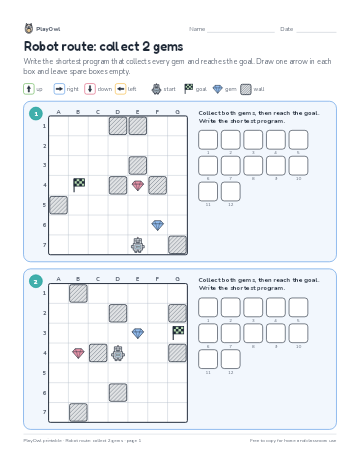 Robot route: collect 2 gems
Coding · Grade 5 · Logic · 1 page
Robot route: collect 2 gems
Coding · Grade 5 · Logic · 1 page
Printable generator
Make your own printables
Make brand-new sheets like this one, with answer keys, using the printable generator that comes with a PlayOwl plan. This sheet stays free.