Coding worksheet · Coding
Trace the variables: what is the final value? (warm-up) · Grade 8
Read 6 short Python programs about variables, arithmetic order and integer division and work out by hand what each one prints or the final value of a variable. Builds careful code tracing.
- Grade 8 · ages 13 to 14
- Easy
- 25 to 35 minutes
- 1 page
- Free
The answer key is a separate page for grown-ups. Sign in to download it.
The programs to trace
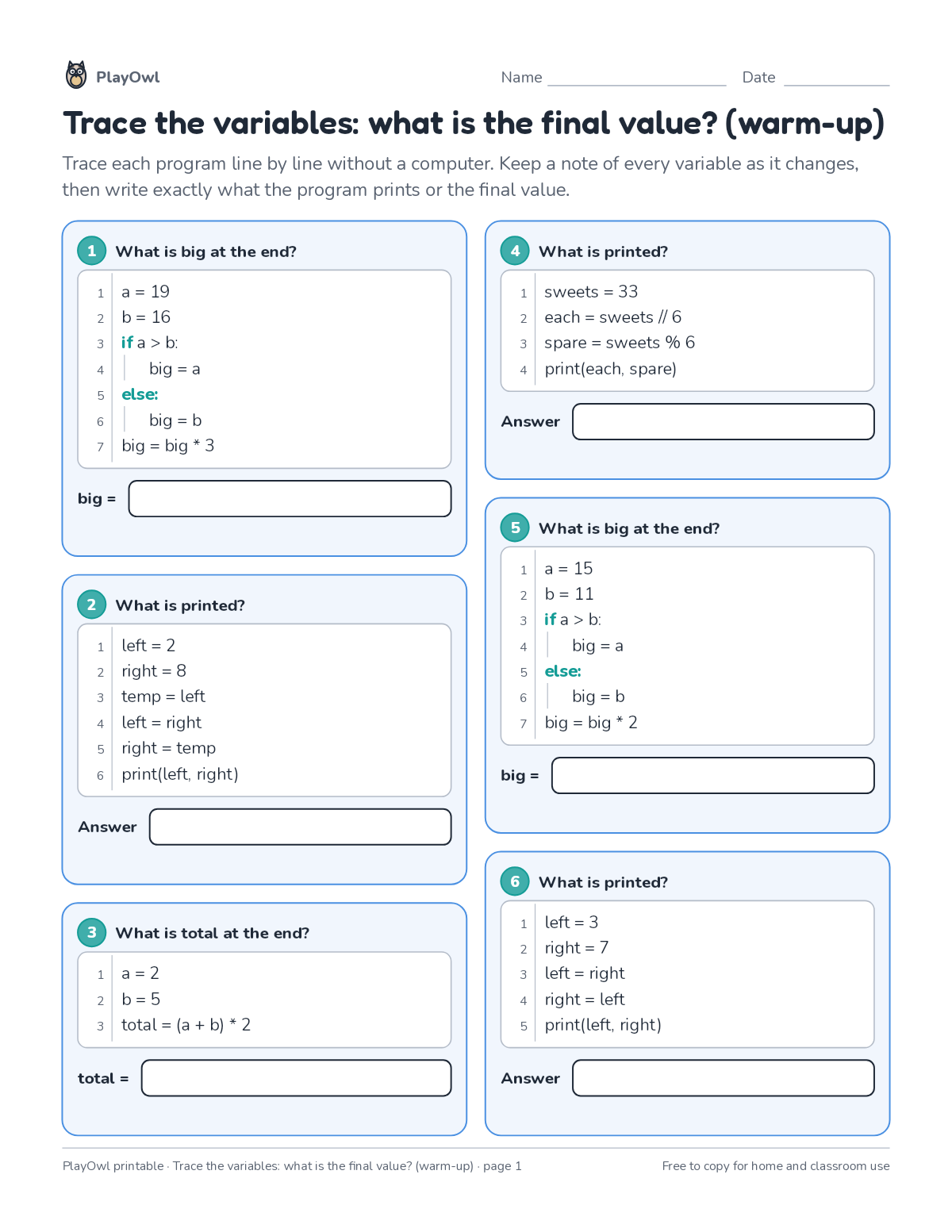
Directions: Trace each program line by line without a computer. Keep a note of every variable as it changes, then write exactly what the program prints or the final value.
- 1 What is big at the end?
- 1 a = 19
- 2 b = 16
- 3 if a > b:
- 2 What is printed?
- 1 left = 2
- 2 right = 8
- 3 temp = left
- 4 left = right
- 5 right = temp
- 6 print(left, right)
- 3 What is total at the end?
- 1 a = 2
- 2 b = 5
- 4 What is printed?
- 1 sweets = 33
- 2 each = sweets // 6
- 4 print(each, spare)
- 5 What is big at the end?
- 1 a = 15
- 2 b = 11
- 6 What is printed?
- 1 left = 3
- 2 right = 7
- 3 left = right
- 4 right = left
- 5 print(left, right)
What your child practices
Your child builds careful code tracing. The skill is “Variables”: use named values such as a score, lives or a timer that a program changes and checks.
- Grades and ages
- Grade 8, ages 13 to 14
- Time
- About 25 to 35 minutes
- Subject
- Coding
- Level
- Easy for Grade 8
- Answer key
- Yes, for grown-ups who sign in
- Printing
- 1 page, US Letter or A4, low-ink option
- Updated
How to use it
Work through the first program together, one line or arrow at a time. Then let your child work through the rest, showing their thinking on the page. It is one of the easier sheets for Grade 8, good as a warm-up or a first look at the skill.
An answer key comes with it as a separate page that grown-ups download after signing in.
Tip for grown-ups: Have your child write each variable's value beside its line as they trace.
Done on paper? A grown-up can record it on the child's page in PlayOwl; downloading alone doesn't count as finished.
Coding · Grade 8
More like this
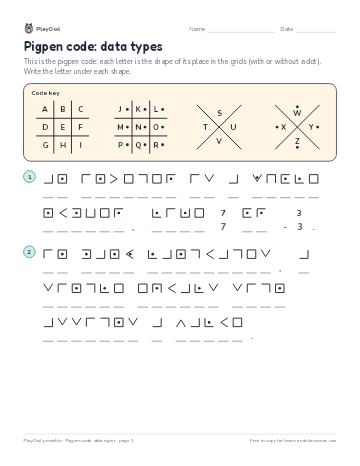 Pigpen code: data types
Coding · Grade 8 · Puzzle · 1 page
Pigpen code: data types
Coding · Grade 8 · Puzzle · 1 page
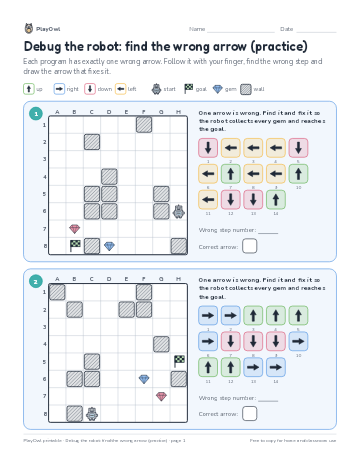 Debug the robot: find the wrong arrow (practice)
Coding · Grade 8 · Logic · 1 page
Debug the robot: find the wrong arrow (practice)
Coding · Grade 8 · Logic · 1 page
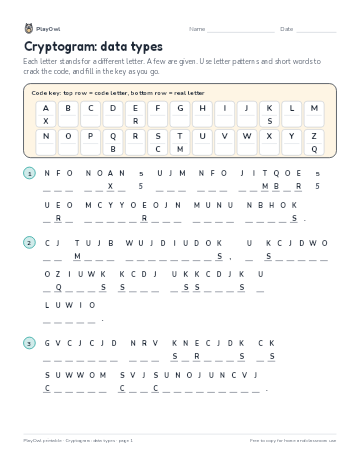 Cryptogram: data types
Coding · Grade 9 · Puzzle · 1 page
Cryptogram: data types
Coding · Grade 9 · Puzzle · 1 page
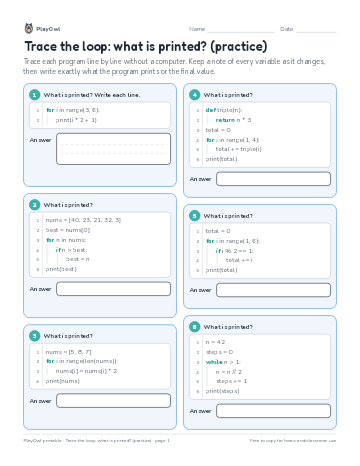 Trace the loop: what is printed? (practice)
Coding · 6–8 · Worksheet · 1 page
Trace the loop: what is printed? (practice)
Coding · 6–8 · Worksheet · 1 page
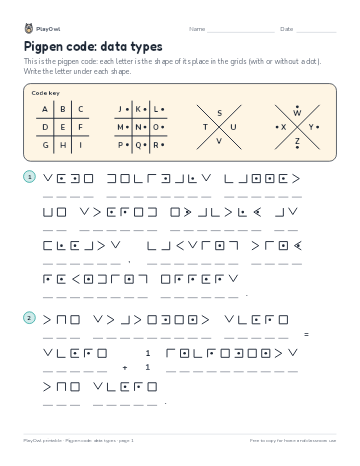 Pigpen code: data types
Coding · Grade 7 · Puzzle · 1 page
Pigpen code: data types
Coding · Grade 7 · Puzzle · 1 page
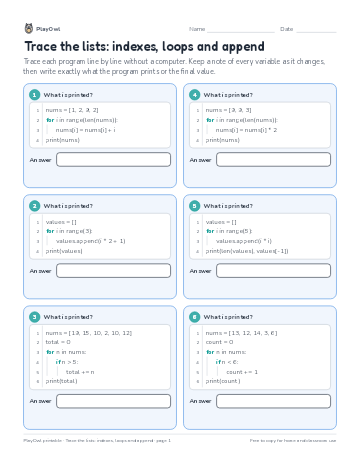 Trace the lists: indexes, loops and append
Coding · Grade 12 · Worksheet · 1 page
Trace the lists: indexes, loops and append
Coding · Grade 12 · Worksheet · 1 page
Printable generator
Make your own printables
Make brand-new sheets like this one, with answer keys, using the printable generator that comes with a PlayOwl plan. This sheet stays free.