Coding worksheet · Coding
Mixed code tracing: what does it print? (practice) · Grades 9–12
Read 6 short Python programs about loops, lists, functions and strings and work out by hand what each one prints or the final value of a variable. Builds careful code tracing.
- Grades 9–12 · ages 14 to 18
- Medium
- 35 to 45 minutes
- 1 page
- Free
The answer key is a separate page for grown-ups. Sign in to download it.
The programs to trace
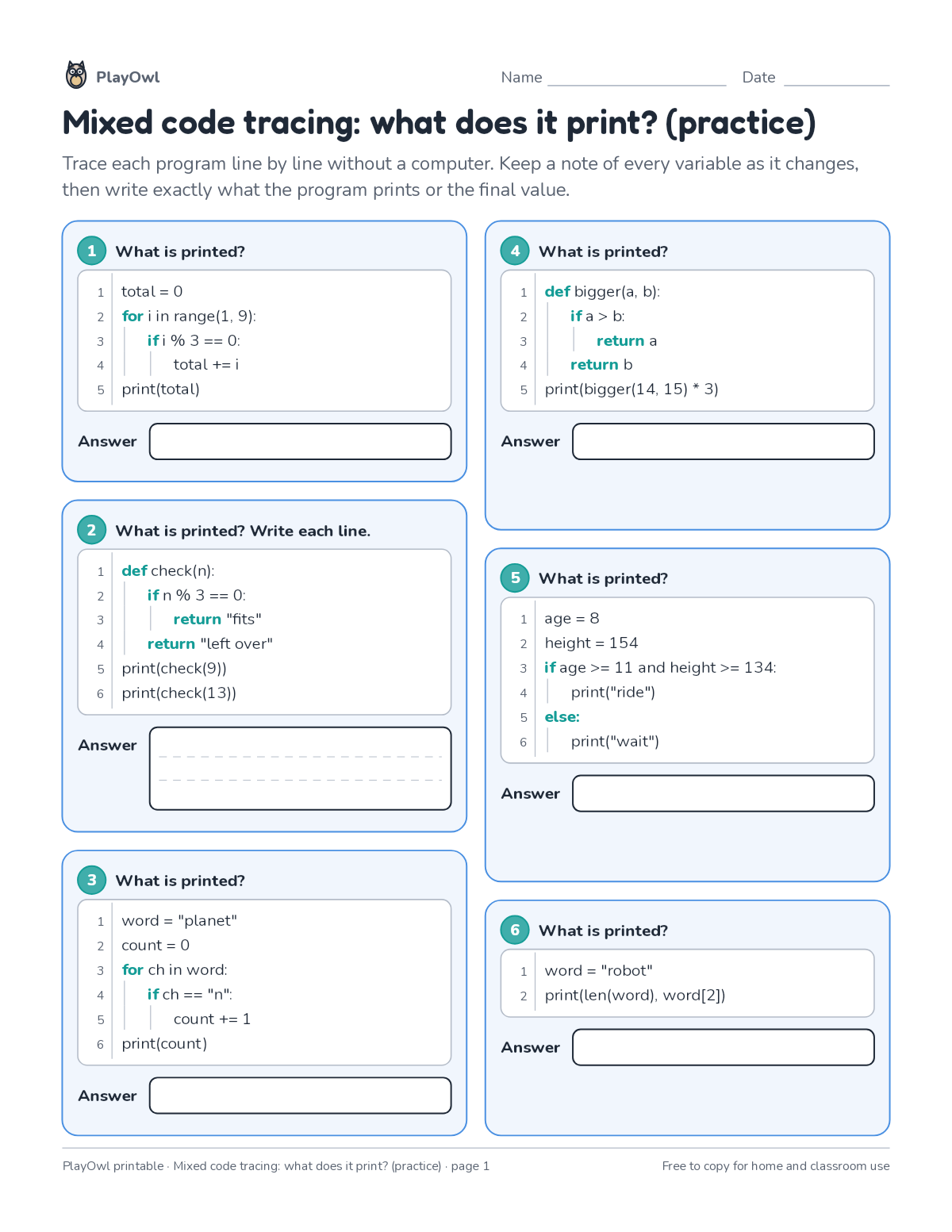
Directions: Trace each program line by line without a computer. Keep a note of every variable as it changes, then write exactly what the program prints or the final value.
- 1 What is printed?
- 1 total = 0
- 2 for i in range(1, 9):
- 3 if i % 3 == 0:
- 4 total += i
- 5 print(total)
- 2 What is printed? Write each line.
- 1 def check(n):
- 2 if n % 3 == 0:
- 3 return "fits"
- 4 return "left over"
- 5 print(check(9))
- 6 print(check(13))
- 3 What is printed?
- 1 word = "planet"
- 2 count = 0
- 3 for ch in word:
- 4 if ch == "n":
- 5 count += 1
- 6 print(count)
- 4 What is printed?
- 1 def bigger(a, b):
- 2 if a > b:
- 3 return a
- 4 return b
- 5 print(bigger(14, 15) * 3)
- 5 What is printed?
- 1 age = 8
- 2 height = 154
- 3 if age >= 11 and height >= 134:
- 4 print("ride")
- 5 else:
- 6 print("wait")
- 6 What is printed?
- 1 word = "robot"
- 2 print(len(word), word[2])
What your child practices
Your child builds careful code tracing.
- Grades and ages
- Grades 9–12, ages 14 to 18
- Time
- About 35 to 45 minutes
- Subject
- Coding
- Level
- Medium for Grades 9–12
- Answer key
- Yes, for grown-ups who sign in
- Printing
- 1 page, US Letter or A4, low-ink option
- Updated
How to use it
Work through the first program together, one line or arrow at a time. Then let your child work through the rest, showing their thinking on the page. It is pitched at the expected level for Grades 9–12, for practice after the topic has been taught.
An answer key comes with it as a separate page that grown-ups download after signing in.
Tip for grown-ups: Have your child write each variable's value beside its line as they trace.
Done on paper? A grown-up can record it on the child's page in PlayOwl; downloading alone doesn't count as finished.
Coding · Grades 9–12
More like this
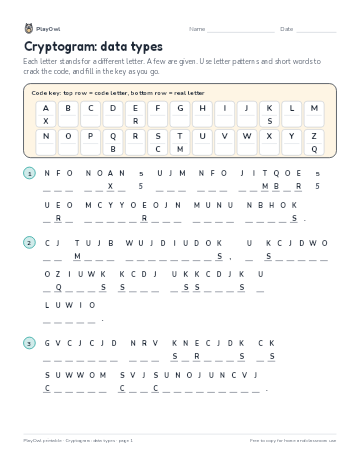 Cryptogram: data types
Coding · Grade 9 · Puzzle · 1 page
Cryptogram: data types
Coding · Grade 9 · Puzzle · 1 page
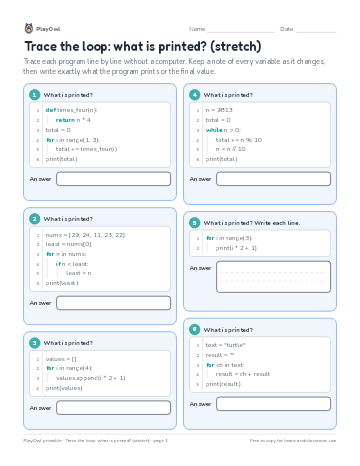 Trace the loop: what is printed? (stretch)
Coding · 9–10 · Worksheet · 1 page
Trace the loop: what is printed? (stretch)
Coding · 9–10 · Worksheet · 1 page
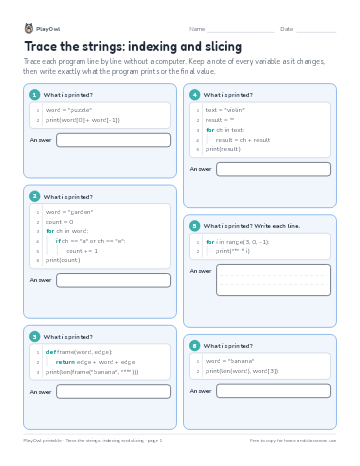 Trace the strings: indexing and slicing
Coding · 10–12 · Worksheet · 1 page
Trace the strings: indexing and slicing
Coding · 10–12 · Worksheet · 1 page
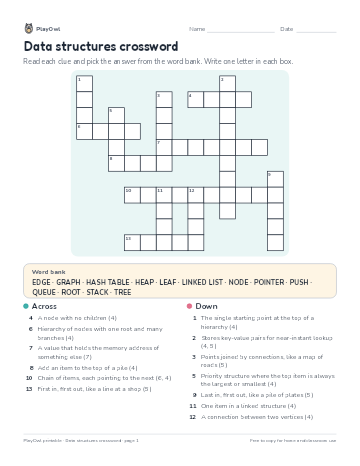 Data structures crossword
Coding · Grade 9 · Puzzle · 1 page
Data structures crossword
Coding · Grade 9 · Puzzle · 1 page
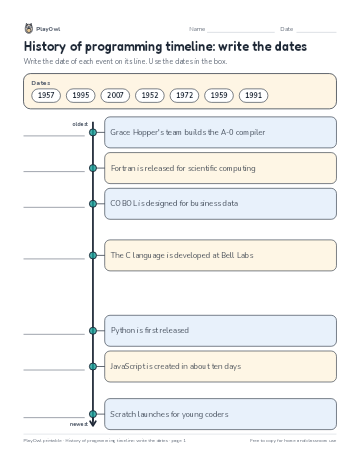 History of programming timeline: write the dates
Coding · Grade 10 · Worksheet · 1 page
History of programming timeline: write the dates
Coding · Grade 10 · Worksheet · 1 page
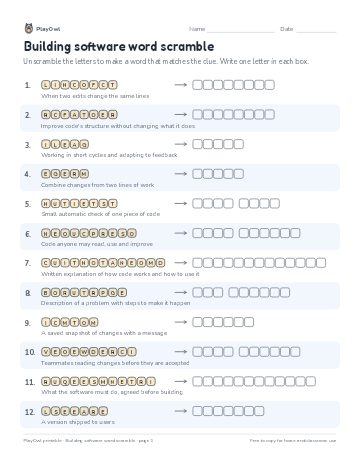 Building software word scramble
Coding · Grade 11 · Puzzle · 1 page
Building software word scramble
Coding · Grade 11 · Puzzle · 1 page
Printable generator
Make your own printables
Make brand-new sheets like this one, with answer keys, using the printable generator that comes with a PlayOwl plan. This sheet stays free.