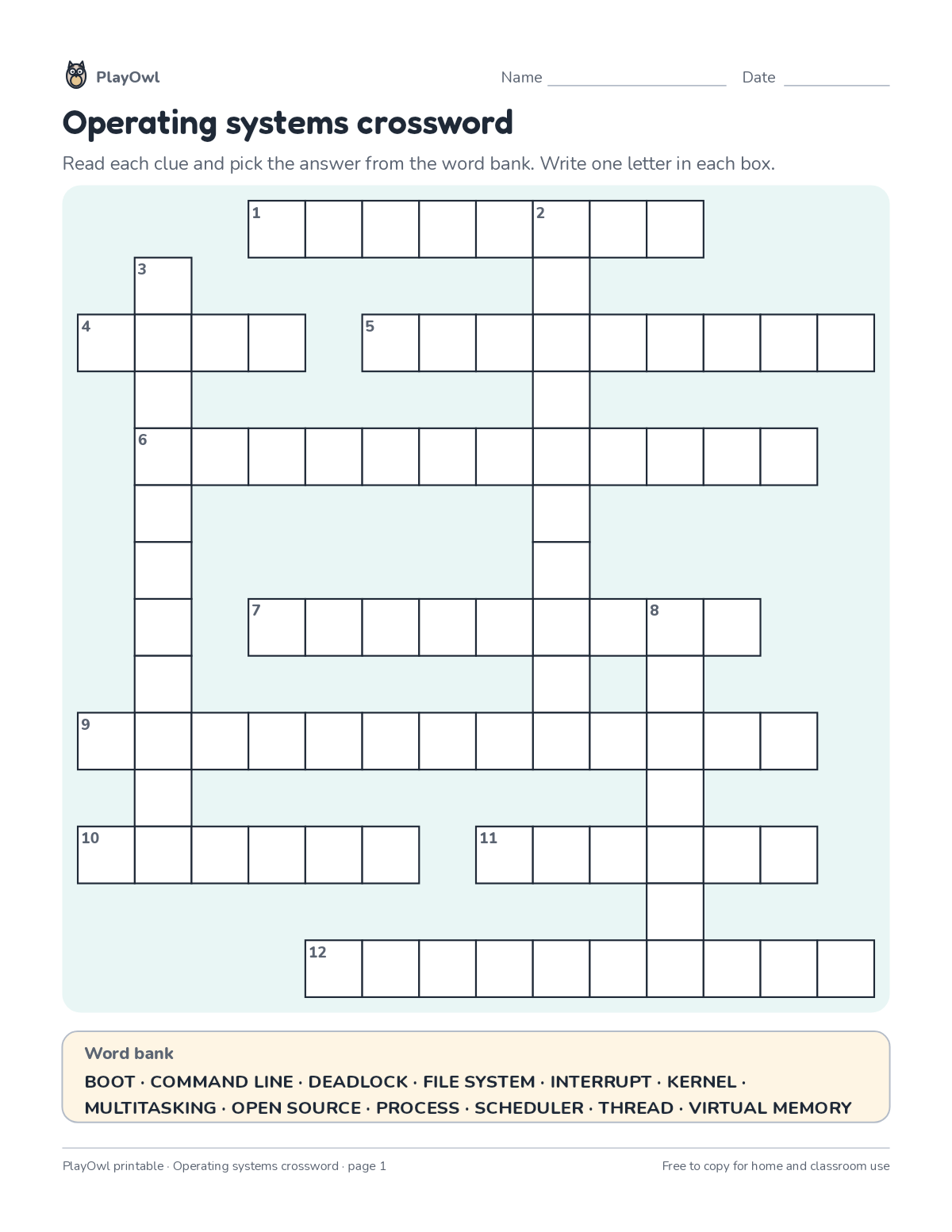
Crossword puzzle · Computers & Digital Literacy
Operating systems crossword · Grade 9
Solve a crossword of up to 13 words about operating systems from short definition clues, with a word bank to help. Builds vocabulary, spelling and reading for meaning.
- Grade 9 · ages 14 to 15
- Easy
- 25 to 35 minutes
- 2 pages
- Free
The answer key is a separate page for grown-ups. Sign in to download it.
The crossword clues
Directions: Read each clue and pick the answer from the word bank. Write one letter in each box. Clues for the crossword on the previous page.
- Word bank
- BOOT · COMMAND LINE · DEADLOCK · FILE SYSTEM · INTERRUPT · KERNEL
- MULTITASKING · OPEN SOURCE · PROCESS · SCHEDULER · THREAD · VIRTUAL MEMORY
- Across
- 1 Two tasks each waiting for the other forever (8)
- 4 Starting up a computer from power-on to ready (4)
- 5 Decides which task gets the processor next (9)
- 6 Switching between programs so fast they seem to run at once (12)
- 7 A signal that makes the CPU pause and handle an urgent event (9)
- 9 Using disk space to extend RAM (7, 6)
- 10 Core of the OS that manages hardware and memory (6)
- 11 A single path of execution inside a running program (6)
- 12 How an OS organizes data on a drive (4, 6)
- Down
- 2 Software whose code anyone can read and improve (4, 6)
- 3 Text interface where you type instructions (7, 4)
- 8 A running program with its own memory (7)
What your child practices
Your child builds vocabulary, spelling and reading for meaning. The skill is “Computing systems”: describe hardware, software, files and networks and troubleshoot simple problems.
- Grades and ages
- Grade 9, ages 14 to 15
- Time
- About 25 to 35 minutes
- Subject
- Computers & Digital Literacy
- Level
- Easy for Grade 9
- Answer key
- Yes, for grown-ups who sign in
- Printing
- 2 pages, US Letter or A4, low-ink option
- Updated
How to use it
Read the first across clue together so the format is clear. Use a pencil so mistakes rub out easily, and check every answer at the end. It is one of the easier sheets for Grade 9, good as a warm-up or a first look at the skill. Its 2 pages split well across two sittings.
An answer key comes with it as a separate page that grown-ups download after signing in.
Tip for grown-ups: Use the letter count after each clue and any crossing letters when a clue gets stuck.
Done on paper? A grown-up can record it on the child's page in PlayOwl; downloading alone doesn't count as finished.
Computers & Digital Literacy · Grade 9
More like this
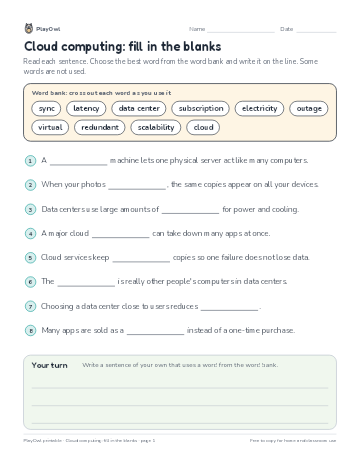 Cloud computing: fill in the blanks
Computers & Digital Literacy · Grade 9 · Reading · 1 page
Cloud computing: fill in the blanks
Computers & Digital Literacy · Grade 9 · Reading · 1 page
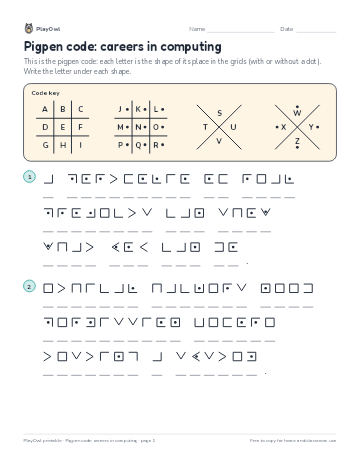 Pigpen code: careers in computing
Computers & Digital Literacy · Grade 9 · Puzzle · 1 page
Pigpen code: careers in computing
Computers & Digital Literacy · Grade 9 · Puzzle · 1 page
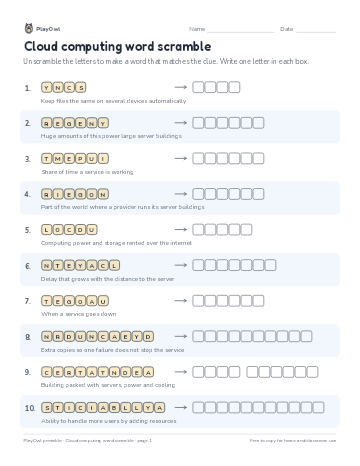 Cloud computing word scramble
Computers & Digital Literacy · Grade 10 · Puzzle · 1 page
Cloud computing word scramble
Computers & Digital Literacy · Grade 10 · Puzzle · 1 page
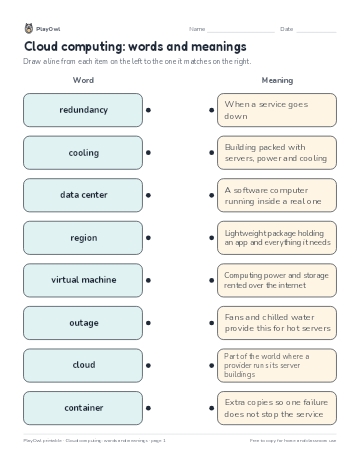 Cloud computing: words and meanings
Computers & Digital Literacy · Grade 11 · Worksheet · 1 page
Cloud computing: words and meanings
Computers & Digital Literacy · Grade 11 · Worksheet · 1 page
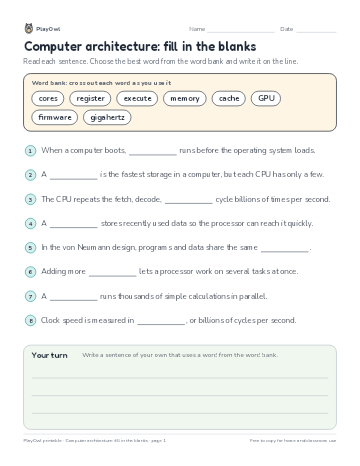 Computer architecture: fill in the blanks
Computers & Digital Literacy · Grade 9 · Reading · 1 page
Computer architecture: fill in the blanks
Computers & Digital Literacy · Grade 9 · Reading · 1 page
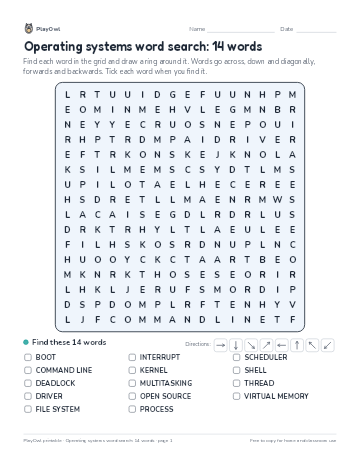 Operating systems word search: 14 words
Computers & Digital Literacy · Grade 9 · Puzzle · 1 page
Operating systems word search: 14 words
Computers & Digital Literacy · Grade 9 · Puzzle · 1 page
Printable generator
Make your own printables
Make brand-new sheets like this one, with answer keys, using the printable generator that comes with a PlayOwl plan. This sheet stays free.