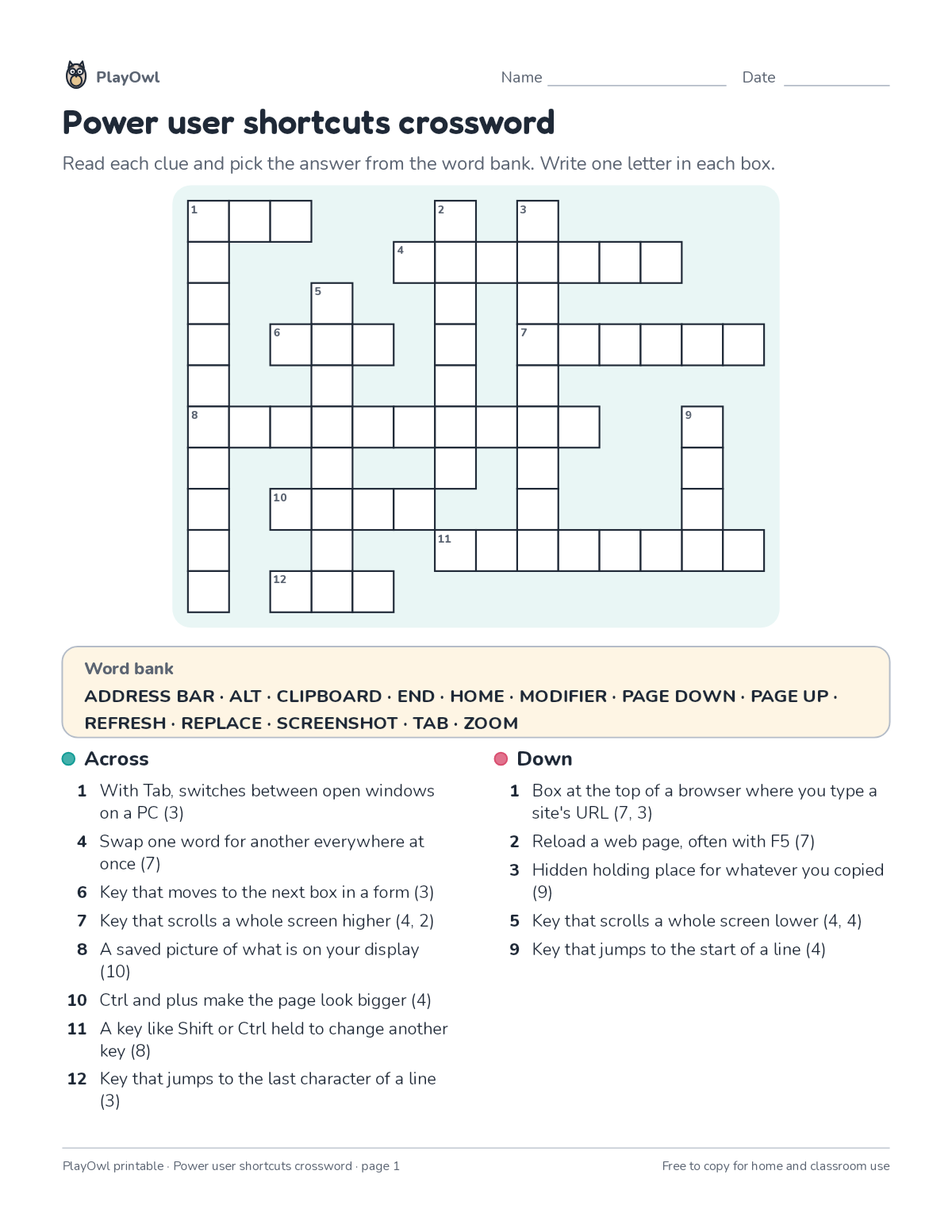
Crossword puzzle · Typing & Digital Skills
Power user shortcuts crossword · Grade 9
Solve a crossword of up to 13 words about power user shortcuts from short definition clues, with a word bank to help. Builds vocabulary, spelling and reading for meaning.
- Grade 9 · ages 14 to 15
- Easy
- 20 to 30 minutes
- 1 page
- Free
The answer key is a separate page for grown-ups. Sign in to download it.
The crossword clues
Directions: Read each clue and pick the answer from the word bank. Write one letter in each box.
- Word bank
- ADDRESS BAR · ALT · CLIPBOARD · END · HOME · MODIFIER · PAGE DOWN · PAGE UP
- REFRESH · REPLACE · SCREENSHOT · TAB · ZOOM
- Across
- 1 With Tab, switches between open windows on a PC (3)
- 4 Swap one word for another everywhere at once (7)
- 6 Key that moves to the next box in a form (3)
- 7 Key that scrolls a whole screen higher (4, 2)
- 8 A saved picture of what is on your display (10)
- 10 Ctrl and plus make the page look bigger (4)
- 11 A key like Shift or Ctrl held to change another key (8)
- 12 Key that jumps to the last character of a line (3)
- Down
- 1 Box at the top of a browser where you type a site's URL (7, 3)
- 2 Reload a web page, often with F5 (7)
- 3 Hidden holding place for whatever you copied (9)
- 5 Key that scrolls a whole screen lower (4, 4)
- 9 Key that jumps to the start of a line (4)
What your child practices
Your child builds vocabulary, spelling and reading for meaning. The skill is “All letter keys”: type all letters accurately.
- Grades and ages
- Grade 9, ages 14 to 15
- Time
- About 20 to 30 minutes
- Subject
- Typing & Digital Skills
- Level
- Easy for Grade 9
- Answer key
- Yes, for grown-ups who sign in
- Printing
- 1 page, US Letter or A4, low-ink option
- Updated
How to use it
Read the first across clue together so the format is clear. Use a pencil so mistakes rub out easily, and check every answer at the end. It is one of the easier sheets for Grade 9, good as a warm-up or a first look at the skill.
An answer key comes with it as a separate page that grown-ups download after signing in.
Tip for grown-ups: Use the letter count after each clue and any crossing letters when a clue gets stuck.
Done on paper? A grown-up can record it on the child's page in PlayOwl; downloading alone doesn't count as finished.
Typing & Digital Skills · Grade 9
More like this
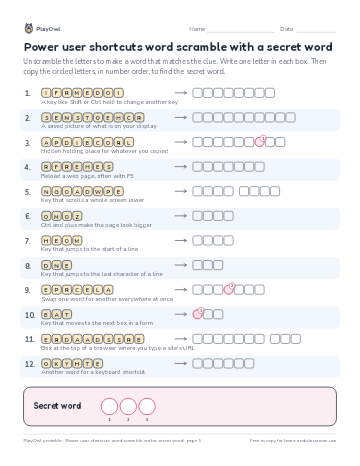 Power user shortcuts word scramble with a secret word
Typing & Digital Skills · Grade 9 · Puzzle · 1 page
Power user shortcuts word scramble with a secret word
Typing & Digital Skills · Grade 9 · Puzzle · 1 page
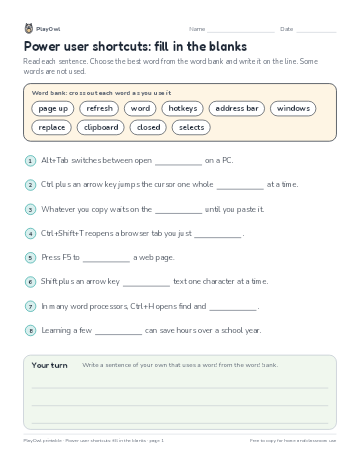 Power user shortcuts: fill in the blanks
Typing & Digital Skills · Grade 7 · Reading · 1 page
Power user shortcuts: fill in the blanks
Typing & Digital Skills · Grade 7 · Reading · 1 page
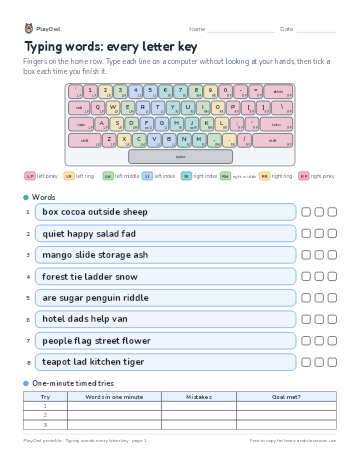 Typing words: every letter key
Typing & Digital Skills · Grade 8 · Worksheet · 1 page
Typing words: every letter key
Typing & Digital Skills · Grade 8 · Worksheet · 1 page
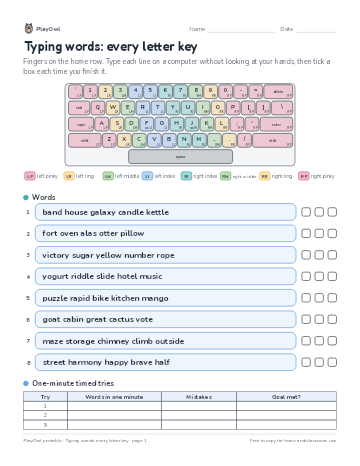 Typing words: every letter key
Typing & Digital Skills · Grade 7 · Worksheet · 1 page
Typing words: every letter key
Typing & Digital Skills · Grade 7 · Worksheet · 1 page
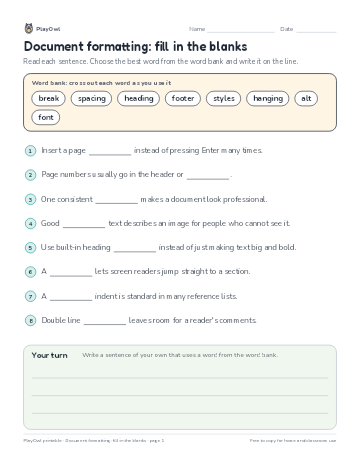 Document formatting: fill in the blanks
Typing & Digital Skills · 9–10 · Reading · 1 page
Document formatting: fill in the blanks
Typing & Digital Skills · 9–10 · Reading · 1 page
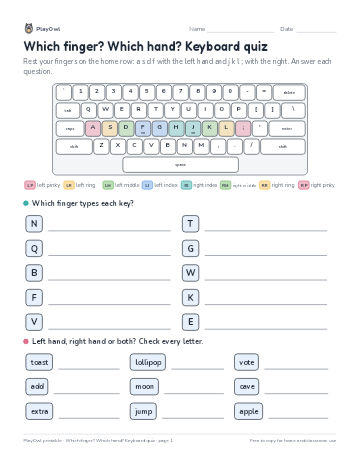 Which finger? Which hand? Keyboard quiz
Typing & Digital Skills · Grade 9 · Worksheet · 1 page
Which finger? Which hand? Keyboard quiz
Typing & Digital Skills · Grade 9 · Worksheet · 1 page
Printable generator
Make your own printables
Make brand-new sheets like this one, with answer keys, using the printable generator that comes with a PlayOwl plan. This sheet stays free.