Fill-in-the-blank worksheet · Computers & Digital Literacy
Milestones in computing: fill in the blanks · Grade 10
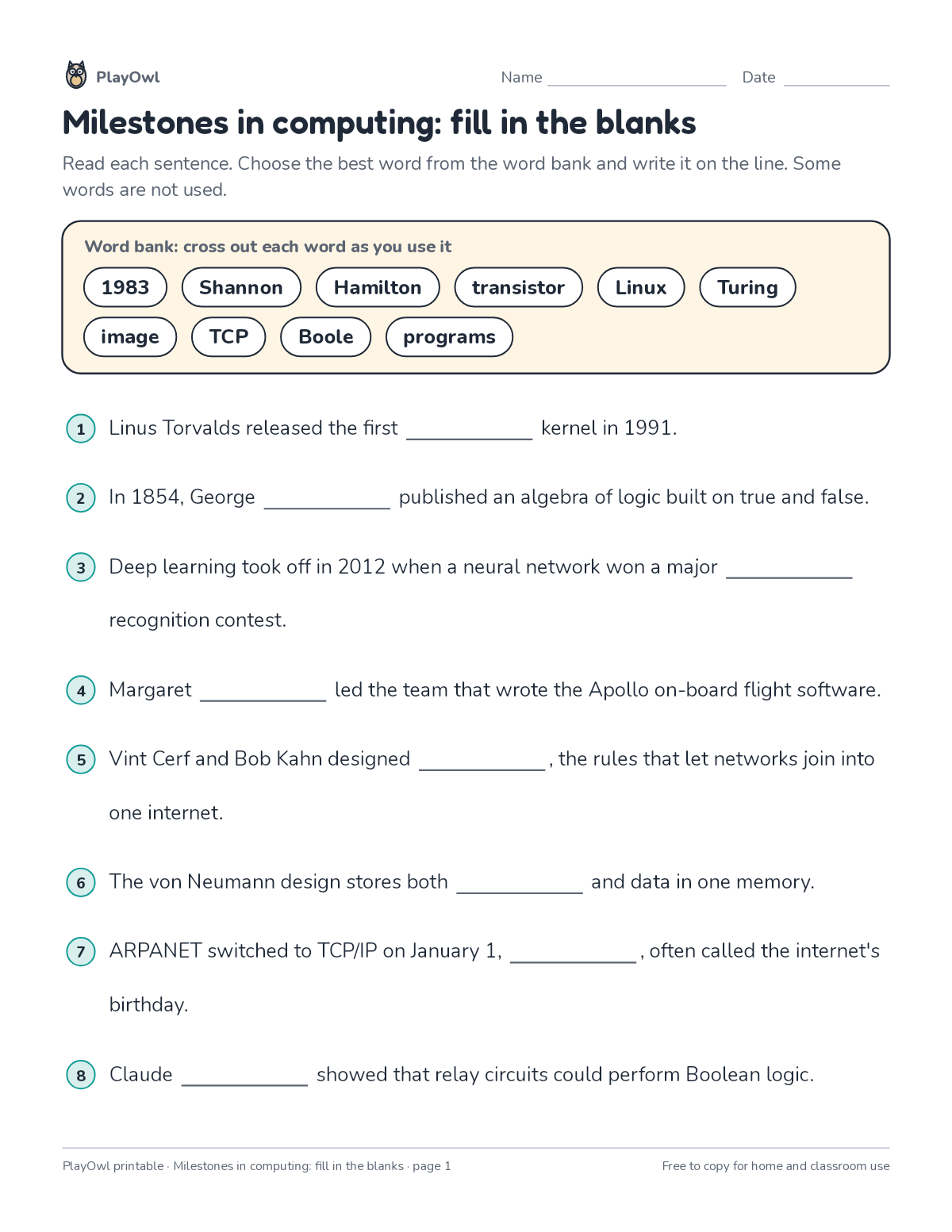
Read 8 sentences about milestones in computing and write the missing word in each, choosing from a word bank with a few extra words. Practices reading for meaning and topic vocabulary.
- Grade 10 · ages 15 to 16
- Hard
- 10 to 15 minutes
- 1 page
- Free
The answer key is a separate page for grown-ups. Sign in to download it.
The word bank and sentences
Directions: Read each sentence. Choose the best word from the word bank and write it on the line. Some words are not used.
- Word bank: cross out each word as you use it
- 1983 Shannon · Hamilton · transistor · Linux · Turing image · TCP · Boole · programs
- 1 Linus Torvalds released the first · kernel in 1991.
- 2 In 1854, George · published an algebra of logic built on true and false.
- 3 Deep learning took off in 2012 when a neural network won a major recognition contest.
- 4 Margaret · led the team that wrote the Apollo on-board flight software.
- 5 Vint Cerf and Bob Kahn designed ____, the rules that let networks join into one internet.
- 6 The von Neumann design stores both · and data in one memory.
- 7 ARPANET switched to TCP/IP on January 1, , often called the internet's birthday.
- 8 Claude · showed that relay circuits could perform Boolean logic.
What your child practices
Your child practices reading for meaning and topic vocabulary. The skill is “Computing systems”: describe hardware, software, files and networks and troubleshoot simple problems.
- Grades and ages
- Grade 10, ages 15 to 16
- Time
- About 10 to 15 minutes
- Subject
- Computers & Digital Literacy
- Level
- Hard for Grade 10
- Answer key
- Yes, for grown-ups who sign in
- Printing
- 1 page, US Letter or A4, low-ink option
- Updated
How to use it
Try the first question together so the format is clear. Then let your child work through the rest, showing their thinking on the page. It is one of the harder sheets for Grade 10, best once the basics of the skill are secure.
An answer key comes with it as a separate page that grown-ups download after signing in.
Tip for grown-ups: Read each sentence aloud with a hum for the blank, then try each word bank word in it.
Done on paper? A grown-up can record it on the child's page in PlayOwl; downloading alone doesn't count as finished.
Computers & Digital Literacy · Grade 10
More like this
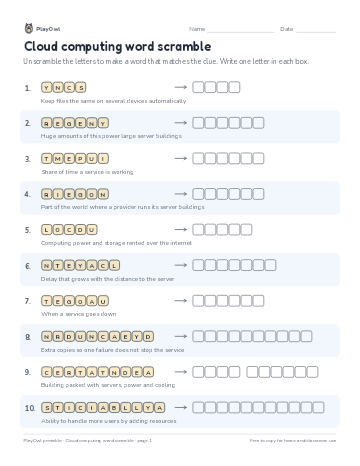 Cloud computing word scramble
Computers & Digital Literacy · Grade 10 · Puzzle · 1 page
Cloud computing word scramble
Computers & Digital Literacy · Grade 10 · Puzzle · 1 page
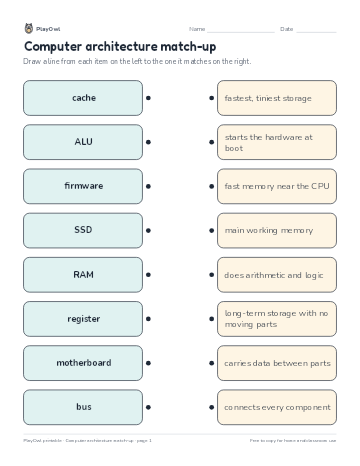 Computer architecture match-up
Computers & Digital Literacy · Grade 9 · Worksheet · 1 page
Computer architecture match-up
Computers & Digital Literacy · Grade 9 · Worksheet · 1 page
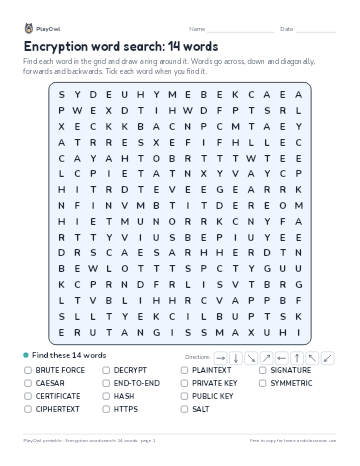 Encryption word search: 14 words
Computers & Digital Literacy · Grade 10 · Puzzle · 1 page
Encryption word search: 14 words
Computers & Digital Literacy · Grade 10 · Puzzle · 1 page
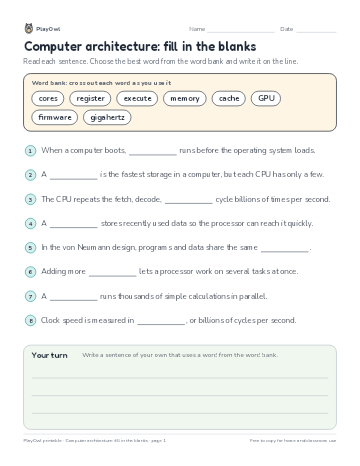 Computer architecture: fill in the blanks
Computers & Digital Literacy · Grade 9 · Reading · 1 page
Computer architecture: fill in the blanks
Computers & Digital Literacy · Grade 9 · Reading · 1 page
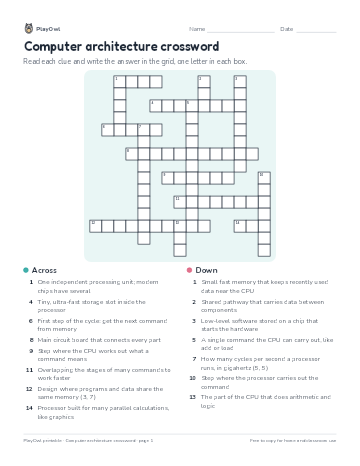 Computer architecture crossword
Computers & Digital Literacy · Grade 10 · Puzzle · 1 page
Computer architecture crossword
Computers & Digital Literacy · Grade 10 · Puzzle · 1 page
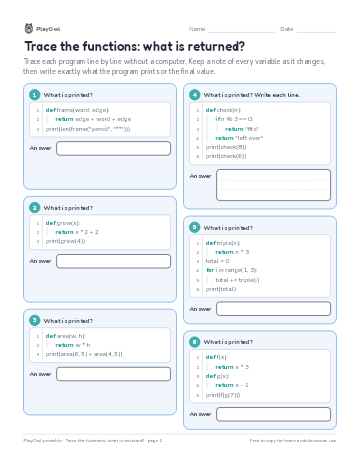 Trace the functions: what is returned?
Computers & Digital Literacy · 10–12 · Worksheet · 1 page
Trace the functions: what is returned?
Computers & Digital Literacy · 10–12 · Worksheet · 1 page
Printable generator
Make your own printables
Make brand-new sheets like this one, with answer keys, using the printable generator that comes with a PlayOwl plan. This sheet stays free.