Matching worksheet · Computers & Digital Literacy
Computer architecture match-up · Grade 9
Match 8 pairs about computer architecture. Practices recall and connecting ideas.
- Grade 9 · ages 14 to 15
- Medium
- 10 to 15 minutes
- 1 page
- Free
The answer key is a separate page for grown-ups. Sign in to download it.
The two columns to match
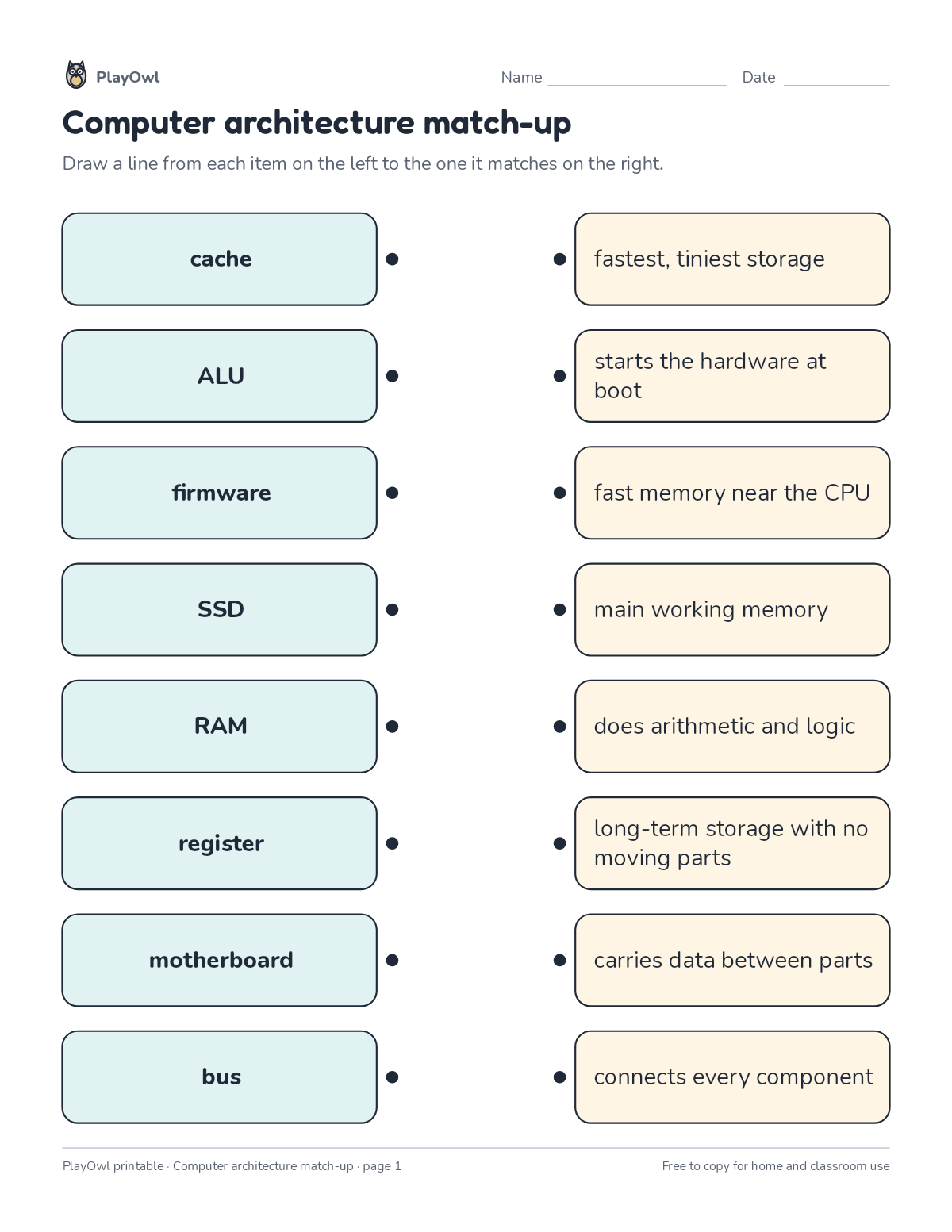
Directions: Draw a line from each item on the left to the one it matches on the right.
- Left column: cache · ALU · firmware · SSD · RAM · register · motherboard · bus
- Right column (in a different order):
- carries data between parts
- connects every component
- does arithmetic and logic
- fast memory near the CPU
- fastest, tiniest storage
- long-term storage with no moving parts
- main working memory
- starts the hardware at boot
What your child practices
Your child practices recall and connecting ideas. The skill is “Computing systems”: describe hardware, software, files and networks and troubleshoot simple problems.
- Grades and ages
- Grade 9, ages 14 to 15
- Time
- About 10 to 15 minutes
- Subject
- Computers & Digital Literacy
- Level
- Medium for Grade 9
- Answer key
- Yes, for grown-ups who sign in
- Printing
- 1 page, US Letter or A4, low-ink option
- Updated
How to use it
Try the first question together so the format is clear. Then let your child work through the rest, showing their thinking on the page. It is pitched at the expected level for Grade 9, for practice after the skill has been taught.
An answer key comes with it as a separate page that grown-ups download after signing in.
Tip for grown-ups: Match the pairs your child is sure of first, then work out the rest from what is left.
Done on paper? A grown-up can record it on the child's page in PlayOwl; downloading alone doesn't count as finished.
Computers & Digital Literacy · Grade 9
More like this
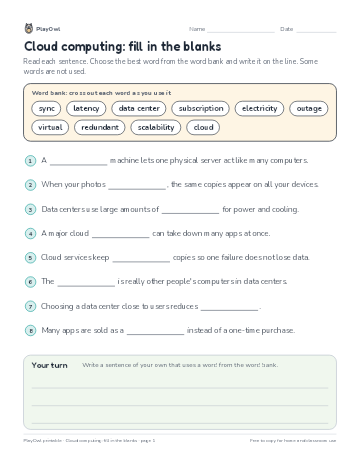 Cloud computing: fill in the blanks
Computers & Digital Literacy · Grade 9 · Reading · 1 page
Cloud computing: fill in the blanks
Computers & Digital Literacy · Grade 9 · Reading · 1 page
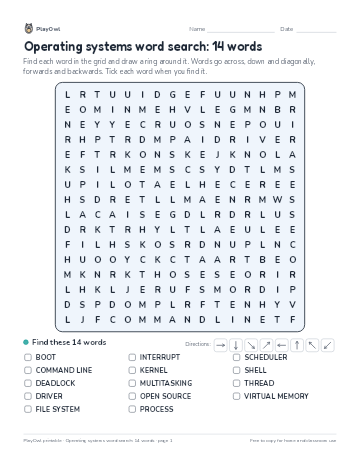 Operating systems word search: 14 words
Computers & Digital Literacy · Grade 9 · Puzzle · 1 page
Operating systems word search: 14 words
Computers & Digital Literacy · Grade 9 · Puzzle · 1 page
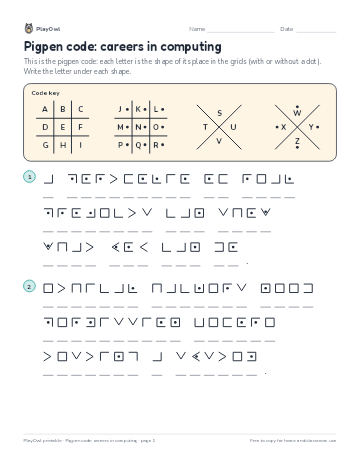 Pigpen code: careers in computing
Computers & Digital Literacy · Grade 9 · Puzzle · 1 page
Pigpen code: careers in computing
Computers & Digital Literacy · Grade 9 · Puzzle · 1 page
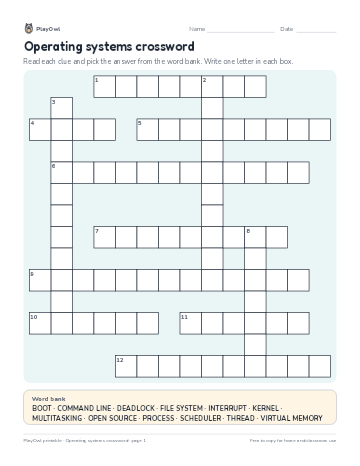 Operating systems crossword
Computers & Digital Literacy · Grade 9 · Puzzle · 2 pages
Operating systems crossword
Computers & Digital Literacy · Grade 9 · Puzzle · 2 pages
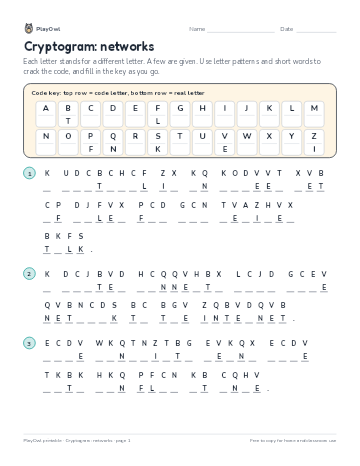 Cryptogram: networks
Computers & Digital Literacy · Grade 8 · Puzzle · 1 page
Cryptogram: networks
Computers & Digital Literacy · Grade 8 · Puzzle · 1 page
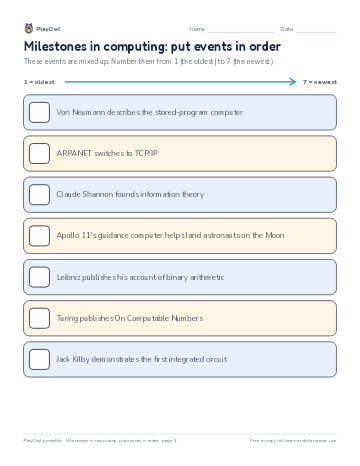 Milestones in computing: put events in order
Computers & Digital Literacy · Grade 10 · Worksheet · 1 page
Milestones in computing: put events in order
Computers & Digital Literacy · Grade 10 · Worksheet · 1 page
Printable generator
Make your own printables
Make brand-new sheets like this one, with answer keys, using the printable generator that comes with a PlayOwl plan. This sheet stays free.