Secret code puzzle · Computers & Digital Literacy
Pigpen code: hardware and software · Grade 3
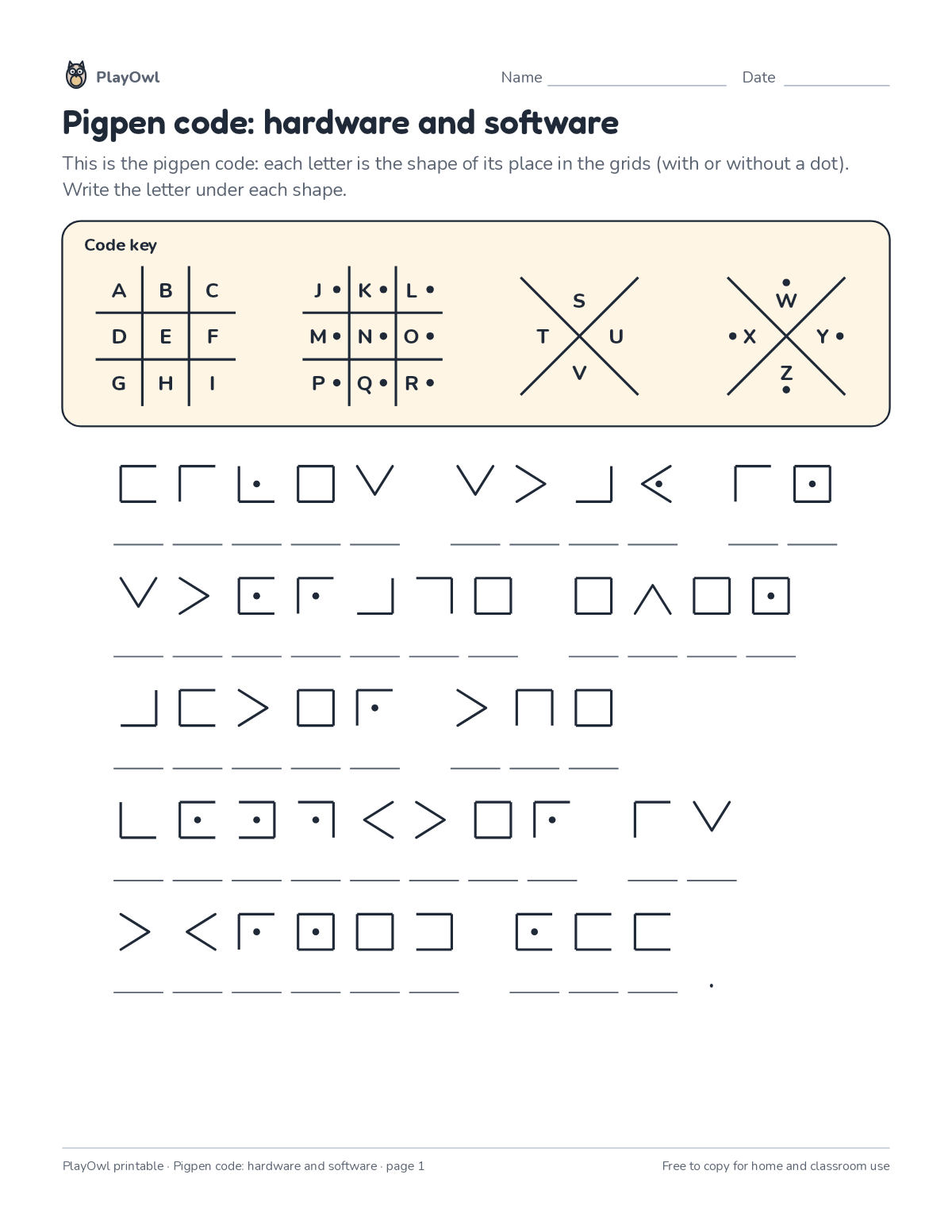
Decode facts about hardware and software written in the traditional pigpen code, using the grid key. Practices visual matching and careful reading.
- Grade 3 · ages 8 to 9
- Medium
- 5 to 10 minutes
- 1 page
- Free
The answer key is a separate page for grown-ups. Sign in to download it.
What the sheet says
Directions: This is the pigpen code: each letter is the shape of its place in the grids (with or without a dot). Write the letter under each shape.
- Code key
What your child practices
Your child practices visual matching and careful reading. The skill is “Computing systems”: describe hardware, software, files and networks and troubleshoot simple problems.
- Grades and ages
- Grade 3, ages 8 to 9
- Time
- About 5 to 10 minutes
- Subject
- Computers & Digital Literacy
- Level
- Medium for Grade 3
- Answer key
- Yes, for grown-ups who sign in
- Printing
- 1 page, US Letter or A4, low-ink option
- Updated
How to use it
Read the rules at the top together and try the first step side by side. Use a pencil so mistakes rub out easily, and check every answer at the end. It is pitched at the expected level for Grade 3, for practice after the skill has been taught.
An answer key comes with it as a separate page that grown-ups download after signing in.
Tip for grown-ups: Start with the shortest coded words; one- and two-letter words crack the code fastest.
Done on paper? A grown-up can record it on the child's page in PlayOwl; downloading alone doesn't count as finished.
Computers & Digital Literacy · Grade 3
More like this
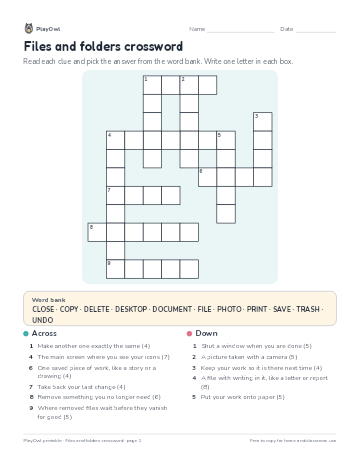 Files and folders crossword
Computers & Digital Literacy · Grade 3 · Puzzle · 1 page
Files and folders crossword
Computers & Digital Literacy · Grade 3 · Puzzle · 1 page
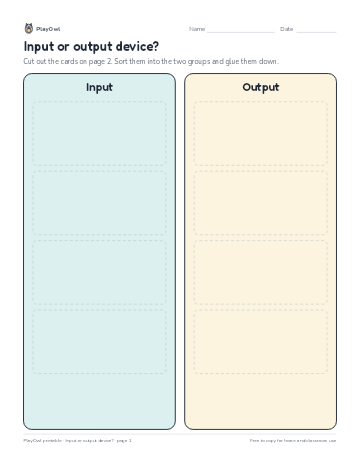 Input or output device?
Computers & Digital Literacy · Grade 4 · Cut and sort · 2 pages
Input or output device?
Computers & Digital Literacy · Grade 4 · Cut and sort · 2 pages
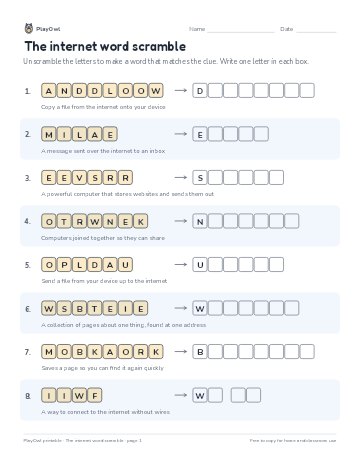 The internet word scramble
Computers & Digital Literacy · Grade 3 · Puzzle · 1 page
The internet word scramble
Computers & Digital Literacy · Grade 3 · Puzzle · 1 page
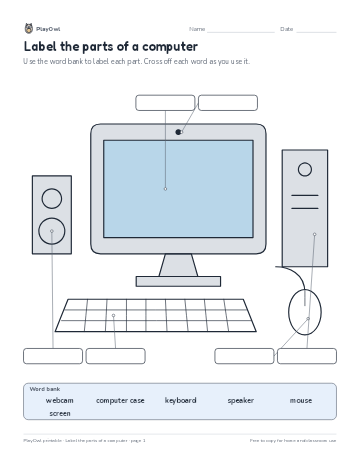 Label the parts of a computer
Computers & Digital Literacy · 2–5 · Worksheet · 1 page
Label the parts of a computer
Computers & Digital Literacy · 2–5 · Worksheet · 1 page
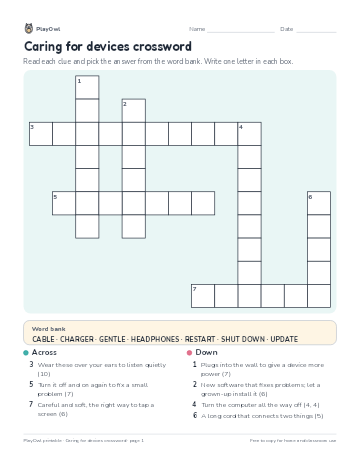 Caring for devices crossword
Computers & Digital Literacy · Grade 2 · Puzzle · 1 page
Caring for devices crossword
Computers & Digital Literacy · Grade 2 · Puzzle · 1 page
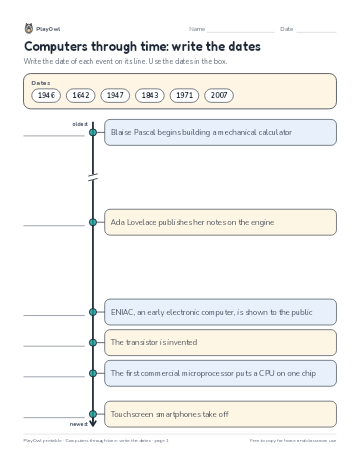 Computers through time: write the dates
Computers & Digital Literacy · Grade 5 · Worksheet · 1 page
Computers through time: write the dates
Computers & Digital Literacy · Grade 5 · Worksheet · 1 page
Printable generator
Make your own printables
Make brand-new sheets like this one, with answer keys, using the printable generator that comes with a PlayOwl plan. This sheet stays free.