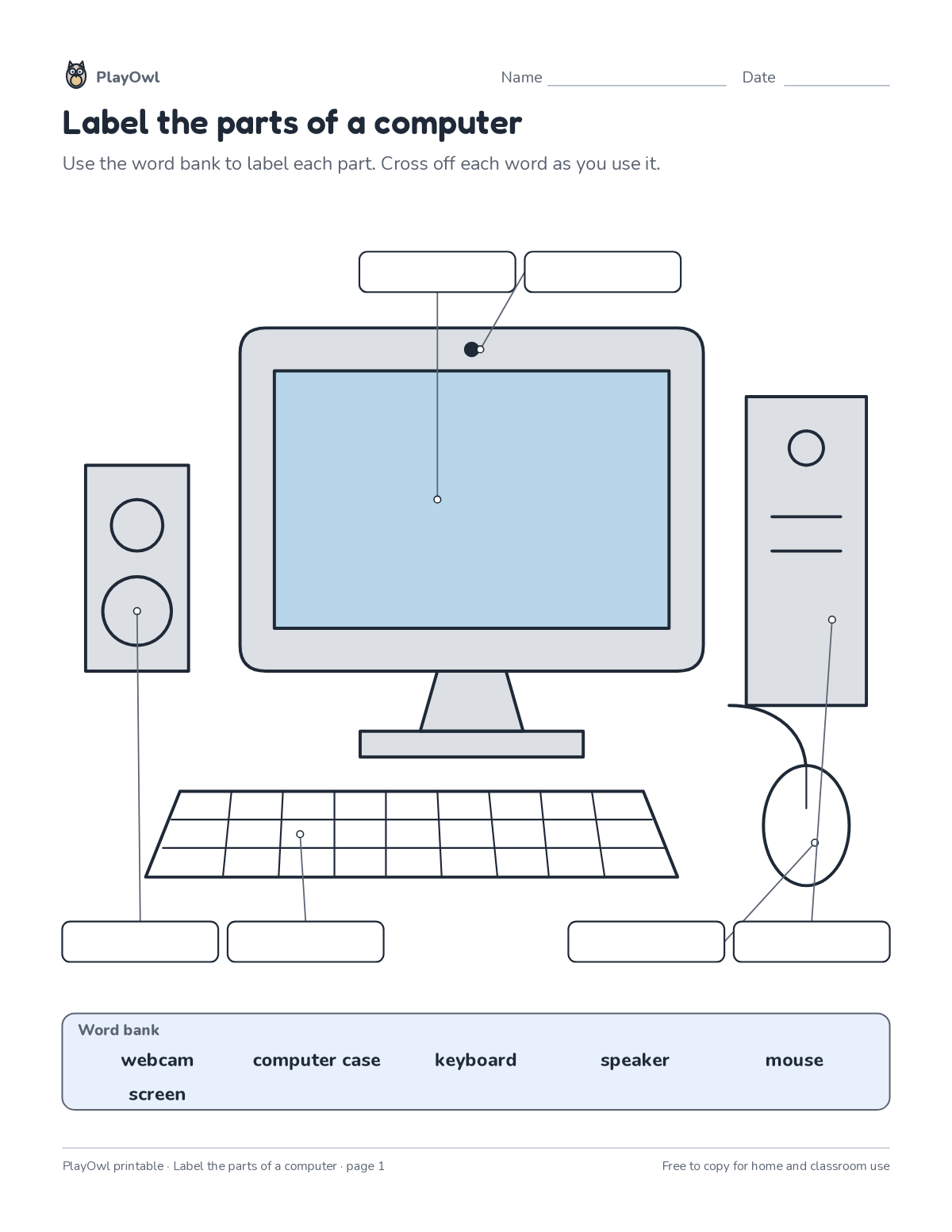
Computer diagram worksheet · Computers & Digital Literacy
Label the parts of a computer · Grades 2–5
Label 6 parts of the diagram (screen, webcam, speaker and more) using the word bank. Builds subject vocabulary and careful reading of diagrams.
- Grades 2–5 · ages 7 to 11
- Easy
- 10 to 15 minutes
- 1 page
- Free
The answer key is a separate page for grown-ups. Sign in to download it.
The word bank
Directions: Use the word bank to label each part. Cross off each word as you use it.
- Word bank
- webcam ____ computer case ____ keyboard · speaker · mouse screen
What your child practices
Your child builds subject vocabulary and careful reading of diagrams. The skill is “Computing systems”: describe hardware, software, files and networks and troubleshoot simple problems.
- Grades and ages
- Grades 2–5, ages 7 to 11
- Time
- About 10 to 15 minutes
- Subject
- Computers & Digital Literacy
- Level
- Easy for Grades 2–5
- Answer key
- Yes, for grown-ups who sign in
- Printing
- 1 page, US Letter or A4, low-ink option
- Updated
How to use it
Try the first question together so the format is clear. Then let your child work through the rest, showing their thinking on the page. It is one of the easier sheets for Grades 2–5, good as a warm-up or a first look at the skill.
An answer key comes with it as a separate page that grown-ups download after signing in.
Tip for grown-ups: Point to each part on a real object or a photo before writing its label.
Done on paper? A grown-up can record it on the child's page in PlayOwl; downloading alone doesn't count as finished.
Computers & Digital Literacy · Grades 2–5
More like this
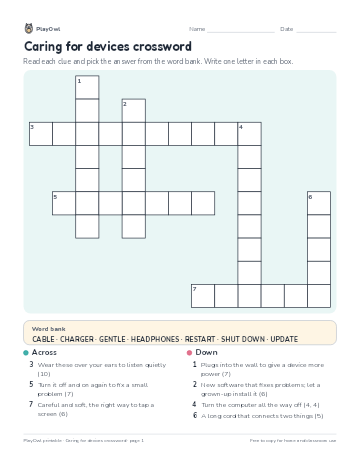 Caring for devices crossword
Computers & Digital Literacy · Grade 2 · Puzzle · 1 page
Caring for devices crossword
Computers & Digital Literacy · Grade 2 · Puzzle · 1 page
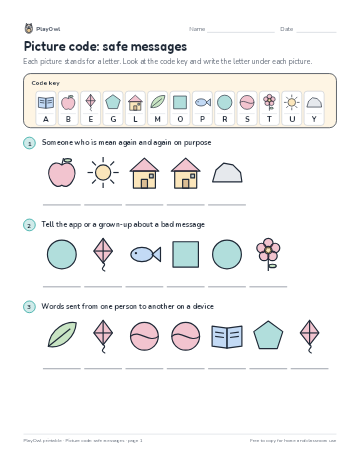 Picture code: safe messages
Computers & Digital Literacy · Grade 2 · Puzzle · 1 page
Picture code: safe messages
Computers & Digital Literacy · Grade 2 · Puzzle · 1 page
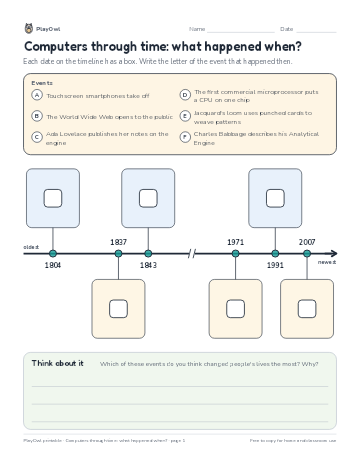 Computers through time: what happened when?
Computers & Digital Literacy · Grade 4 · Worksheet · 1 page
Computers through time: what happened when?
Computers & Digital Literacy · Grade 4 · Worksheet · 1 page
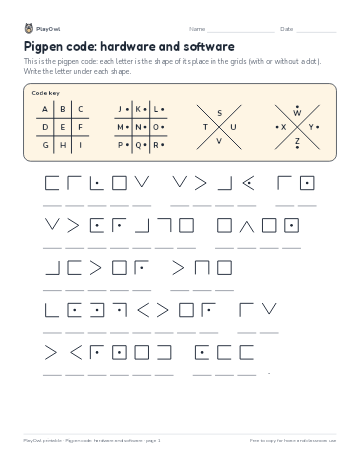 Pigpen code: hardware and software
Computers & Digital Literacy · Grade 3 · Puzzle · 1 page
Pigpen code: hardware and software
Computers & Digital Literacy · Grade 3 · Puzzle · 1 page
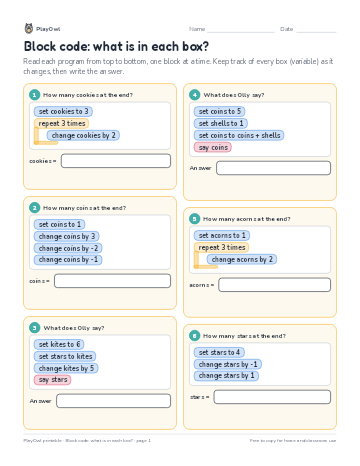 Block code: what is in each box?
Computers & Digital Literacy · Grade 2 · Worksheet · 1 page
Block code: what is in each box?
Computers & Digital Literacy · Grade 2 · Worksheet · 1 page
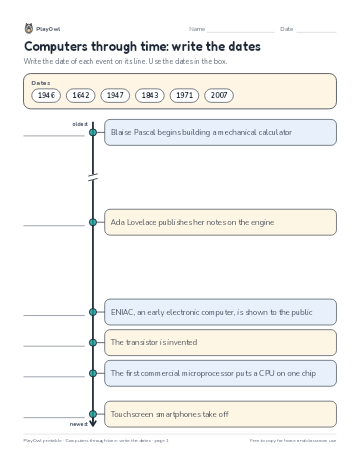 Computers through time: write the dates
Computers & Digital Literacy · Grade 5 · Worksheet · 1 page
Computers through time: write the dates
Computers & Digital Literacy · Grade 5 · Worksheet · 1 page
Printable generator
Make your own printables
Make brand-new sheets like this one, with answer keys, using the printable generator that comes with a PlayOwl plan. This sheet stays free.