Cut-and-sort worksheet · Computers & Digital Literacy
Hardware or software? · Grades 3–6
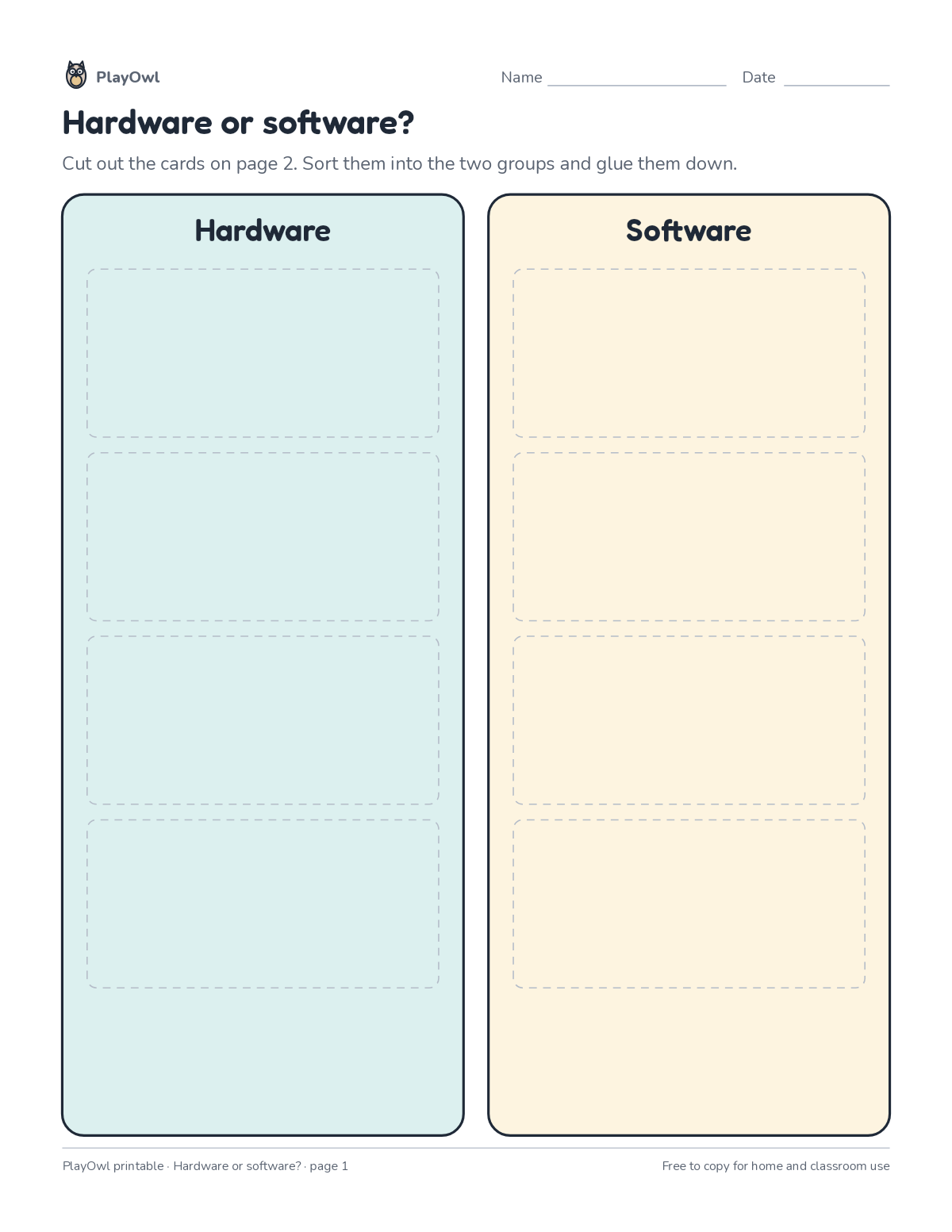
Cut out 8 cards and sort them into two groups: hardware and software. Glue them down on the sorting mat.
- Grades 3–6 · ages 8 to 12
- Medium
- 20 to 30 minutes
- 2 pages
- Free
The answer key is a separate page for grown-ups. Sign in to download it.
The groups and the cards
Directions: Cut out the cards on page 2. Sort them into the two groups and glue them down. Cut along the dashed lines.
- Hardware · Software
- antivirus hard drive router operating system webcam memory chip
- word processor spreadsheet
What your child practices
Your child practices the computer skills skill “Computing systems”: describe hardware, software, files and networks and troubleshoot simple problems.
- Grades and ages
- Grades 3–6, ages 8 to 12
- Time
- About 20 to 30 minutes
- Subject
- Computers & Digital Literacy
- Level
- Medium for Grades 3–6
- Answer key
- Yes, for grown-ups who sign in
- Printing
- 2 pages, US Letter or A4, low-ink option
- Updated
How to use it
Cut the pieces out first; with younger children, that is a grown-up job. Sort the pieces into groups before gluing them down. It is pitched at the expected level for Grades 3–6, for practice after the skill has been taught. Its 2 pages split well across two sittings.
An answer key comes with it as a separate page that grown-ups download after signing in.
Tip for grown-ups: Ask why each card belongs in its group before it is glued down.
Done on paper? A grown-up can record it on the child's page in PlayOwl; downloading alone doesn't count as finished.
Computers & Digital Literacy · Grades 3–6
More like this
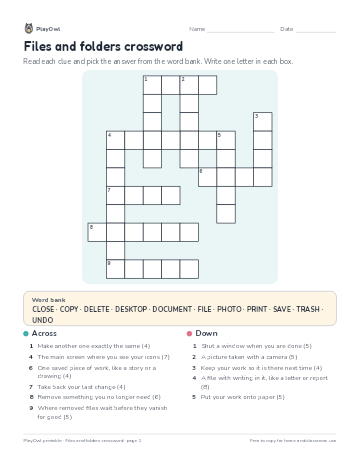 Files and folders crossword
Computers & Digital Literacy · Grade 3 · Puzzle · 1 page
Files and folders crossword
Computers & Digital Literacy · Grade 3 · Puzzle · 1 page
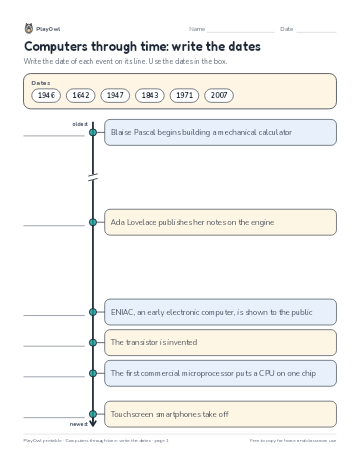 Computers through time: write the dates
Computers & Digital Literacy · Grade 5 · Worksheet · 1 page
Computers through time: write the dates
Computers & Digital Literacy · Grade 5 · Worksheet · 1 page
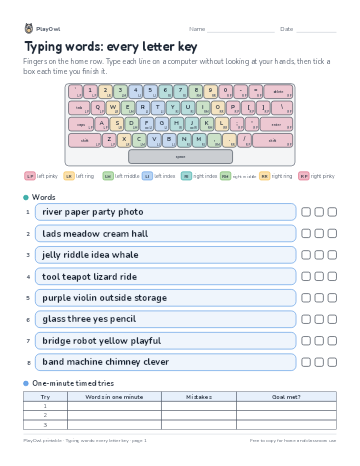 Typing words: every letter key
Computers & Digital Literacy · Grade 3 · Worksheet · 1 page
Typing words: every letter key
Computers & Digital Literacy · Grade 3 · Worksheet · 1 page
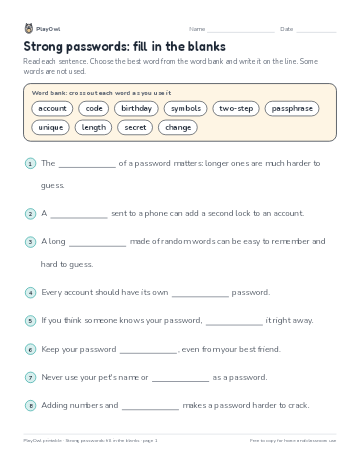 Strong passwords: fill in the blanks
Computers & Digital Literacy · 3–4 · Reading · 1 page
Strong passwords: fill in the blanks
Computers & Digital Literacy · 3–4 · Reading · 1 page
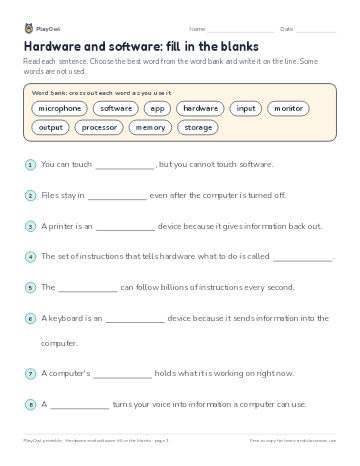 Hardware and software: fill in the blanks
Computers & Digital Literacy · Grade 5 · Reading · 1 page
Hardware and software: fill in the blanks
Computers & Digital Literacy · Grade 5 · Reading · 1 page
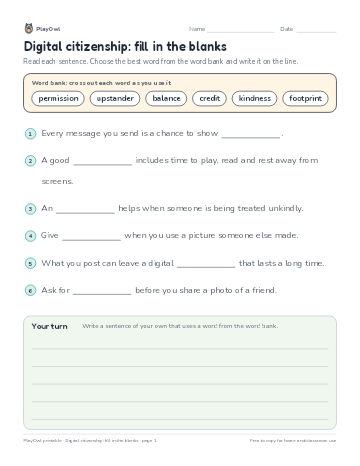 Digital citizenship: fill in the blanks
Computers & Digital Literacy · Grade 3 · Reading · 1 page
Digital citizenship: fill in the blanks
Computers & Digital Literacy · Grade 3 · Reading · 1 page
Printable generator
Make your own printables
Make brand-new sheets like this one, with answer keys, using the printable generator that comes with a PlayOwl plan. This sheet stays free.