Typing worksheet · Computers & Digital Literacy
Typing words: every letter key · Grade 3
Type lines of everyday words that use every row of the keyboard, ticking each line when it is done, then record timed tries. Builds fluent all-key typing.
- Grade 3 · ages 8 to 9
- Hard
- 15 to 20 minutes
- 1 page
- Free
The typing lines
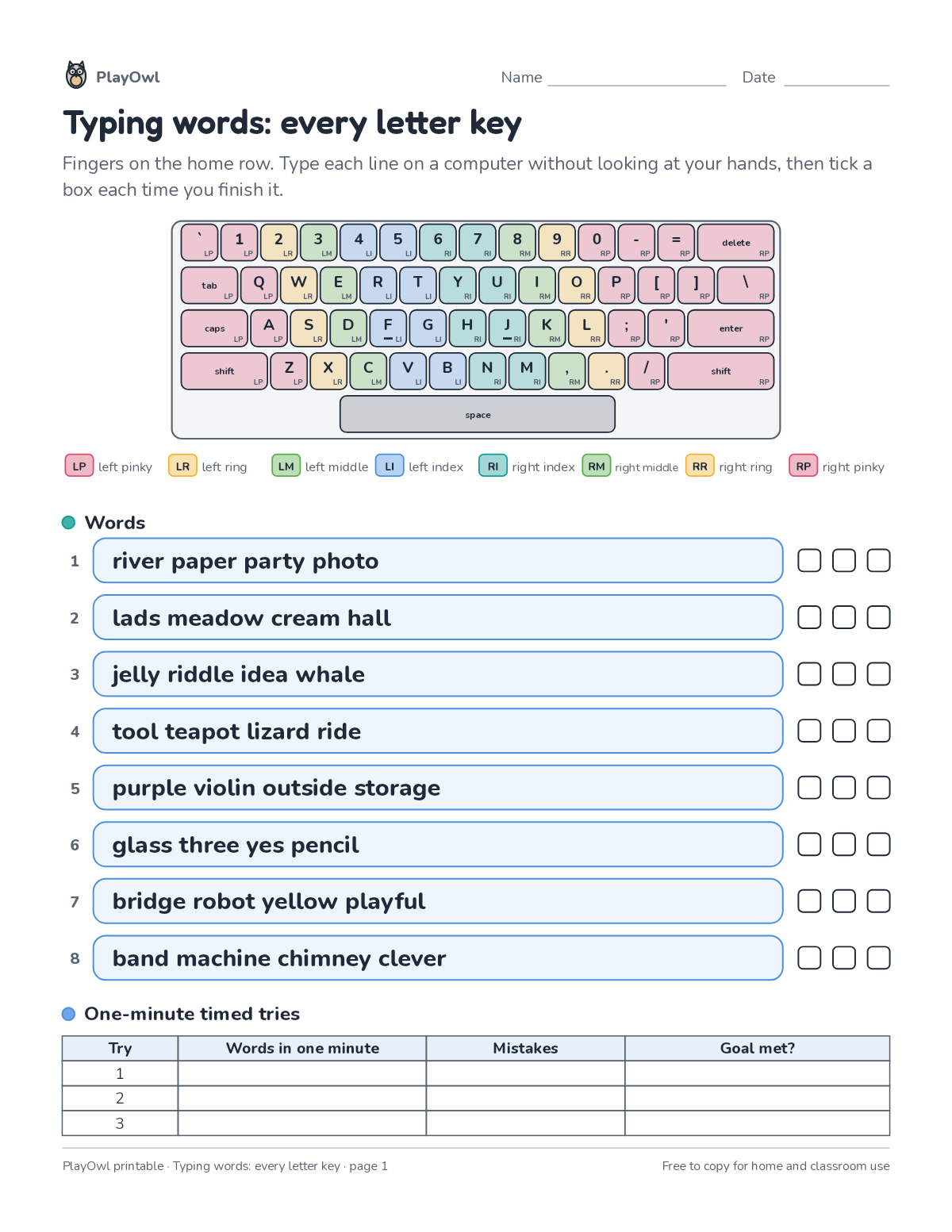
Directions: Fingers on the home row. Type each line on a computer without looking at your hands, then tick a box each time you finish it.
- LP left pinky · LR left ring · LM left middle LI left index · RI right index RM right middle RR right ring · RP right pinky
- Words
- 1 river paper party photo
- 2 lads meadow cream hall
- 3 jelly riddle idea whale
- 4 tool teapot lizard ride
- 5 purple violin outside storage
- 6 glass three yes pencil
- 7 bridge robot yellow playful
- 8 band machine chimney clever
- One-minute timed tries
- Try
- Words in one minute · Mistakes · Goal met?
What your child practices
Your child builds fluent all-key typing. The skill is “All letter keys”: type all letters accurately.
- Grades and ages
- Grade 3, ages 8 to 9
- Time
- About 15 to 20 minutes
- Subject
- Computers & Digital Literacy
- Level
- Hard for Grade 3
- Answer key
- No
- Printing
- 1 page, US Letter or A4, low-ink option
- Updated
How to use it
Sit at a keyboard with fingers resting on the home row before typing the first line. Accuracy first: speed comes once each line is typed without looking. It is one of the harder sheets for Grade 3, best once the basics of the skill are secure.
There is no separate answer key; talk through the answers together when it is done.
Tip for grown-ups: Short daily practice beats one long session: one or two lines a day is plenty.
Done on paper? A grown-up can record it on the child's page in PlayOwl; downloading alone doesn't count as finished.
Computers & Digital Literacy · Grade 3
More like this
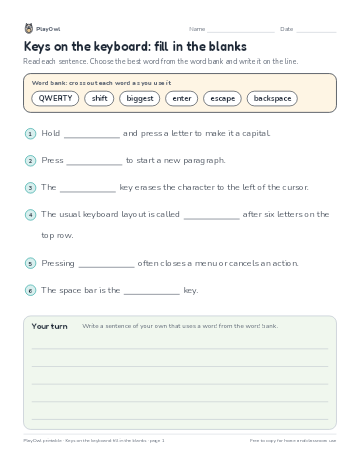 Keys on the keyboard: fill in the blanks
Typing & Digital Skills · Grade 3 · Reading · 1 page
Keys on the keyboard: fill in the blanks
Typing & Digital Skills · Grade 3 · Reading · 1 page
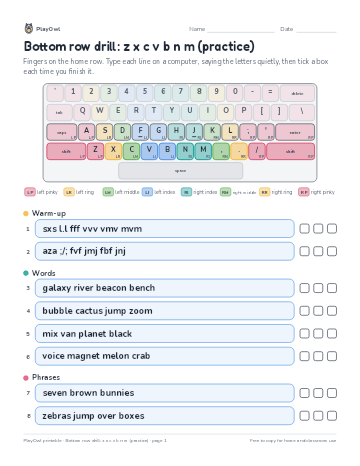 Bottom row drill: z x c v b n m (practice)
Typing & Digital Skills · 4–5 · Worksheet · 1 page
Bottom row drill: z x c v b n m (practice)
Typing & Digital Skills · 4–5 · Worksheet · 1 page
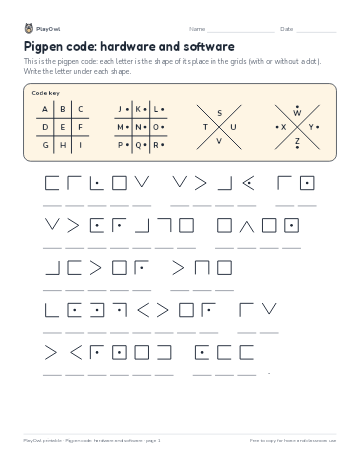 Pigpen code: hardware and software
Computers & Digital Literacy · Grade 3 · Puzzle · 1 page
Pigpen code: hardware and software
Computers & Digital Literacy · Grade 3 · Puzzle · 1 page
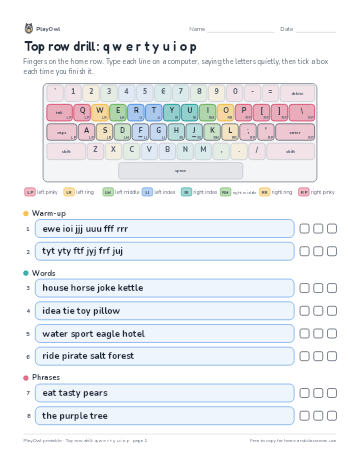 Top row drill: q w e r t y u i o p
Typing & Digital Skills · 3–5 · Worksheet · 1 page
Top row drill: q w e r t y u i o p
Typing & Digital Skills · 3–5 · Worksheet · 1 page
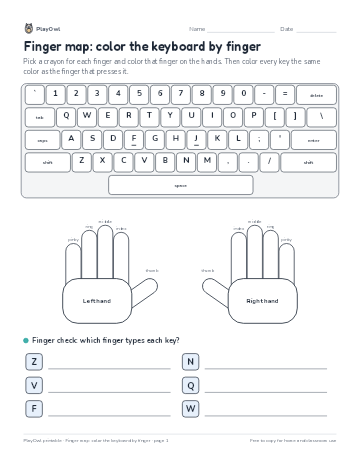 Finger map: color the keyboard by finger
Computers & Digital Literacy · Grade 3 · Worksheet · 1 page
Finger map: color the keyboard by finger
Computers & Digital Literacy · Grade 3 · Worksheet · 1 page
 Hardware or software?
Computers & Digital Literacy · 3–6 · Cut and sort · 2 pages
Hardware or software?
Computers & Digital Literacy · 3–6 · Cut and sort · 2 pages
Printable generator
Make your own printables
Make brand-new sheets like this one, with answer keys, using the printable generator that comes with a PlayOwl plan. This sheet stays free.