Typing worksheet · Typing & Digital Skills
Finger map: color the keyboard by finger (warm-up) · Grade 3
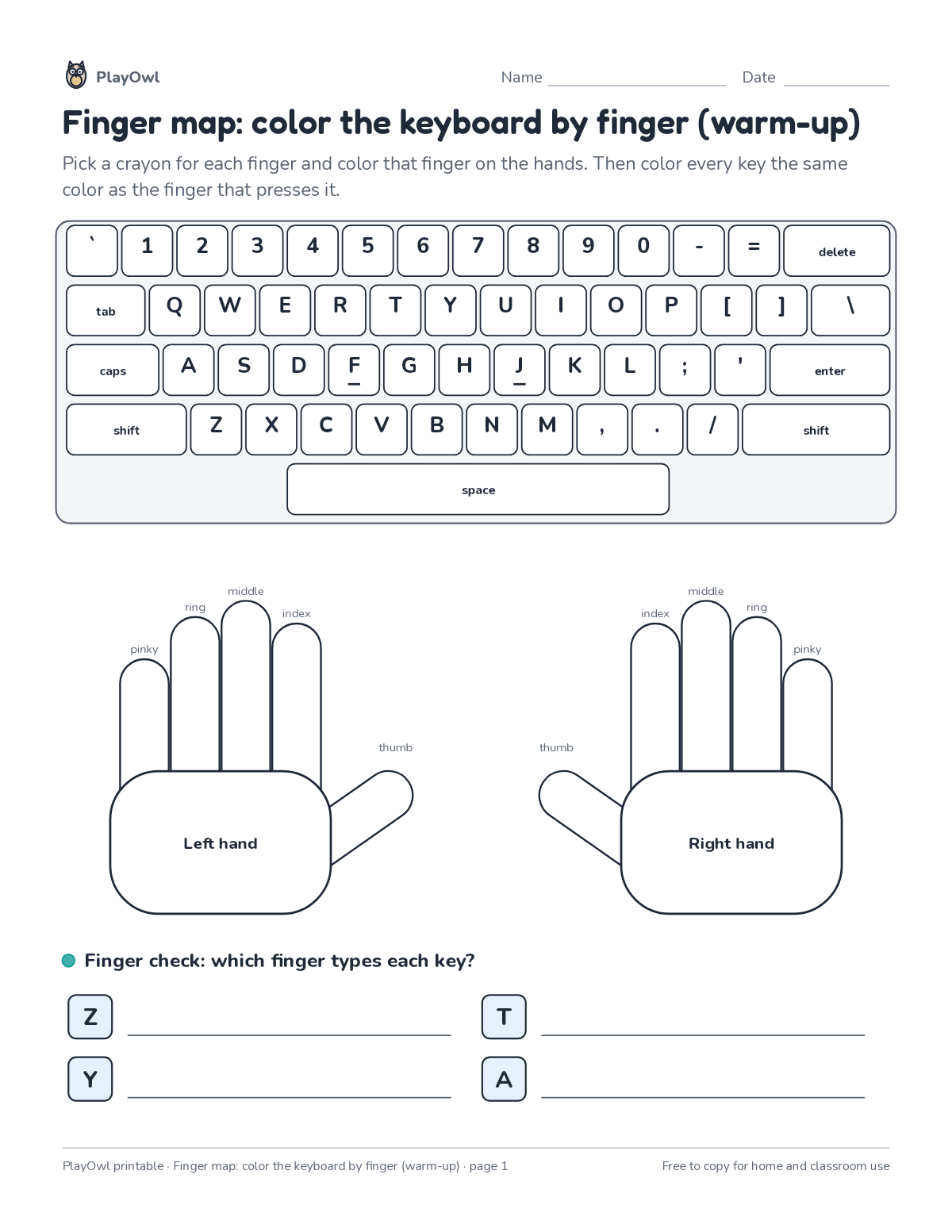
Color each finger on the two hands, then color every key the same color as the finger that presses it, and answer a quick finger check. Learns the touch-typing finger zones.
- Grade 3 · ages 8 to 9
- Easy
- 10 to 15 minutes
- 1 page
- Free
The answer key is a separate page for grown-ups. Sign in to download it.
The typing lines
Directions: Pick a crayon for each finger and color that finger on the hands. Then color every key the same color as the finger that presses it.
- space pinky
- LP ring
- LR middle
- LM index
- Left hand
- thumb pinky
- RP ring
- RR middle
- RM index
- Right hand
- Finger check: which finger types each key?
What your child practices
Your child learns the touch-typing finger zones. The skill is “Home row keys”: type home-row keys with correct fingers.
- Grades and ages
- Grade 3, ages 8 to 9
- Time
- About 10 to 15 minutes
- Subject
- Typing & Digital Skills
- Level
- Easy for Grade 3
- Answer key
- Yes, for grown-ups who sign in
- Printing
- 1 page, US Letter or A4, low-ink option
- Updated
How to use it
Sit at a keyboard with fingers resting on the home row before typing the first line. Accuracy first: speed comes once each line is typed without looking. It is one of the easier sheets for Grade 3, good as a warm-up or a first look at the skill.
An answer key comes with it as a separate page that grown-ups download after signing in.
Tip for grown-ups: Short daily practice beats one long session: one or two lines a day is plenty.
Done on paper? A grown-up can record it on the child's page in PlayOwl; downloading alone doesn't count as finished.
Typing & Digital Skills · Grade 3
More like this
 Finger map: color the keyboard by finger
Computers & Digital Literacy · Grade 3 · Worksheet · 1 page
Finger map: color the keyboard by finger
Computers & Digital Literacy · Grade 3 · Worksheet · 1 page
 Typing on a touchscreen word scramble with a secret word
Typing & Digital Skills · Grade 3 · Puzzle · 1 page
Typing on a touchscreen word scramble with a secret word
Typing & Digital Skills · Grade 3 · Puzzle · 1 page
 Sitting and posture word search
Typing & Digital Skills · Grade 3 · Puzzle · 1 page
Sitting and posture word search
Typing & Digital Skills · Grade 3 · Puzzle · 1 page
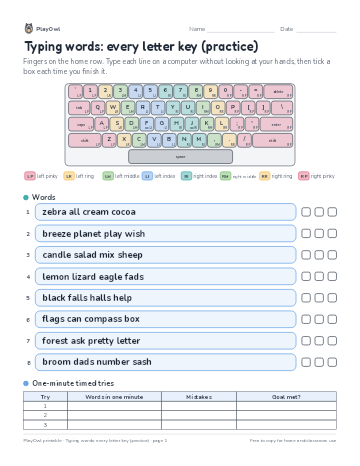 Typing words: every letter key (practice)
Typing & Digital Skills · Grade 3 · Worksheet · 1 page
Typing words: every letter key (practice)
Typing & Digital Skills · Grade 3 · Worksheet · 1 page
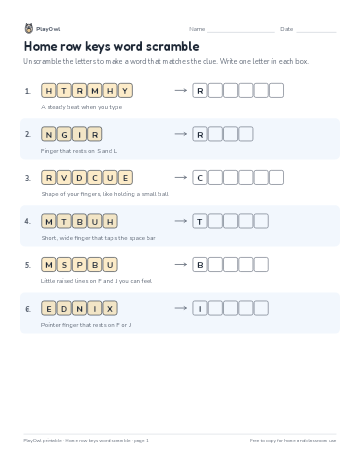 Home row keys word scramble
Typing & Digital Skills · Grade 2 · Puzzle · 1 page
Home row keys word scramble
Typing & Digital Skills · Grade 2 · Puzzle · 1 page
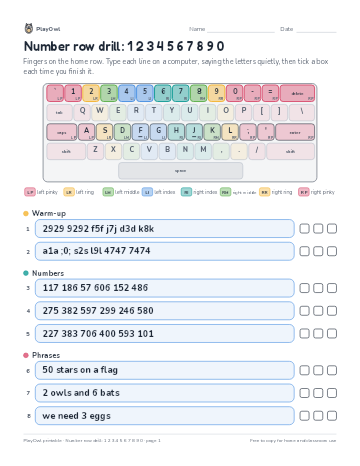 Number row drill: 1 2 3 4 5 6 7 8 9 0
Typing & Digital Skills · Grade 3 · Worksheet · 1 page
Number row drill: 1 2 3 4 5 6 7 8 9 0
Typing & Digital Skills · Grade 3 · Worksheet · 1 page
Printable generator
Make your own printables
Make brand-new sheets like this one, with answer keys, using the printable generator that comes with a PlayOwl plan. This sheet stays free.