Fill-in-the-blank worksheet · Coding
Functions: fill in the blanks · Grade 5
Read 7 sentences about functions and write the missing word in each, choosing from a word bank with a few extra words. Practices reading for meaning and topic vocabulary.
- Grade 5 · ages 10 to 11
- Hard
- 10 to 15 minutes
- 1 page
- Free
Goes with the game Robot Routes.
The answer key is a separate page for grown-ups. Sign in to download it.
The word bank and sentences
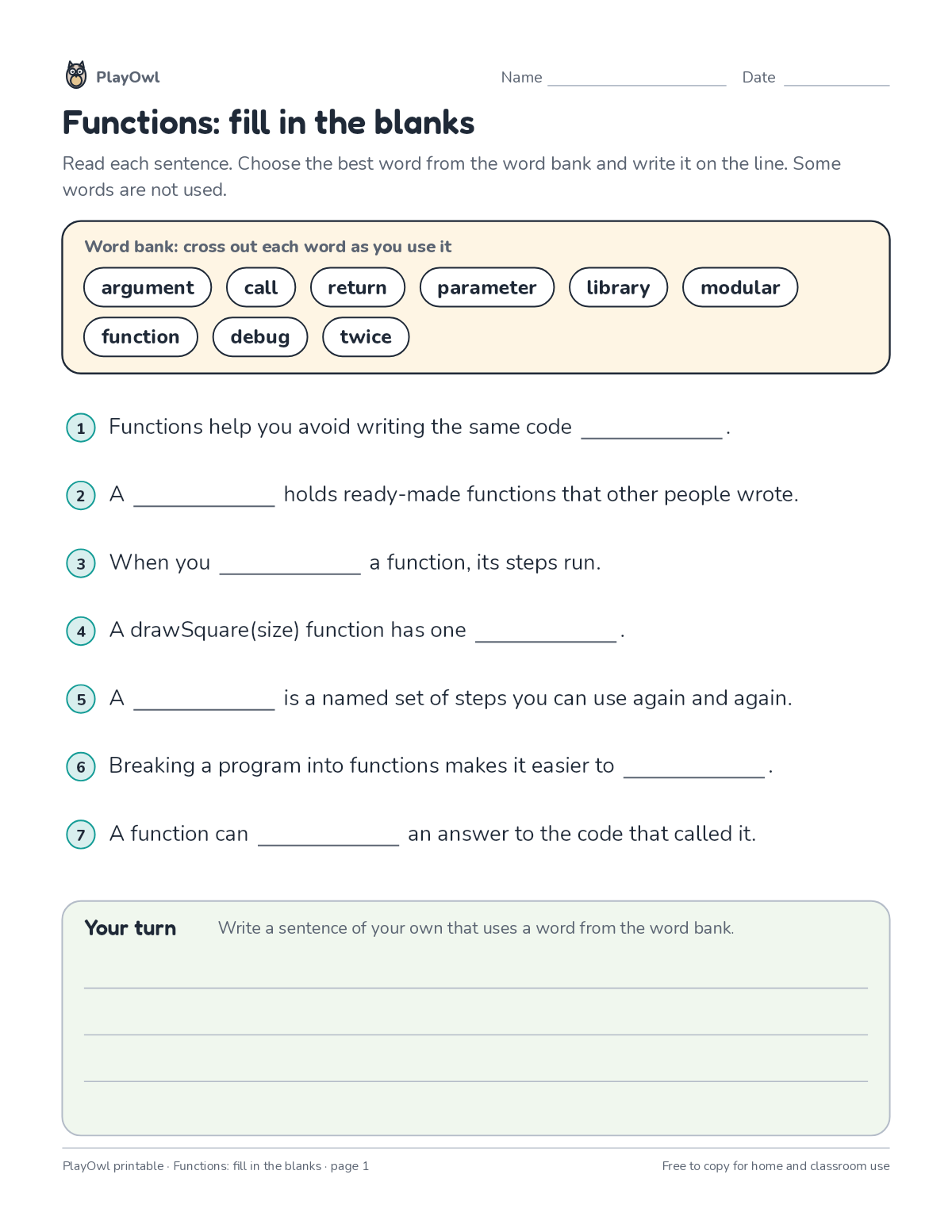
Directions: Read each sentence. Choose the best word from the word bank and write it on the line. Some words are not used.
- Word bank: cross out each word as you use it
- argument · call · return · parameter · library · modular function · debug · twice
- 1 Functions help you avoid writing the same code ____.
- 2 A · holds ready-made functions that other people wrote.
- 3 When you · a function, its steps run.
- 4 A drawSquare(size) function has one ____.
- 5 A · is a named set of steps you can use again and again.
- 6 Breaking a program into functions makes it easier to ____.
- 7 A function can · an answer to the code that called it.
- Your turn · Write a sentence of your own that uses a word from the word bank.
What your child practices
Your child practices reading for meaning and topic vocabulary. The skill is “Functions”: name a group of steps once and reuse it wherever it is needed.
- Grades and ages
- Grade 5, ages 10 to 11
- Time
- About 10 to 15 minutes
- Subject
- Coding
- Level
- Hard for Grade 5
- Answer key
- Yes, for grown-ups who sign in
- Printing
- 1 page, US Letter or A4, low-ink option
- Updated
How to use it
Try the first question together so the format is clear. Then let your child work through the rest, showing their thinking on the page. It is one of the harder sheets for Grade 5, best once the basics of the skill are secure.
An answer key comes with it as a separate page that grown-ups download after signing in.
Tip for grown-ups: Read each sentence aloud with a hum for the blank, then try each word bank word in it.
Done on paper? A grown-up can record it on the child's page in PlayOwl; downloading alone doesn't count as finished.
Coding · Grade 5
More like this
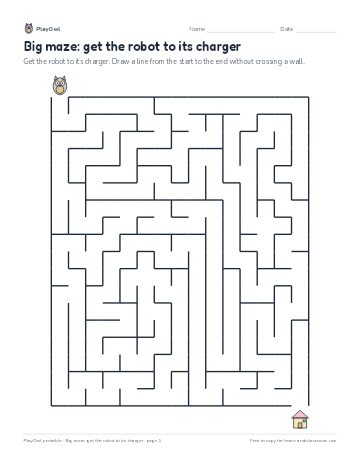 Big maze: get the robot to its charger
Coding · Grade 5 · Logic · 1 page
Big maze: get the robot to its charger
Coding · Grade 5 · Logic · 1 page
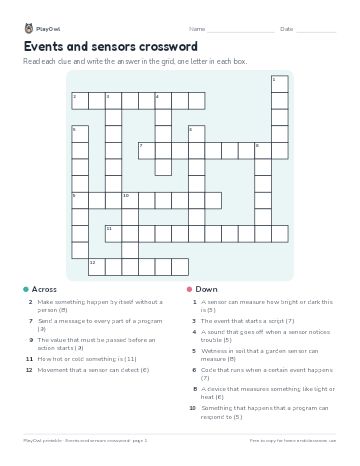 Events and sensors crossword
Coding · Grade 5 · Puzzle · 1 page
Events and sensors crossword
Coding · Grade 5 · Puzzle · 1 page
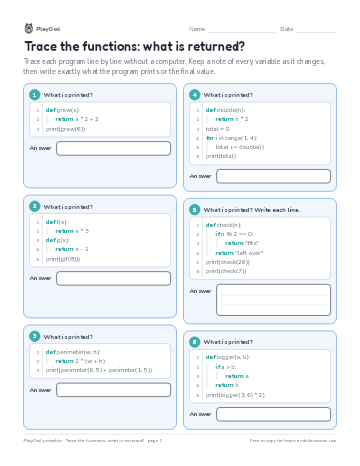 Trace the functions: what is returned?
Coding · 6–7 · Worksheet · 1 page
Trace the functions: what is returned?
Coding · 6–7 · Worksheet · 1 page
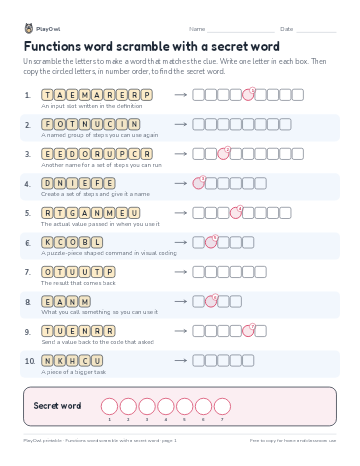 Functions word scramble with a secret word
Coding · Grade 4 · Puzzle · 1 page
Functions word scramble with a secret word
Coding · Grade 4 · Puzzle · 1 page
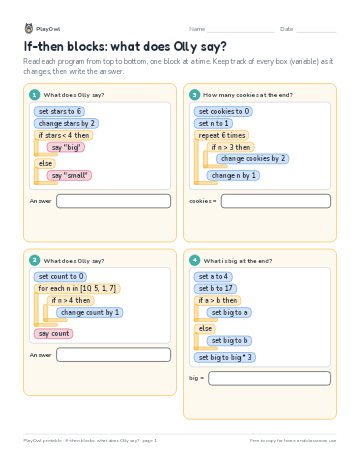 If-then blocks: what does Olly say?
Coding · Grade 5 · Worksheet · 1 page
If-then blocks: what does Olly say?
Coding · Grade 5 · Worksheet · 1 page
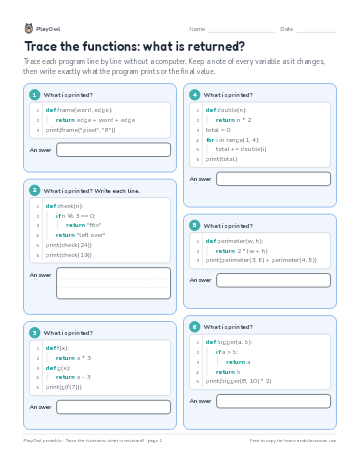 Trace the functions: what is returned?
Coding · Grade 9 · Worksheet · 1 page
Trace the functions: what is returned?
Coding · Grade 9 · Worksheet · 1 page
Printable generator
Make your own printables
Make brand-new sheets like this one, with answer keys, using the printable generator that comes with a PlayOwl plan. This sheet stays free.