Coding worksheet · Coding
If-then blocks: what does Olly say? · Grade 5
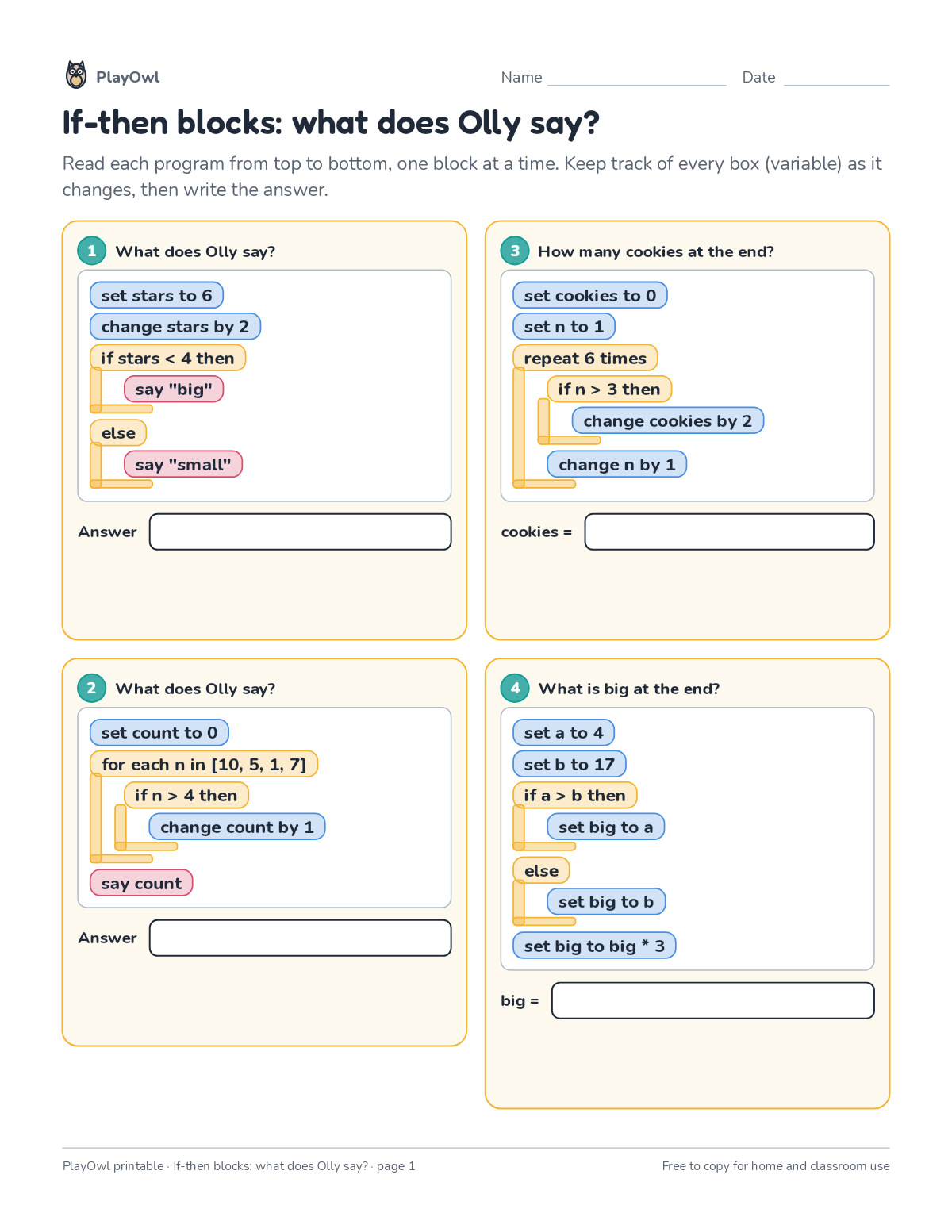
Read 6 short block code programs about if-then-else choices and work out by hand what each one prints or the final value of a variable. Builds careful code tracing.
- Grade 5 · ages 10 to 11
- Medium
- 10 to 15 minutes
- 1 page
- Free
The answer key is a separate page for grown-ups. Sign in to download it.
The programs to trace
Directions: Read each program from top to bottom, one block at a time. Keep track of every box (variable) as it changes, then write the answer.
- 1 What does Olly say?
- set stars to 6 change stars by 2 if stars < 4 then say "big"
- else say "small"
- 2 What does Olly say?
- set count to 0 for each n in [10, 5, 1, 7] if n > 4 then change count by 1 say count
- 3 How many cookies at the end?
- set cookies to 0 set n to 1 repeat 6 times if n > 3 then change cookies by 2 change n by 1
- cookies =
- 4 What is big at the end?
- set a to 4 set b to 17 if a > b then set big to a else set big to b set big to big * 3
- big =
What your child practices
Your child builds careful code tracing. The skill is “Conditions”: use if/else to respond to situations.
- Grades and ages
- Grade 5, ages 10 to 11
- Time
- About 10 to 15 minutes
- Subject
- Coding
- Level
- Medium for Grade 5
- Answer key
- Yes, for grown-ups who sign in
- Printing
- 1 page, US Letter or A4, low-ink option
- Updated
How to use it
Work through the first program together, one line or arrow at a time. Then let your child work through the rest, showing their thinking on the page. It is pitched at the expected level for Grade 5, for practice after the skill has been taught.
An answer key comes with it as a separate page that grown-ups download after signing in.
Tip for grown-ups: Have your child write each variable's value beside its line as they trace.
Done on paper? A grown-up can record it on the child's page in PlayOwl; downloading alone doesn't count as finished.
Coding · Grade 5
More like this
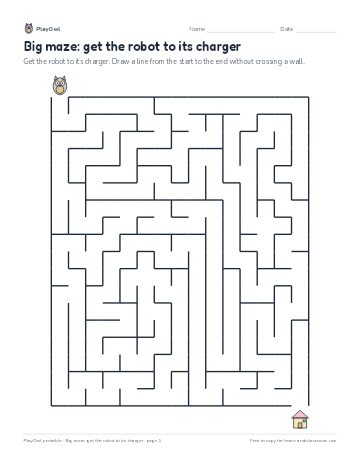 Big maze: get the robot to its charger
Coding · Grade 5 · Logic · 1 page
Big maze: get the robot to its charger
Coding · Grade 5 · Logic · 1 page
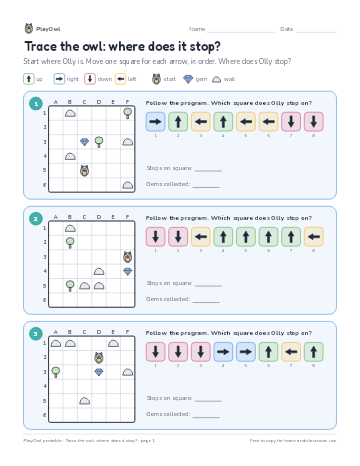 Trace the owl: where does it stop?
Coding · Grade 5 · Logic · 1 page
Trace the owl: where does it stop?
Coding · Grade 5 · Logic · 1 page
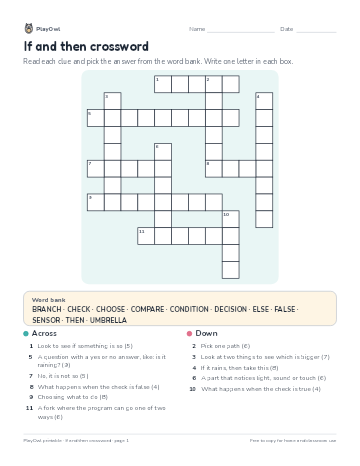 If and then crossword
Coding · Grade 4 · Puzzle · 1 page
If and then crossword
Coding · Grade 4 · Puzzle · 1 page
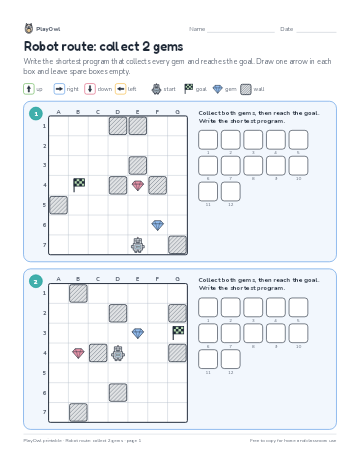 Robot route: collect 2 gems
Coding · Grade 5 · Logic · 1 page
Robot route: collect 2 gems
Coding · Grade 5 · Logic · 1 page
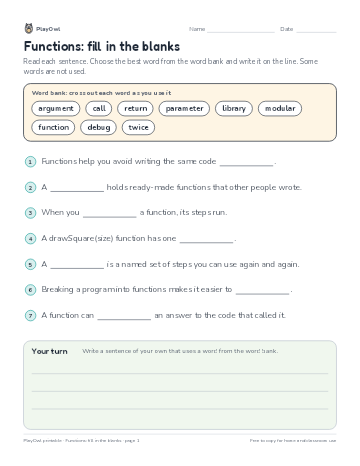 Functions: fill in the blanks
Coding · Grade 5 · Reading · 1 page
Functions: fill in the blanks
Coding · Grade 5 · Reading · 1 page
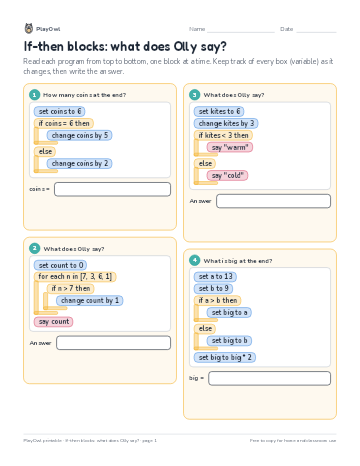 If-then blocks: what does Olly say?
Coding · 3–4 · Worksheet · 1 page
If-then blocks: what does Olly say?
Coding · 3–4 · Worksheet · 1 page
Printable generator
Make your own printables
Make brand-new sheets like this one, with answer keys, using the printable generator that comes with a PlayOwl plan. This sheet stays free.