Timeline worksheet · Computers & Digital Literacy
Computers through time: what happened when? · Grade 6
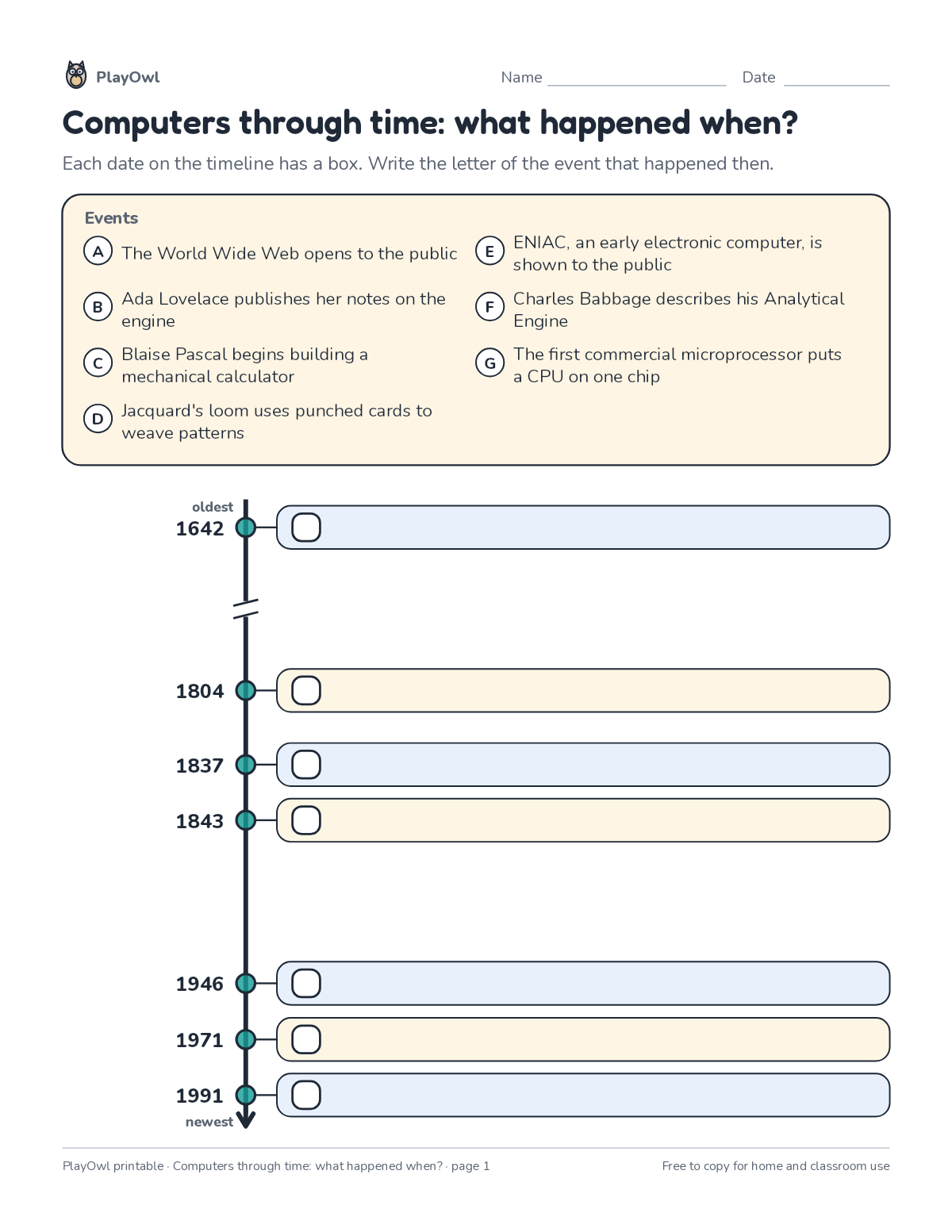
Match 7 events about computers through time to their dates on a timeline using an event bank. Practices chronology and reading a scaled timeline.
- Grade 6 · ages 11 to 12
- Medium
- 10 to 15 minutes
- 1 page
- Free
The answer key is a separate page for grown-ups. Sign in to download it.
The events
Directions: Each date on the timeline has a box. Write the letter of the event that happened then.
- Events
- A The World Wide Web opens to the public
- Ada Lovelace publishes her notes on the engine
- Blaise Pascal begins building a mechanical calculator
- Jacquard's loom uses punched cards to weave patterns
- ENIAC, an early electronic computer, is shown to the public
- Charles Babbage describes his Analytical
- Engine
- The first commercial microprocessor puts a CPU on one chip
- oldest newest
What your child practices
Your child practices chronology and reading a scaled timeline. The skill is “Computing systems”: describe hardware, software, files and networks and troubleshoot simple problems.
- Grades and ages
- Grade 6, ages 11 to 12
- Time
- About 10 to 15 minutes
- Subject
- Computers & Digital Literacy
- Level
- Medium for Grade 6
- Answer key
- Yes, for grown-ups who sign in
- Printing
- 1 page, US Letter or A4, low-ink option
- Updated
How to use it
Try the first question together so the format is clear. Then let your child work through the rest, showing their thinking on the page. It is pitched at the expected level for Grade 6, for practice after the skill has been taught.
An answer key comes with it as a separate page that grown-ups download after signing in.
Tip for grown-ups: Find the oldest and newest events first, then fill in the middle.
Done on paper? A grown-up can record it on the child's page in PlayOwl; downloading alone doesn't count as finished.
Computers & Digital Literacy · Grade 6
More like this
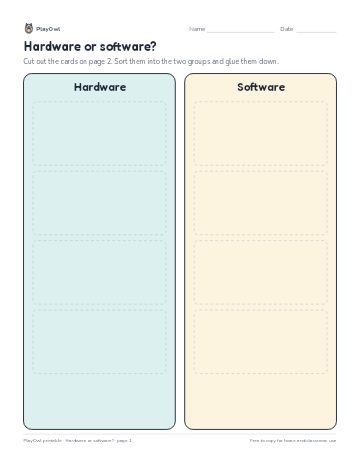 Hardware or software?
Computers & Digital Literacy · 3–6 · Cut and sort · 2 pages
Hardware or software?
Computers & Digital Literacy · 3–6 · Cut and sort · 2 pages
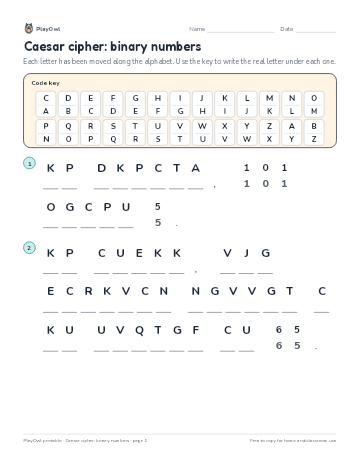 Caesar cipher: binary numbers
Computers & Digital Literacy · Grade 6 · Puzzle · 1 page
Caesar cipher: binary numbers
Computers & Digital Literacy · Grade 6 · Puzzle · 1 page
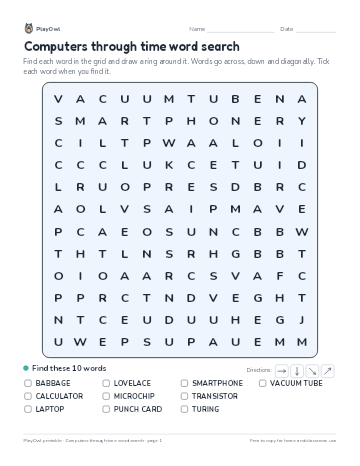 Computers through time word search
Computers & Digital Literacy · Grade 4 · Puzzle · 1 page
Computers through time word search
Computers & Digital Literacy · Grade 4 · Puzzle · 1 page
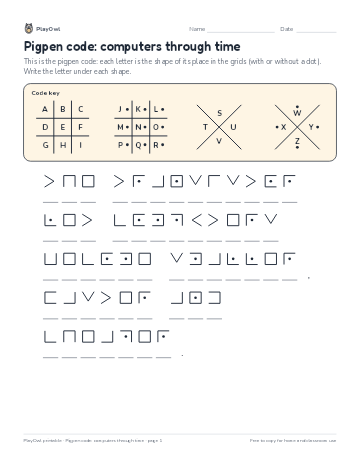 Pigpen code: computers through time
Computers & Digital Literacy · Grade 5 · Puzzle · 1 page
Pigpen code: computers through time
Computers & Digital Literacy · Grade 5 · Puzzle · 1 page
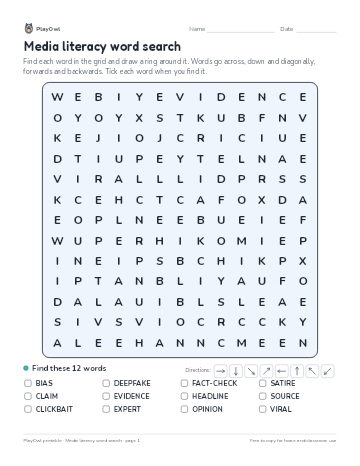 Media literacy word search
Computers & Digital Literacy · Grade 6 · Puzzle · 1 page
Media literacy word search
Computers & Digital Literacy · Grade 6 · Puzzle · 1 page
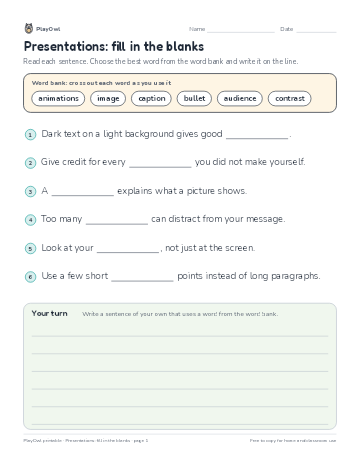 Presentations: fill in the blanks
Computers & Digital Literacy · Grade 6 · Reading · 1 page
Presentations: fill in the blanks
Computers & Digital Literacy · Grade 6 · Reading · 1 page
Printable generator
Make your own printables
Make brand-new sheets like this one, with answer keys, using the printable generator that comes with a PlayOwl plan. This sheet stays free.