Typing worksheet · Typing & Digital Skills
Number row drill: 1 2 3 4 5 6 7 8 9 0 · Grades 6–8
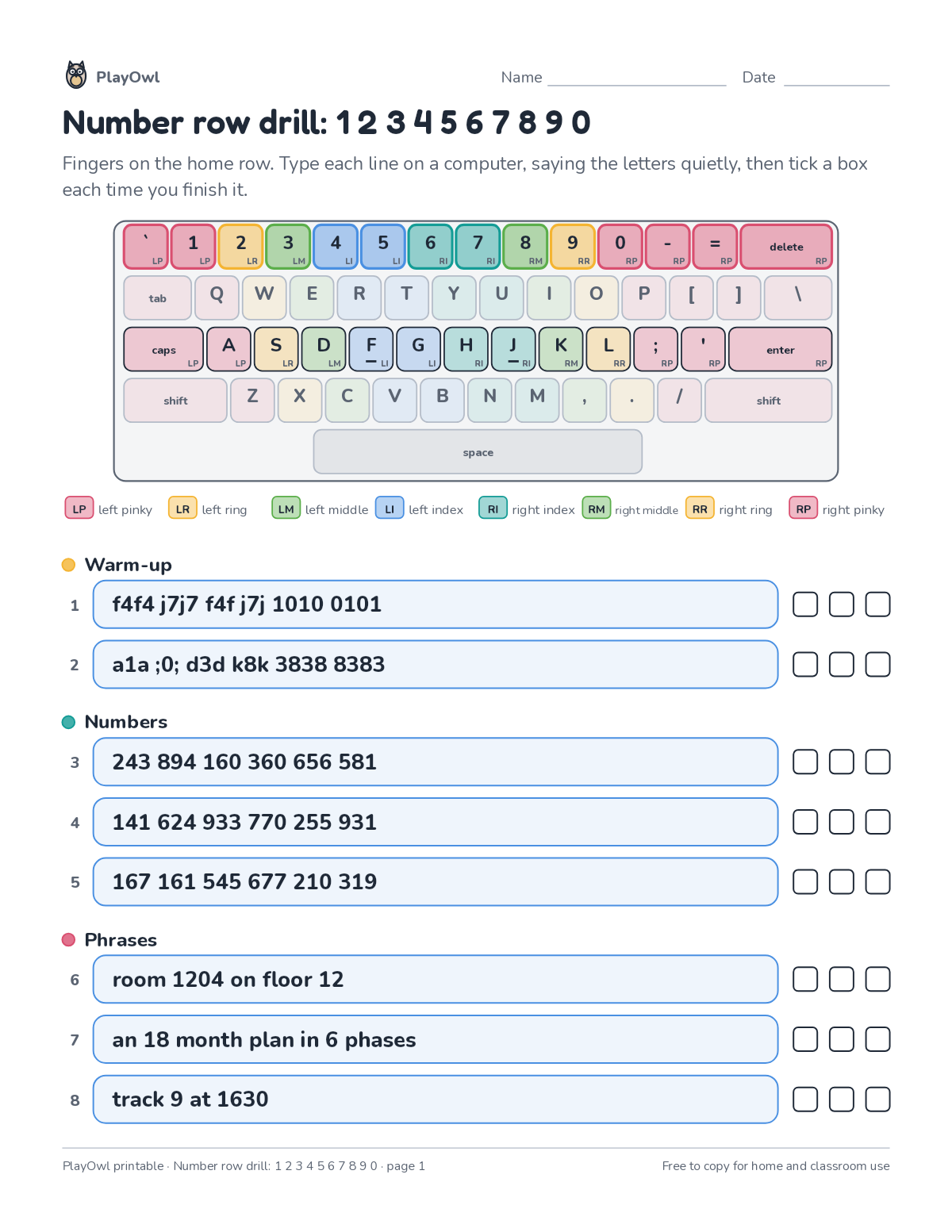
Reach up to the number row: warm-ups like "f4f j7j", number groups and short phrases with numbers. Builds number typing without looking.
- Grades 6–8 · ages 11 to 14
- Medium
- 10 to 15 minutes
- 1 page
- Free
The typing lines
Directions: Fingers on the home row. Type each line on a computer, saying the letters quietly, then tick a box each time you finish it.
- LP left pinky · LR left ring · LM left middle LI left index · RI right index RM right middle RR right ring · RP right pinky
- Warm-up
- 1 f4f4 j7j7 f4f j7j 1010 0101
- 2 a1a ;0; d3d k8k 3838 8383
- Numbers
- Phrases
- 6 room 1204 on floor 12
- 7 an 18 month plan in 6 phases
- 8 track 9 at 1630
What your child practices
Your child builds number typing without looking. The skill is “Numbers and symbols”: type digits and common symbols (colon, parentheses, percent, hyphen, slash) with the correct fingers.
- Grades and ages
- Grades 6–8, ages 11 to 14
- Time
- About 10 to 15 minutes
- Subject
- Typing & Digital Skills
- Level
- Medium for Grades 6–8
- Answer key
- No
- Printing
- 1 page, US Letter or A4, low-ink option
- Updated
How to use it
Sit at a keyboard with fingers resting on the home row before typing the first line. Accuracy first: speed comes once each line is typed without looking. It is pitched at the expected level for Grades 6–8, for practice after the skill has been taught.
There is no separate answer key; talk through the answers together when it is done.
Tip for grown-ups: Short daily practice beats one long session: one or two lines a day is plenty.
Done on paper? A grown-up can record it on the child's page in PlayOwl; downloading alone doesn't count as finished.
Typing & Digital Skills · Grades 6–8
More like this
 Bottom row drill: z x c v b n m
Typing & Digital Skills · 6–8 · Worksheet · 1 page
Bottom row drill: z x c v b n m
Typing & Digital Skills · 6–8 · Worksheet · 1 page
 Ergonomics: fill in the blanks
Typing & Digital Skills · Grade 8 · Reading · 1 page
Ergonomics: fill in the blanks
Typing & Digital Skills · Grade 8 · Reading · 1 page
 Speed and accuracy word scramble
Typing & Digital Skills · 7–8 · Puzzle · 1 page
Speed and accuracy word scramble
Typing & Digital Skills · 7–8 · Puzzle · 1 page
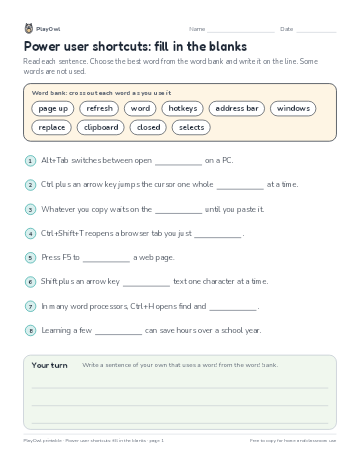 Power user shortcuts: fill in the blanks
Typing & Digital Skills · Grade 7 · Reading · 1 page
Power user shortcuts: fill in the blanks
Typing & Digital Skills · Grade 7 · Reading · 1 page
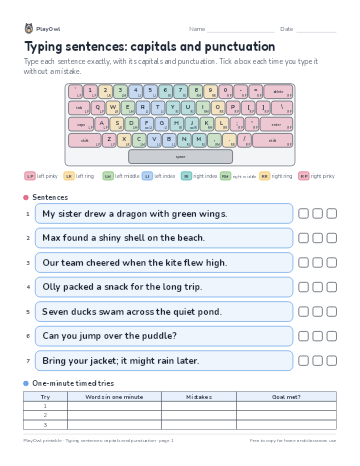 Typing sentences: capitals and punctuation
Typing & Digital Skills · Grade 7 · Worksheet · 1 page
Typing sentences: capitals and punctuation
Typing & Digital Skills · Grade 7 · Worksheet · 1 page
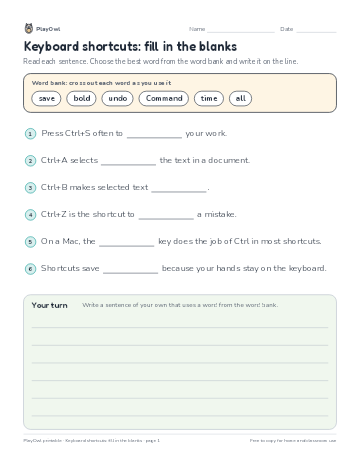 Keyboard shortcuts: fill in the blanks
Typing & Digital Skills · Grade 6 · Reading · 1 page
Keyboard shortcuts: fill in the blanks
Typing & Digital Skills · Grade 6 · Reading · 1 page
Printable generator
Make your own printables
Make brand-new sheets like this one, with answer keys, using the printable generator that comes with a PlayOwl plan. This sheet stays free.