Maze · Computers & Digital Literacy
Little maze: help the mouse cursor reach the folder · Pre-K
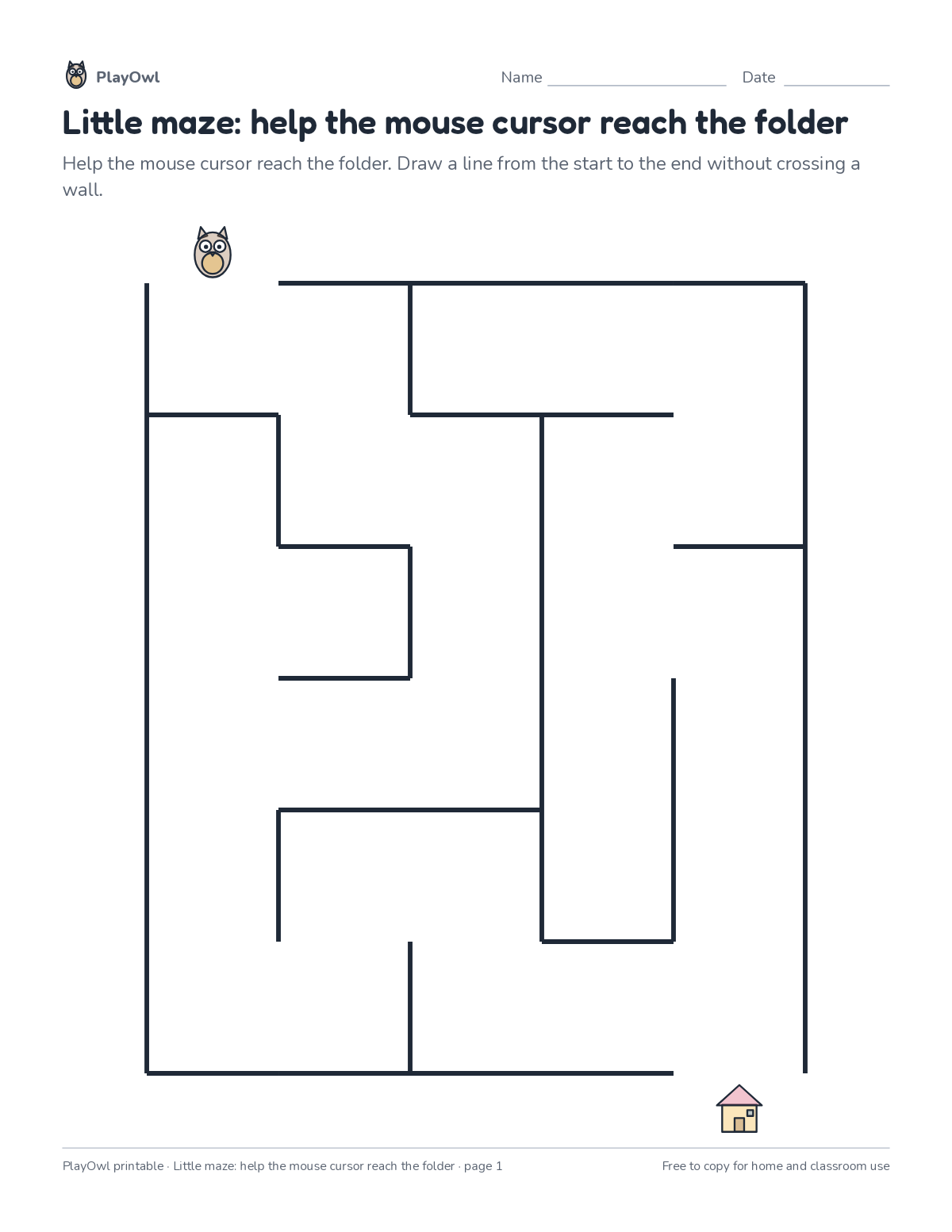
A 5 by 6 maze with exactly one path from start to finish. Plan ahead and avoid the dead ends.
- Pre-K · ages 4 to 5
- Easy
- 5 to 10 minutes
- 1 page
- Free
The answer key is a separate page for grown-ups. Sign in to download it.
What the sheet says
Directions: Help the mouse cursor reach the folder. Draw a line from the start to the end without crossing a wall.
What your child practices
Your child practices the computer skills skill “Computing systems”: describe hardware, software, files and networks and troubleshoot simple problems.
- Grades and ages
- Pre-K, ages 4 to 5
- Time
- About 5 to 10 minutes
- Subject
- Computers & Digital Literacy
- Level
- Easy for Pre-K
- Answer key
- Yes, for grown-ups who sign in
- Printing
- 1 page, US Letter or A4, low-ink option
- Updated
How to use it
Show where the maze starts and ends before your child picks up a pencil. Encourage looking ahead at each turn instead of rubbing out dead ends. It is one of the easier sheets for Pre-K, good as a warm-up or a first look at the skill.
An answer key comes with it as a separate page that grown-ups download after signing in.
Tip for grown-ups: Trace the route with a finger first, then with a pencil, so dead ends are spotted early.
Done on paper? A grown-up can record it on the child's page in PlayOwl; downloading alone doesn't count as finished.
Computers & Digital Literacy · Pre-K
More like this
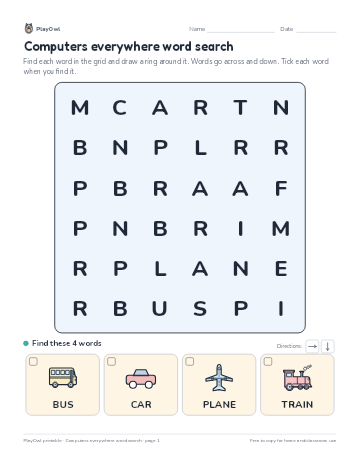 Computers everywhere word search
Computers & Digital Literacy · Pre-K · Puzzle · 1 page
Computers everywhere word search
Computers & Digital Literacy · Pre-K · Puzzle · 1 page
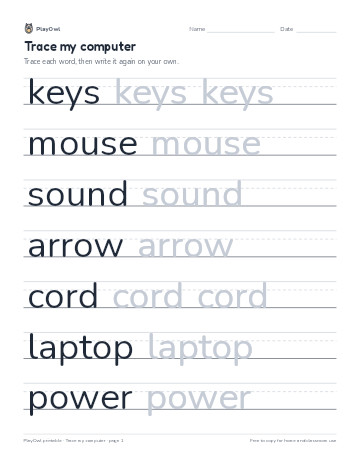 Trace my computer
Computers & Digital Literacy · Pre-K–K · Tracing · 1 page
Trace my computer
Computers & Digital Literacy · Pre-K–K · Tracing · 1 page
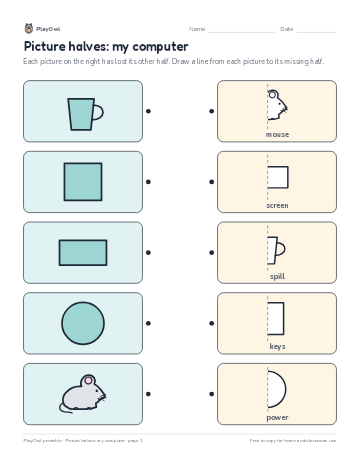 Picture halves: my computer
Computers & Digital Literacy · Pre-K · Worksheet · 1 page
Picture halves: my computer
Computers & Digital Literacy · Pre-K · Worksheet · 1 page
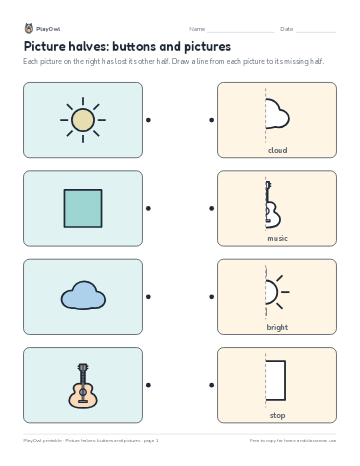 Picture halves: buttons and pictures
Computers & Digital Literacy · Pre-K · Worksheet · 1 page
Picture halves: buttons and pictures
Computers & Digital Literacy · Pre-K · Worksheet · 1 page
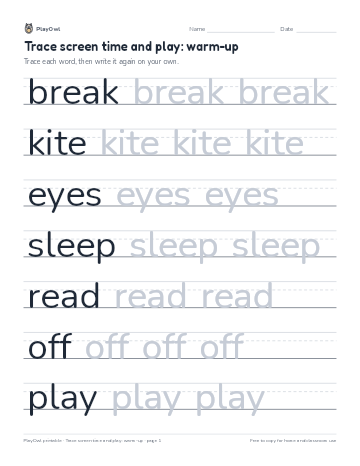 Trace screen time and play: warm-up
Computers & Digital Literacy · Pre-K–1 · Tracing · 1 page
Trace screen time and play: warm-up
Computers & Digital Literacy · Pre-K–1 · Tracing · 1 page
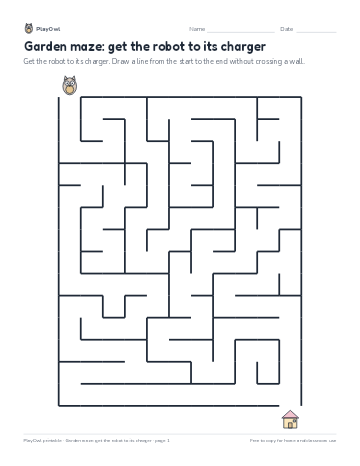 Garden maze: get the robot to its charger
Computers & Digital Literacy · Kindergarten · Logic · 1 page
Garden maze: get the robot to its charger
Computers & Digital Literacy · Kindergarten · Logic · 1 page
Printable generator
Make your own printables
Make brand-new sheets like this one, with answer keys, using the printable generator that comes with a PlayOwl plan. This sheet stays free.