Crossword puzzle · Typing & Digital Skills
Power user shortcuts crossword · Grade 7
Solve a crossword of up to 13 words about power user shortcuts from short definition clues. Builds vocabulary, spelling and reading for meaning.
- Grade 7 · ages 12 to 13
- Medium
- 15 to 20 minutes
- 1 page
- Free
The answer key is a separate page for grown-ups. Sign in to download it.
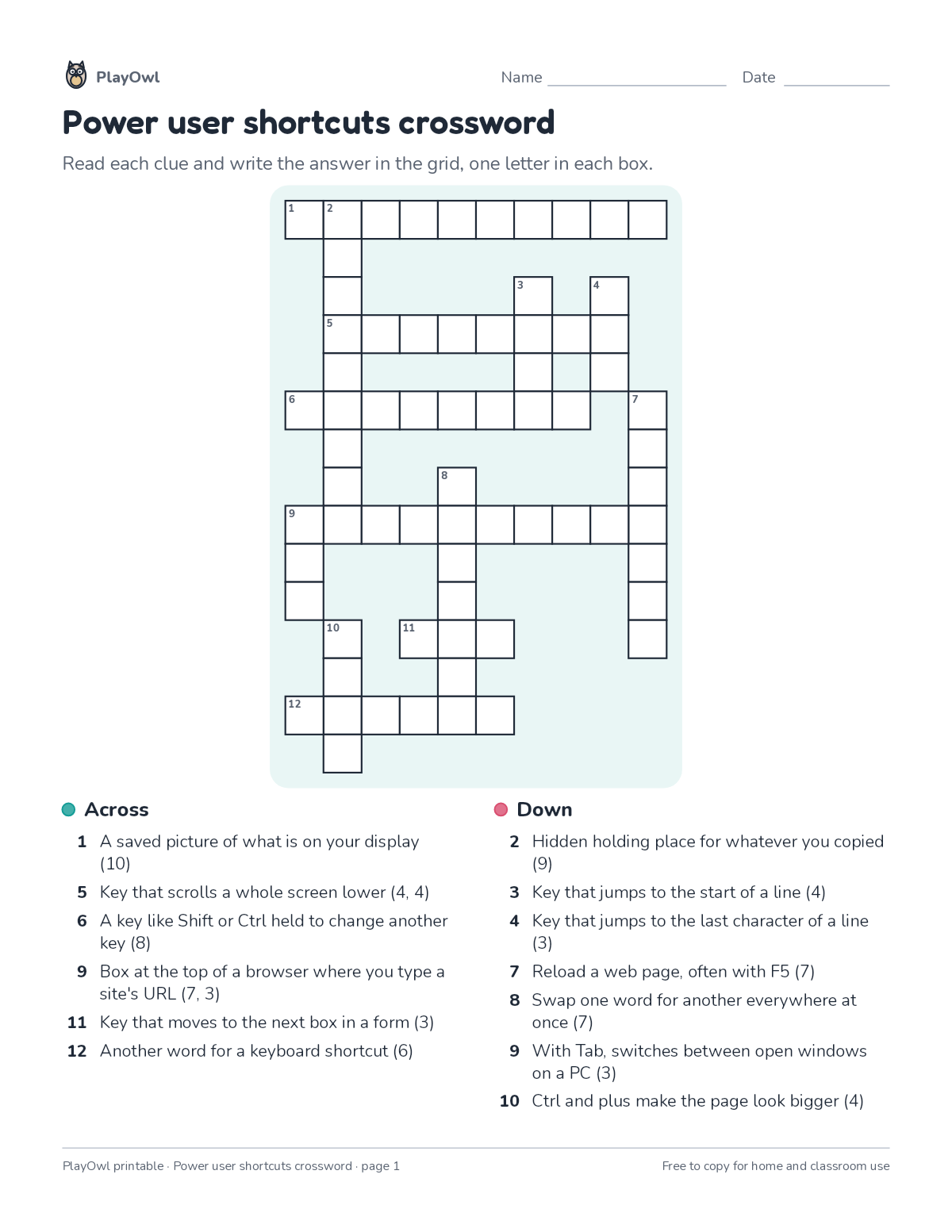
The crossword clues
Directions: Read each clue and write the answer in the grid, one letter in each box.
- Across
- 1 A saved picture of what is on your display (10)
- 5 Key that scrolls a whole screen lower (4, 4)
- 6 A key like Shift or Ctrl held to change another key (8)
- 9 Box at the top of a browser where you type a site's URL (7, 3)
- 11 Key that moves to the next box in a form (3)
- 12 Another word for a keyboard shortcut (6)
- Down
- 2 Hidden holding place for whatever you copied (9)
- 3 Key that jumps to the start of a line (4)
- 4 Key that jumps to the last character of a line (3)
- 7 Reload a web page, often with F5 (7)
- 8 Swap one word for another everywhere at once (7)
- 9 With Tab, switches between open windows on a PC (3)
- 10 Ctrl and plus make the page look bigger (4)
What your child practices
Your child builds vocabulary, spelling and reading for meaning. The skill is “All letter keys”: type all letters accurately.
- Grades and ages
- Grade 7, ages 12 to 13
- Time
- About 15 to 20 minutes
- Subject
- Typing & Digital Skills
- Level
- Medium for Grade 7
- Answer key
- Yes, for grown-ups who sign in
- Printing
- 1 page, US Letter or A4, low-ink option
- Updated
How to use it
Read the first across clue together so the format is clear. Use a pencil so mistakes rub out easily, and check every answer at the end. It is pitched at the expected level for Grade 7, for practice after the skill has been taught.
An answer key comes with it as a separate page that grown-ups download after signing in.
Tip for grown-ups: Use the letter count after each clue and any crossing letters when a clue gets stuck.
Done on paper? A grown-up can record it on the child's page in PlayOwl; downloading alone doesn't count as finished.
Typing & Digital Skills · Grade 7
More like this
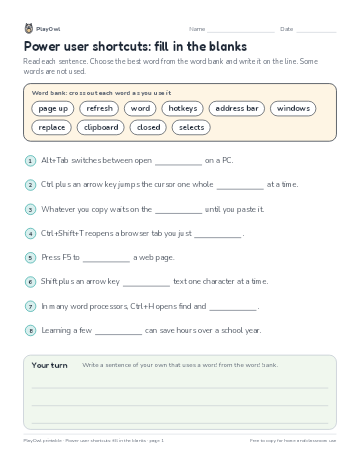 Power user shortcuts: fill in the blanks
Typing & Digital Skills · Grade 7 · Reading · 1 page
Power user shortcuts: fill in the blanks
Typing & Digital Skills · Grade 7 · Reading · 1 page
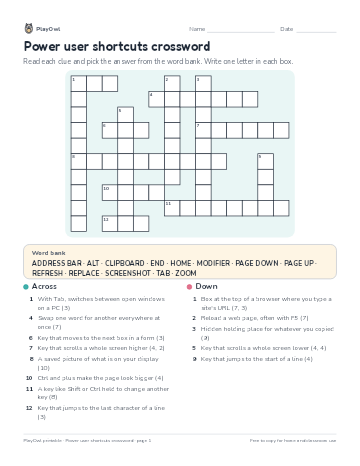 Power user shortcuts crossword
Typing & Digital Skills · Grade 9 · Puzzle · 1 page
Power user shortcuts crossword
Typing & Digital Skills · Grade 9 · Puzzle · 1 page
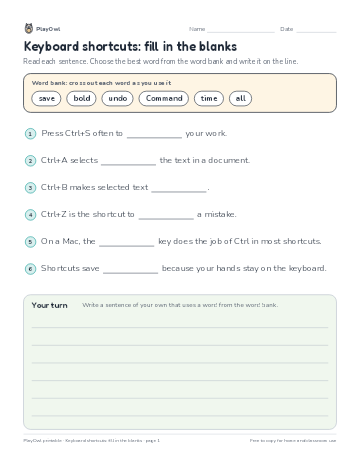 Keyboard shortcuts: fill in the blanks
Typing & Digital Skills · Grade 6 · Reading · 1 page
Keyboard shortcuts: fill in the blanks
Typing & Digital Skills · Grade 6 · Reading · 1 page
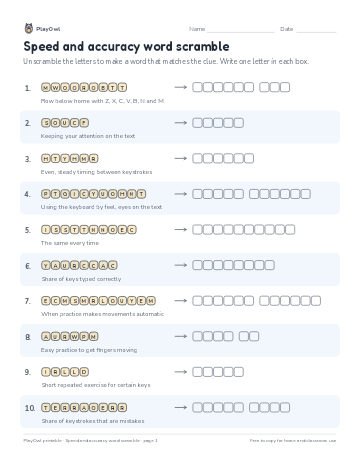 Speed and accuracy word scramble
Typing & Digital Skills · 7–8 · Puzzle · 1 page
Speed and accuracy word scramble
Typing & Digital Skills · 7–8 · Puzzle · 1 page
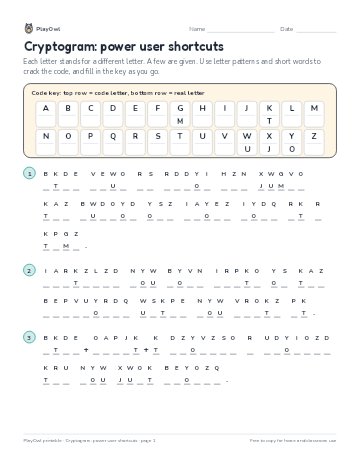 Cryptogram: power user shortcuts
Typing & Digital Skills · Grade 8 · Puzzle · 1 page
Cryptogram: power user shortcuts
Typing & Digital Skills · Grade 8 · Puzzle · 1 page
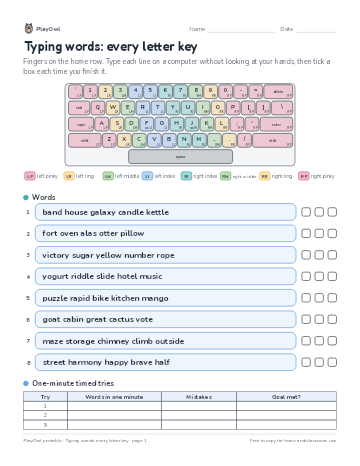 Typing words: every letter key
Typing & Digital Skills · Grade 7 · Worksheet · 1 page
Typing words: every letter key
Typing & Digital Skills · Grade 7 · Worksheet · 1 page
Printable generator
Make your own printables
Make brand-new sheets like this one, with answer keys, using the printable generator that comes with a PlayOwl plan. This sheet stays free.