Coding worksheet · Computers & Digital Literacy
Trace the loop: what is printed? · Grades 9–10
Read 6 short Python programs about for, while and nested loops and work out by hand what each one prints or the final value of a variable. Builds careful code tracing.
- Grades 9–10 · ages 14 to 16
- Easy
- 35 to 45 minutes
- 1 page
- Free
The answer key is a separate page for grown-ups. Sign in to download it.
The programs to trace
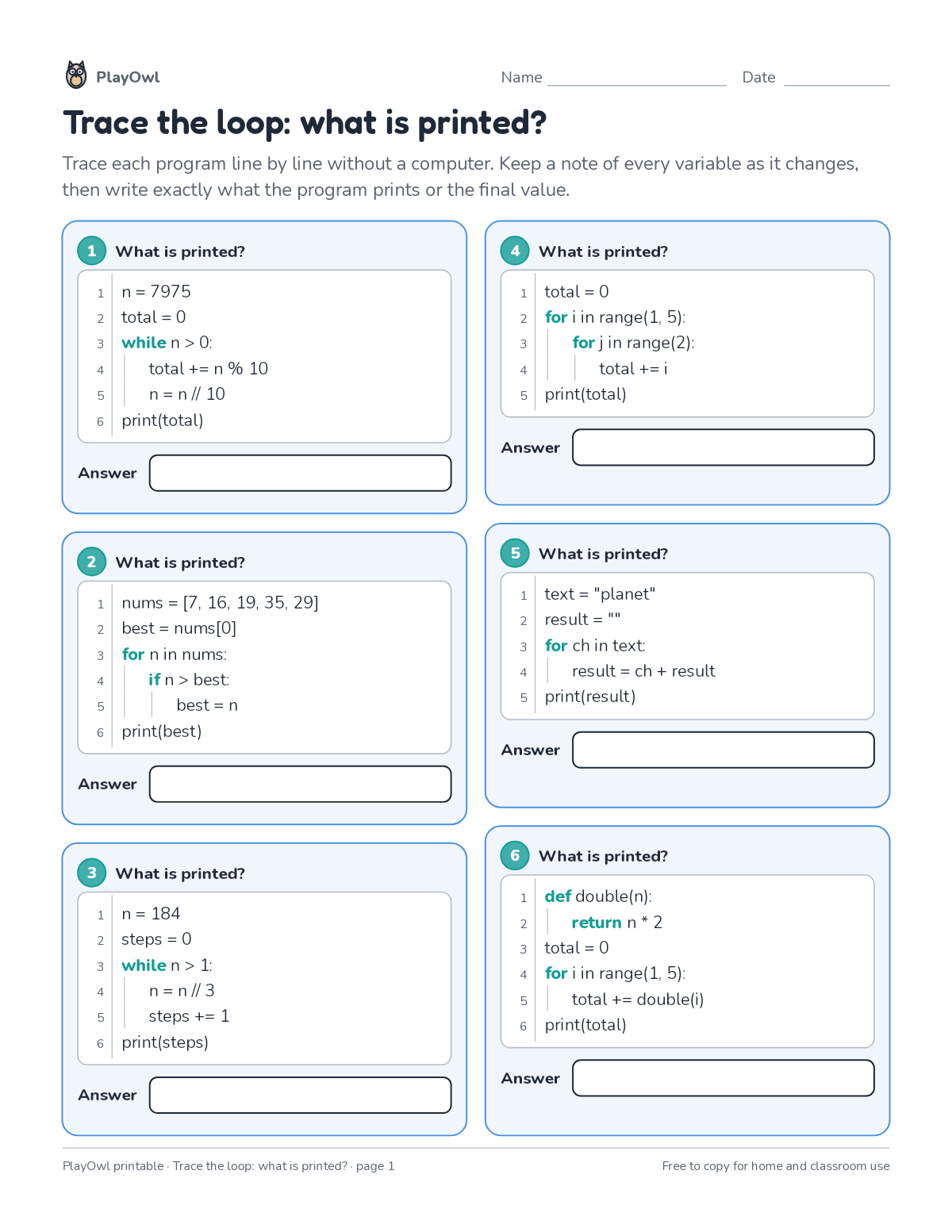
Directions: Trace each program line by line without a computer. Keep a note of every variable as it changes, then write exactly what the program prints or the final value.
- 1 What is printed?
- 1 n = 7975
- 2 total = 0
- 3 while n > 0:
- 4 total += n % 10
- 2 What is printed?
- 1 nums = [7, 16, 19, 35, 29]
- 2 best = nums[0]
- 3 for n in nums:
- 4 if n > best:
- 5 best = n
- 6 print(best)
- 3 What is printed?
- 1 n = 184
- 2 steps = 0
- 3 while n > 1:
- 5 steps += 1
- 6 print(steps)
- 4 What is printed?
- 1 total = 0
- 2 for i in range(1, 5):
- 3 for j in range(2):
- 4 total += i
- 5 print(total)
- 5 What is printed?
- 1 text = "planet"
- 2 result = ""
- 3 for ch in text:
- 4 result = ch + result
- 5 print(result)
- 6 What is printed?
- 1 def double(n):
- 2 return n * 2
- 3 total = 0
- 4 for i in range(1, 5):
- 5 total += double(i)
What your child practices
Your child builds careful code tracing. The skill is “Loops”: use repetition to shorten programs.
- Grades and ages
- Grades 9–10, ages 14 to 16
- Time
- About 35 to 45 minutes
- Subject
- Computers & Digital Literacy
- Level
- Easy for Grades 9–10
- Answer key
- Yes, for grown-ups who sign in
- Printing
- 1 page, US Letter or A4, low-ink option
- Updated
How to use it
Work through the first program together, one line or arrow at a time. Then let your child work through the rest, showing their thinking on the page. It is one of the easier sheets for Grades 9–10, good as a warm-up or a first look at the skill.
An answer key comes with it as a separate page that grown-ups download after signing in.
Tip for grown-ups: Have your child write each variable's value beside its line as they trace.
Done on paper? A grown-up can record it on the child's page in PlayOwl; downloading alone doesn't count as finished.
Computers & Digital Literacy · Grades 9–10
More like this
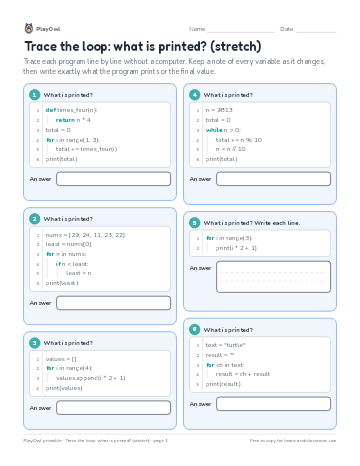 Trace the loop: what is printed? (stretch)
Coding · 9–10 · Worksheet · 1 page
Trace the loop: what is printed? (stretch)
Coding · 9–10 · Worksheet · 1 page
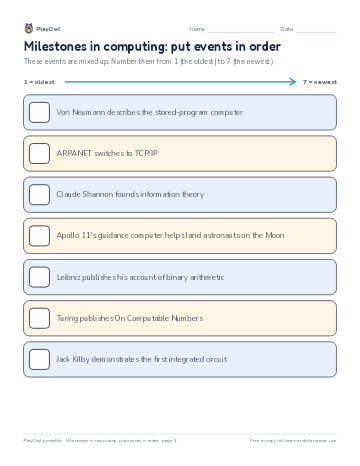 Milestones in computing: put events in order
Computers & Digital Literacy · Grade 10 · Worksheet · 1 page
Milestones in computing: put events in order
Computers & Digital Literacy · Grade 10 · Worksheet · 1 page
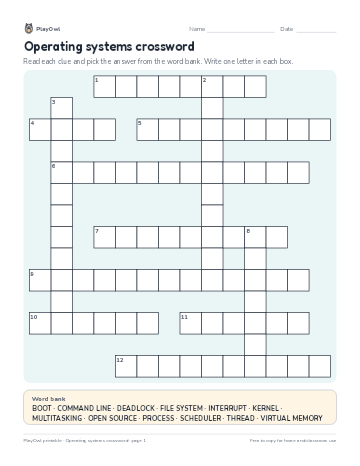 Operating systems crossword
Computers & Digital Literacy · Grade 9 · Puzzle · 2 pages
Operating systems crossword
Computers & Digital Literacy · Grade 9 · Puzzle · 2 pages
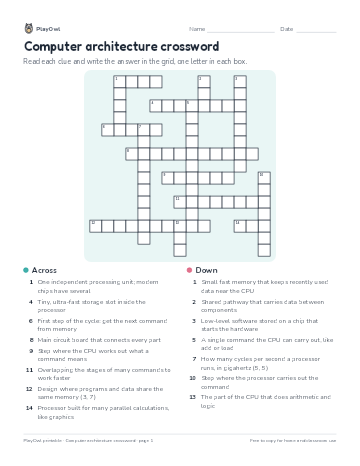 Computer architecture crossword
Computers & Digital Literacy · Grade 10 · Puzzle · 1 page
Computer architecture crossword
Computers & Digital Literacy · Grade 10 · Puzzle · 1 page
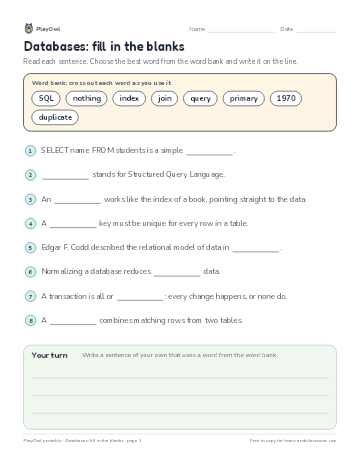 Databases: fill in the blanks
Computers & Digital Literacy · Grade 10 · Reading · 1 page
Databases: fill in the blanks
Computers & Digital Literacy · Grade 10 · Reading · 1 page
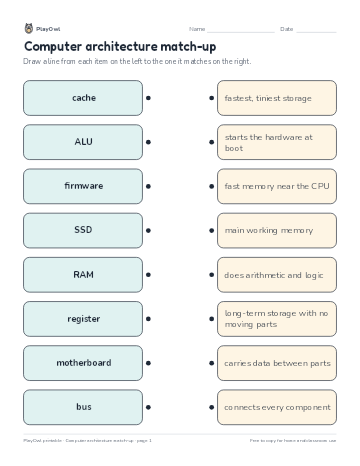 Computer architecture match-up
Computers & Digital Literacy · Grade 9 · Worksheet · 1 page
Computer architecture match-up
Computers & Digital Literacy · Grade 9 · Worksheet · 1 page
Printable generator
Make your own printables
Make brand-new sheets like this one, with answer keys, using the printable generator that comes with a PlayOwl plan. This sheet stays free.