What happens after an online order is placed?
After you press Buy, your order is checked, picked from a shelf, packed in a box, shipped and delivered. Follow it all the way.
The big idea: An order is information first. A computer checks that the item is there and saves it for you. Then people and machines pick it, pack it, label it and carry it to your door.
It's like ordering food at a restaurant: your order goes to the kitchen, the cooks check they have everything, make it, pack it, and a driver brings it.
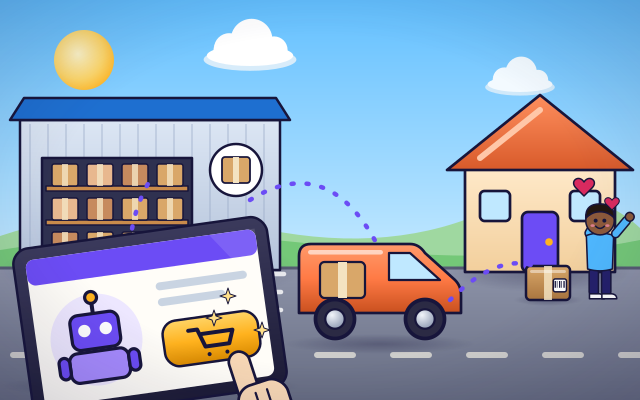
The interactive parts didn't load. The explanations below still work; try reloading the page.
From Buy to your front door
- Leo and his dad choose a toy robot in an online shop and press Buy. No robot moves yet. What leaves the tablet is a message, called an order: who wants what, and where to send it.
- First the shop's computer checks its stock list. It shows three robots left. The computer saves one for Leo, so nobody else can buy that same robot. Now the list says two.
- The order arrives at a warehouse as a pick list. Every shelf has an address, like A3. A picker walks there with a cart and scans the shelf's code. Beep! The scanner agrees: this is the right item.
- At the packing table, the robot goes into a box that is just big enough. Paper padding stops it from rattling. The box is taped shut, and a printer makes a label with Leo's address and a barcode.
- A truck collects the parcel with hundreds of others and drives to a sorting center. Machines there read each label and send each parcel toward the right town. A smaller van takes Leo's parcel on the last part of the trip.
- The van stops at Leo's house. The driver scans the label one last time, and the shop's computer marks the order as delivered. A list on a screen has become a robot in Leo's hands.
Look inside the warehouse
This is a small warehouse seen from above. Tap each part to find out what it does for your order.
- Order screen. The screen shows the order as a pick list: each item, and the shelf where it lives. A tick appears when the item is in stock.
- Shelves with addresses. Each shelf space has an address, like A3: row A, place 3. The computer remembers which item lives at each address and how many are left.
- Handheld scanner. The picker carries a scanner. It reads the code on the shelf and beeps if this is the right item. It also tells the computer that one has been taken.
- Picking cart. Picked items ride in a box on the cart, called a tote. One tote holds one order, so items for different people do not get mixed up.
- Packing table. At the packing table the items are checked, put in a box that fits, and padded so nothing breaks. Then the box is taped shut.
- Label printer. The printer makes a shipping label: Leo's address for people to read, and a barcode for machines to read.
- Loading dock. Finished parcels are loaded onto a truck at the loading dock. The truck leaves at a set time, so orders placed early in the day can often go out the same day.
Fill an order, start to finish
Place the order, then pick each item from its shelf, pack it and send the truck. After that, set the robots to "None left" and order again. What happens?
Experiment: The stock list says there are no robots left. What happens when you place the order?
- Place the order while robots are in stock, and fill it all the way to the truck.
- Start a new order and choose "None left".
- Place the order again and see where it stops.
What we found: With robots in stock, the order flows through every step: stock check, pick, pack, ship and deliver. With none left, it stops at the very first step. The shop tells you right away instead of sending a picker to an empty shelf.
Turn on JavaScript to try it yourself.
Pick by address
The pictures are gone: only shelf addresses are left. Read each address on the list, pick from the right shelf, then pack and ship. Fill two orders.
What happens after you press Buy
When you press Buy, nothing moves at first except information. Your tablet sends the shop an order: what you want, how many, and where to send it. The shop's computer keeps a stock list that counts every item in its warehouse. It checks that your item is there and saves one for you, so the same toy is not sold twice.
Next, the order goes to a warehouse, which is a huge building full of shelves. Every place on a shelf has an address, such as A3. The computer makes a pick list that says which address to visit for each item. A person called a picker, or sometimes a robot, goes to each address. A scanner reads the barcode there and beeps to say "yes, this is the right one".
At a packing table, the items are checked again and put in a box that is just the right size. Padding keeps them from breaking. A printer makes a label with your address and a barcode, and the box is taped shut.
A truck carries the parcel, with many others, to a sorting center. Machines read the labels and send each parcel toward the right town. A local van makes the last part of the trip to your door. Each time the label is scanned, the computers learn where your parcel is. Always order online together with a grown-up.
Key words
- Order
- A message that says what someone wants to buy, how many, and where it should be sent.
- Stock
- The items a shop has ready to sell. The stock list counts how many of each are left.
- Warehouse
- A large building where goods are stored on shelves until they are ordered.
- Pick list
- The list a picker follows: each item in an order and the shelf address where it is kept.
- Shipping label
- The sticker on a parcel that shows the address and a barcode that machines can read.
- Last mile
- The final part of a parcel's trip, from the local depot to your door.
Check your thinking
-
What is the first thing the shop's computer does with your order?
Show the answer
It checks the stock list and saves the item for you. The stock check comes first. There is no point in sending a picker if the shelf is empty.
-
Why does every shelf space in a warehouse have an address like A3?
Show the answer
So that the computer can tell the picker exactly where each item is. With an address for every place, the stock list can say not just what there is, but where it is.
-
The scanner beeps a warning at a shelf. What has most likely happened?
Show the answer
The picker is at the wrong shelf, so the item would be wrong. The scanner compares the shelf's code with the pick list. A mismatch is caught on the spot.
-
Why do parcels ride together on a big truck before they go onto small vans?
Show the answer
Carrying many parcels together for the long part of the trip saves fuel and time. One truck full of parcels uses much less fuel than hundreds of separate trips.
-
The stock record says 1 robot, but the bin is empty. What should happen?
Show the answer
The record is corrected and the customer is told, because data and shelf no longer agree. The count is only a model of the shelf. When they disagree, the real shelf wins: the record has to be fixed and the order held or changed.
You're a Money, shops & services expert!
You watched, looked inside, tried it, solved the challenge and went deeper. Pick another question below, or switch the age at the top to see this topic another way.
More about money, shops & services
 #488
Money, shops & services
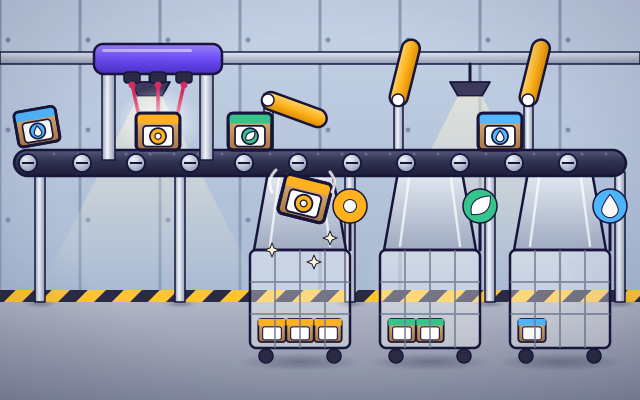
How do parcel centers sort packages?
Scan labels and route packages along conveyors toward the correct destinations.
#488
Money, shops & services
How do parcel centers sort packages?
Scan labels and route packages along conveyors toward the correct destinations.
 #489
Money, shops & services
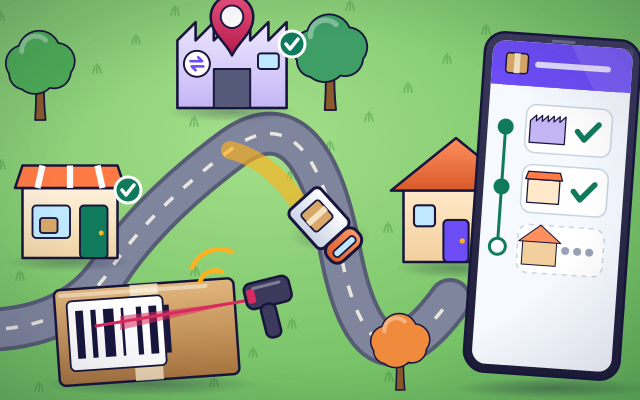
How does delivery tracking know where a package is?
Add scan events along a journey and watch the tracking history update.
#489
Money, shops & services
How does delivery tracking know where a package is?
Add scan events along a journey and watch the tracking history update.
 #490
Money, shops & services
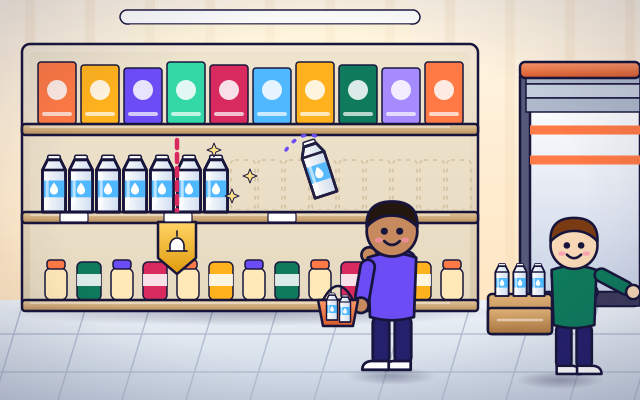
How do supermarkets keep shelves stocked?
Balance sales, inventory, reorder points, deliveries, and shelf space in a model store.
#490
Money, shops & services
How do supermarkets keep shelves stocked?
Balance sales, inventory, reorder points, deliveries, and shelf space in a model store.
 #491
Money, shops & services
How does a self-checkout machine work?
Scan products, match prices, check a basket, and complete a pretend payment.
#491
Money, shops & services
How does a self-checkout machine work?
Scan products, match prices, check a basket, and complete a pretend payment.
Keep exploring
Games to play next
- Safe Message DetectiveRead made-up messages, pop-ups and posts, spot the clues, and choose the safe, kind thing to do.
- Coin MarketRun a pretend market stall: pay exactly, use the fewest coins, and give the right change.
- Festival PlannerPlace the stalls, book the acts and keep the budget — make every rule true.
Guide for grown-ups
- How to start homeschooling: a step-by-step guide for familiesA guide for parents · 7 min read