How does two-step verification protect accounts?
Two-step verification asks for two different proofs: something you know and something you have. A thief with only one is stuck.
The big idea: A password can be guessed or overheard. So the account asks for a second proof that only you can give: a short code from your own phone that works just once.
It's like borrowing a library book: you say your name, and you also show your own library card. A name alone is not enough.
The interactive parts didn't load. The explanations below still work; try reloading the page.
Why two proofs beat one
- Milo opens his pretend owl club account with a password. But Rocco the raccoon was listening. Now Rocco knows the password too. Is the account lost?
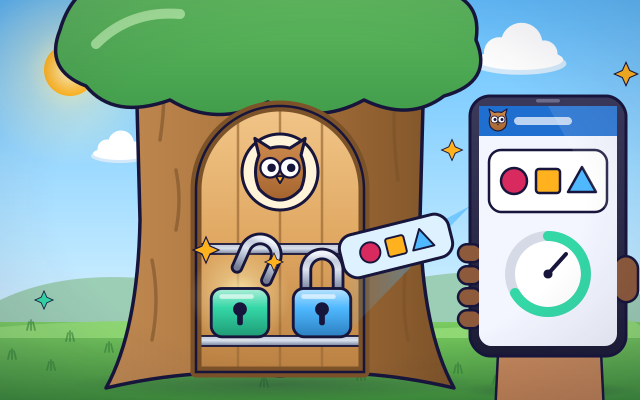
- The fix is a second lock. The first lock opens with something you know: the password. The second opens with something you have: your own phone.
- After the password, Milo's phone shows a six-digit code. He types it in and the second lock opens. The code works only once, and a new one appears every 30 seconds.
- When Milo set it up, his phone and the club's computer saved the same secret. Each mixes that secret with the time. They get the same code without sending any message.
- Rocco types the stolen password and the first lock opens. But he does not have Milo's phone, so he cannot get the code. A guess has one chance in a million.
- One trick is left: asking you for the code. No real helper ever needs it. If a message or a caller asks for your code, do not share it, and tell a grown-up.
Look inside a two-step login
Tap each part of the pretend club door and Milo's phone.
- First lock: the password. The first lock checks something you know: your password. It is a good start, but a password can be guessed, overheard or copied.
- Second lock: your phone. The second lock checks something you have: your own phone. A thief far away cannot reach into your pocket.
- One-time code. The code is six digits long and works just once. After you use it, or after its time runs out, it is useless to anyone.
- The 30-second clock. The ring shows how long the code will last. Every 30 seconds the old code stops working and a new one appears.
- Shared secret. When two-step is switched on, the phone and the club's computer save the same secret. It is the recipe for all the codes, and it never leaves them.
- The checker. The club's computer checks the password first and then the code. It works out the code for itself and compares. Only when both are right does the door open.
Two locks: who gets in?
Log in as Milo: tap the first lock, then the phone. Then choose Rocco, who knows the password but has no phone. Switch two-step off and on and see what changes.
Experiment: Rocco knows Milo's password. With two-step verification switched on, can he get in?
- Choose Milo and press Log in. Both locks open.
- Choose Rocco and press Log in. Watch the second lock.
- Switch two-step off and let Rocco try again.
What we found: With two-step on, the password opens only the first lock. Rocco has no phone, so he cannot make the code and stays outside. With two-step off, the stolen password alone lets him in.
Turn on JavaScript to try it yourself.
Guard the club door
Five visitors and messages arrive. Let in only someone with the right password and a fresh code from the phone. And never give a code away.
Something you know and something you have
A password is something you know. That is handy, but it has a weakness: someone else can know it too. They might guess it, watch you type it, or find it in a list stolen from a website. And you cannot see that it has been copied.
Two-step verification adds a second proof of a different kind: something you have. Usually that is your phone. After the password, the account asks for a short code that only your phone can show. A thief on the other side of the world does not have your phone, so the stolen password is not enough.
The code is clever. Your phone and the website share a secret from the day you set it up. Both mix that secret with the time, so both get the same six digits without sending them anywhere. Every 30 seconds the code changes, and each code works only once.
One rule keeps all of this working: never give a code to anybody. Real helpers do not ask for it. If a message, a caller or a page you did not expect asks for your code, stop and tell a parent or another grown-up you trust. They can also help you switch two-step on.
Key words
- Two-step verification
- Signing in with two proofs, such as a password and a code from your phone.
- Factor
- A kind of proof: something you know, something you have, or something you are.
- One-time code
- A short number that works for one sign-in only.
- Authenticator app
- An app on your phone that shows the one-time codes for your accounts.
- Phishing
- A trick message or page that pretends to be someone you trust, to get your secrets.
Check your thinking
-
What are the two proofs in two-step verification?
Show the answer
Something you know and something you have. A password is something you know, and your phone is something you have. They are different kinds of proof.
-
A message says: this is your game club, please send us the code on your phone. What should you do?
Show the answer
Do not send it, and tell a grown-up. A real service never asks for your code. Whoever asks is trying to get into your account.
-
A thief learns your password but does not have your phone. With two-step on, what happens?
Show the answer
The first lock opens, but the second stays shut. The password is only one of the two proofs. Without the code from your phone, the thief is stuck.
-
Why does the code on the phone change every 30 seconds?
Show the answer
So a code that someone sees or copies soon stops working. A short life means a stolen code is useless almost at once.
-
A page that looks like your club's login asks for your password and code, but its address is slightly different. What is the risk?
Show the answer
The fake page can pass both to the real site at once and sign in as you. A typed code can be relayed within its 30 seconds. Check the address, and prefer security keys or passkeys, which will not answer a look-alike site.
You're a Computers & communication expert!
You watched, looked inside, tried it, solved the challenge and went deeper. Pick another question below, or switch the age at the top to see this topic another way.
More about computers & communication
 #330
Computers & communication
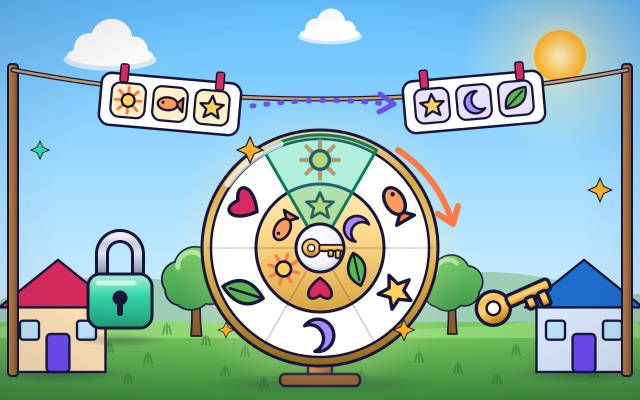
How does encryption keep messages private?
Scramble a message in a simple model and restore it using the appropriate key.
#330
Computers & communication
How does encryption keep messages private?
Scramble a message in a simple model and restore it using the appropriate key.
 #331
Computers & communication
How does a video call work?
Follow pictures and sound through encoding, transmission, and playback between virtual devices.
#331
Computers & communication
How does a video call work?
Follow pictures and sound through encoding, transmission, and playback between virtual devices.
 #332
Computers & communication
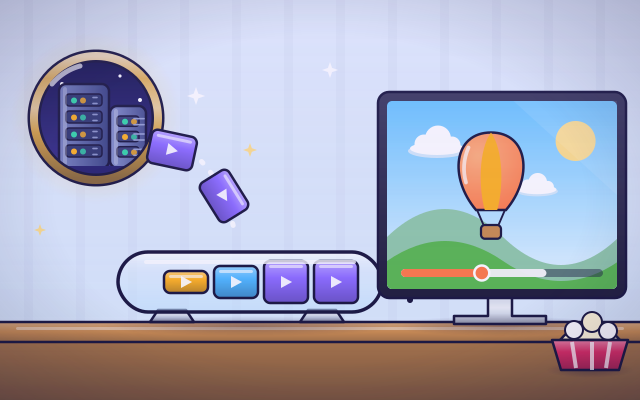
How does streaming video reach a screen?
Fill a playback buffer and explore what happens when incoming data slows.
#332
Computers & communication
How does streaming video reach a screen?
Fill a playback buffer and explore what happens when incoming data slows.
 #333
Computers & communication
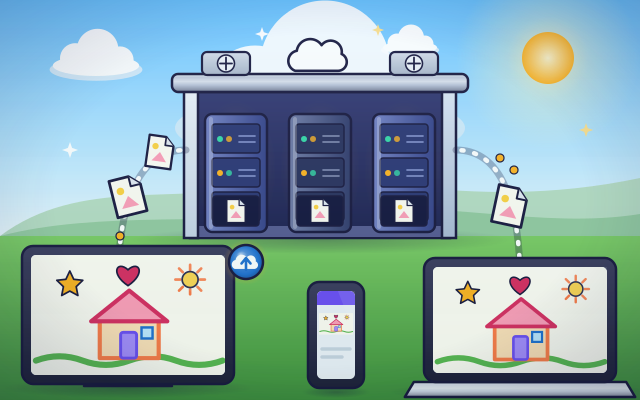
How does cloud storage keep files available?
Save a drawing remotely and retrieve it from different virtual devices.
#333
Computers & communication
How does cloud storage keep files available?
Save a drawing remotely and retrieve it from different virtual devices.
Keep exploring
Games to play next
- Robot RoutesSnap together arrow, repeat and dance blocks to guide Bolt the robot home.
- Safe Message DetectiveRead made-up messages, pop-ups and posts, spot the clues, and choose the safe, kind thing to do.
- Bug DetectiveA robot program almost works. Run it, spot the buggy block, and fix it.
Guide for grown-ups
- How to start homeschooling: a step-by-step guide for familiesA guide for parents · 7 min read
Coding games by grade
Computer skills worksheets by grade
- Preschool Computer Skills Worksheets
- Pre-K Computer Skills Worksheets
- Kindergarten Computer Skills Worksheets
- 1st Grade Computer Skills Worksheets
- 2nd Grade Computer Skills Worksheets
- 3rd Grade Computer Skills Worksheets
- 4th Grade Computer Skills Worksheets
- 5th Grade Computer Skills Worksheets
- 6th Grade Computer Skills Worksheets
- 7th Grade Computer Skills Worksheets
- 8th Grade Computer Skills Worksheets