How do video games work?
A game reads your buttons, follows its rules, checks what's touching, adds up your score and draws a new picture, about 60 times a second.
The big idea: Every video game runs a loop many times a second. It reads your input, moves everything using the game's rules (like gravity), checks for collisions, updates the score and draws the next frame. Change a rule, and the whole game feels different.
It's like
The interactive parts didn't load. The explanations below still work; try reloading the page.
Inside a tiny game
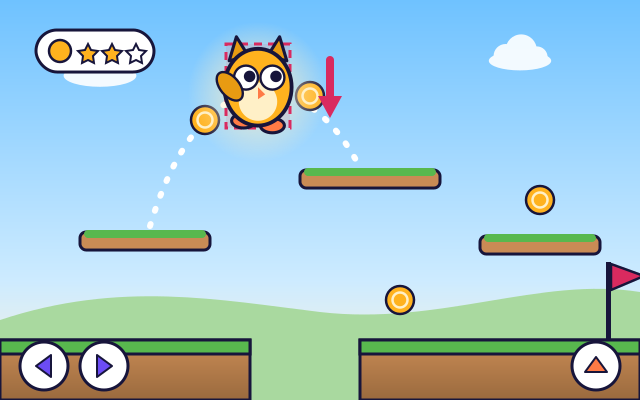
- Here's a tiny game. Pip runs, jumps onto platforms and collects coins. It looks smooth, but it's really lots of still pictures shown very quickly.
- First the game checks the controls. Is the jump button pressed? Is the arrow held down? This is called input.
- Next the game follows its rules. Gravity is a rule: every frame, Pip's falling speed grows a little. That's what makes the jump go up, slow down and come back.
- Then the game checks for collisions. It puts an invisible box around everything. If Pip's box overlaps a platform's box, Pip lands on it instead of falling through.
- Some collisions follow scoring rules. When Pip's box touches a coin's box, the coin disappears and the score goes up by ten.
- Finally the game draws everything in its new place. Pip has a few walking pictures that swap quickly, like a flipbook. Then the whole loop starts again.
Step by step through the game loop
This is what happens inside the game every single frame. Step through it!
- 1. Read the input. The game checks the keys, buttons or touch screen. Pressing jump sets a note for this frame: “Pip wants to jump.”
- 2. Follow the rules. The game moves everything by its rules. Gravity makes Pip's falling speed a bit bigger every frame, and Pip moves by its speed.
- 3. Check collisions. The game checks if Pip's invisible box overlaps another box. If it overlaps a platform, the game pushes Pip back out so Pip stands on top.
- 4. Apply the scoring rules. If Pip's box touches a coin's box, a rule says: remove the coin and add 10 points. Other rules might say: touch the flag to win.
- 5. Draw the frame. The game draws the background, then the platforms, then the coins and Pip on top, each in its new place. Pip's picture changes to the next walking pose.
- 6. Do it all again. Then the loop starts over, about 60 times every second. That's so fast that the pictures look like smooth movement.
Change the rules and play
Change the gravity and the speed, watch the dotted jump path, then play. Use the arrow keys and space, or the buttons on the screen.
Experiment: What happens to Pip's jump when you make gravity stronger?
- Slide gravity to floaty. Look at the dotted path and jump.
- Slide gravity to heavy and jump again.
- Compare how high and how far Pip went.
What we found: Stronger gravity pulls Pip down harder, so the jump is lower and shorter and lands sooner. Weak gravity makes floaty, moon-like jumps. Game designers choose the gravity to make a game feel just right.
Turn on JavaScript to try it yourself.
Coin dash
Collect all 5 coins and reach the flag as fast as you can. You can change the gravity and speed to help.
The game loop
A video game is a computer program that runs a loop over and over, often about 60 times every second. Each time around the loop, the game makes one new picture, called a frame. Our eyes blend the frames together into smooth movement, just like a flipbook.
Every frame, the game first reads the input: the keys, buttons or touches you're using. Then it follows its rules to move everything. Gravity is one rule: every frame, a falling character falls a little faster. Game makers can set gravity to anything, from moon-floaty to super heavy.
Next the game checks for collisions. Everything has an invisible box around it. When two boxes overlap, something happens: the hero lands on a platform, bumps a wall or grabs a coin. Scoring rules decide how many points each thing is worth.
Finally the game draws the new picture, background first and characters on top. Characters have several drawings, like walking poses, that the game swaps between to make them look alive. Change any rule, like gravity or speed, and the game feels completely different. That's what game designers tune.
Key words
- Frame
- One still picture of the game. Many frames shown fast make movement.
- Game loop
- The steps a game repeats over and over: read input, follow the rules, check collisions, draw.
- Input
- Information from the player, such as key presses, button presses or touches.
- Collision detection
- Checking whether two things in the game are touching.
- Hitbox
- The invisible box a game uses to decide what a character is touching.
- Sprite
- A small picture of a character or object; several sprites in a row make an animation.
Check your thinking
-
What does the gravity rule do each frame?
Show the answer
Makes the falling speed a little bigger. Adding a bit of speed every frame makes the jump slow down at the top and fall back.
-
How does a game make a character look like it's walking?
Show the answer
It swaps between a few walking pictures very quickly. Sprite frames swapped quickly make the walking animation.
-
How does the game know Pip touched a coin?
Show the answer
Pip's invisible box overlaps the coin's box. Every object has a hitbox. Overlapping boxes mean a collision.
-
About how many times a second does a game loop usually run?
Show the answer
About 60. About 60 frames a second is common, so each loop is very quick.
-
To make jumps go twice as far without making them higher, what could a designer change?
Show the answer
Double the run speed. Distance is speed × time in the air. Height and airtime don't depend on run speed, so doubling it doubles the distance only.
You're a Computers & communication expert!
You watched, looked inside, tried it, solved the challenge and went deeper. Pick another question below, or switch the age at the top to see this topic another way.
More about computers & communication
 #54
Computers & communication
How does a computer follow instructions?
Explore the processor, memory, storage, and input/output devices. Follow a simple instruction through the system and build a short sequence of commands.
#54
Computers & communication
How does a computer follow instructions?
Explore the processor, memory, storage, and input/output devices. Follow a simple instruction through the system and build a short sequence of commands.
 #55
Computers & communication
How does Wi-Fi connect devices?
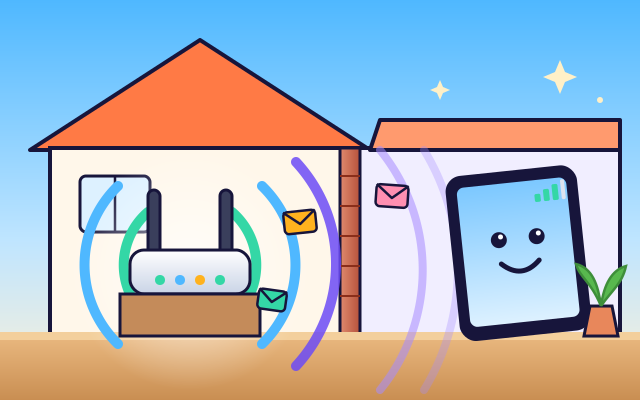
Send simplified radio messages between a device and router. Move devices around a virtual home and investigate how distance and walls affect the connection.
#55
Computers & communication
How does Wi-Fi connect devices?
Send simplified radio messages between a device and router. Move devices around a virtual home and investigate how distance and walls affect the connection.
 #56
Computers & communication
How does GPS know where you are?
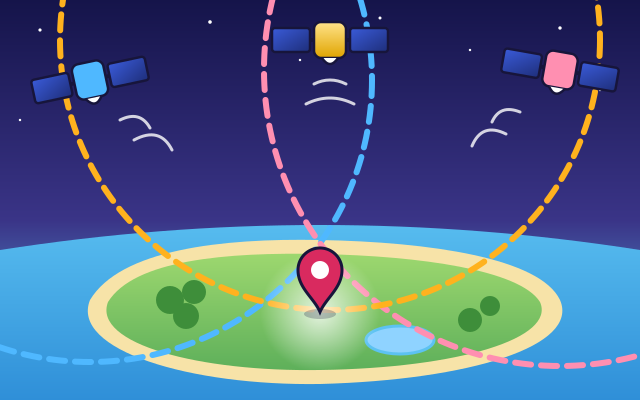
Compare signals from several satellites and watch a receiver calculate its position. Explore how signal timing helps locate a moving character.
#56
Computers & communication
How does GPS know where you are?
Compare signals from several satellites and watch a receiver calculate its position. Explore how signal timing helps locate a moving character.
 #57
Computers & communication
How does a printer make colorful pictures?
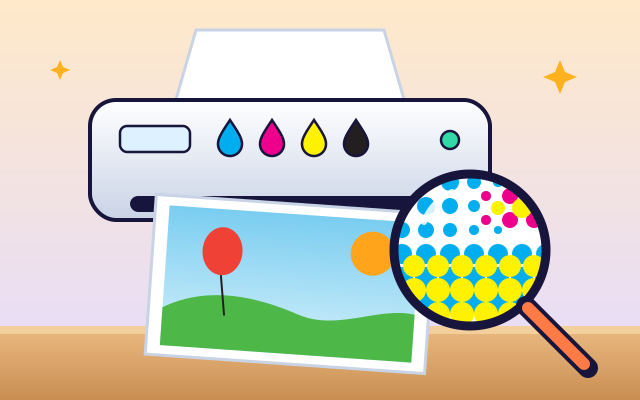
Look inside an inkjet printer and build a picture from tiny cyan, magenta, yellow, and black dots. Switch colors on and off to compare results.
#57
Computers & communication
How does a printer make colorful pictures?
Look inside an inkjet printer and build a picture from tiny cyan, magenta, yellow, and black dots. Switch colors on and off to compare results.
Keep exploring
Games to play next
- Mini-Game StudioMake a tiny game with rule blocks, test-play it, and share it once it can be won.
- Robot RoutesSnap together arrow, repeat and dance blocks to guide Bolt the robot home.
- Bug DetectiveA robot program almost works. Run it, spot the buggy block, and fix it.
Guide for grown-ups
- How to start homeschooling: a step-by-step guide for familiesA guide for parents · 7 min read
Coding games by grade
Computer skills worksheets by grade
- Preschool Computer Skills Worksheets
- Pre-K Computer Skills Worksheets
- Kindergarten Computer Skills Worksheets
- 1st Grade Computer Skills Worksheets
- 2nd Grade Computer Skills Worksheets
- 3rd Grade Computer Skills Worksheets
- 4th Grade Computer Skills Worksheets
- 5th Grade Computer Skills Worksheets
- 6th Grade Computer Skills Worksheets
- 7th Grade Computer Skills Worksheets
- 8th Grade Computer Skills Worksheets