Secret code puzzle · Typing & Digital Skills
Number code: keys on the keyboard · Grade 1
Swap numbers for letters to decode 3 messages about keys on the keyboard. Practices careful matching and reading.
- Grade 1 · ages 6 to 7
- Medium
- 10 to 15 minutes
- 1 page
- Free
Goes with the game Cloud Courier.
The answer key is a separate page for grown-ups. Sign in to download it.
What the sheet says
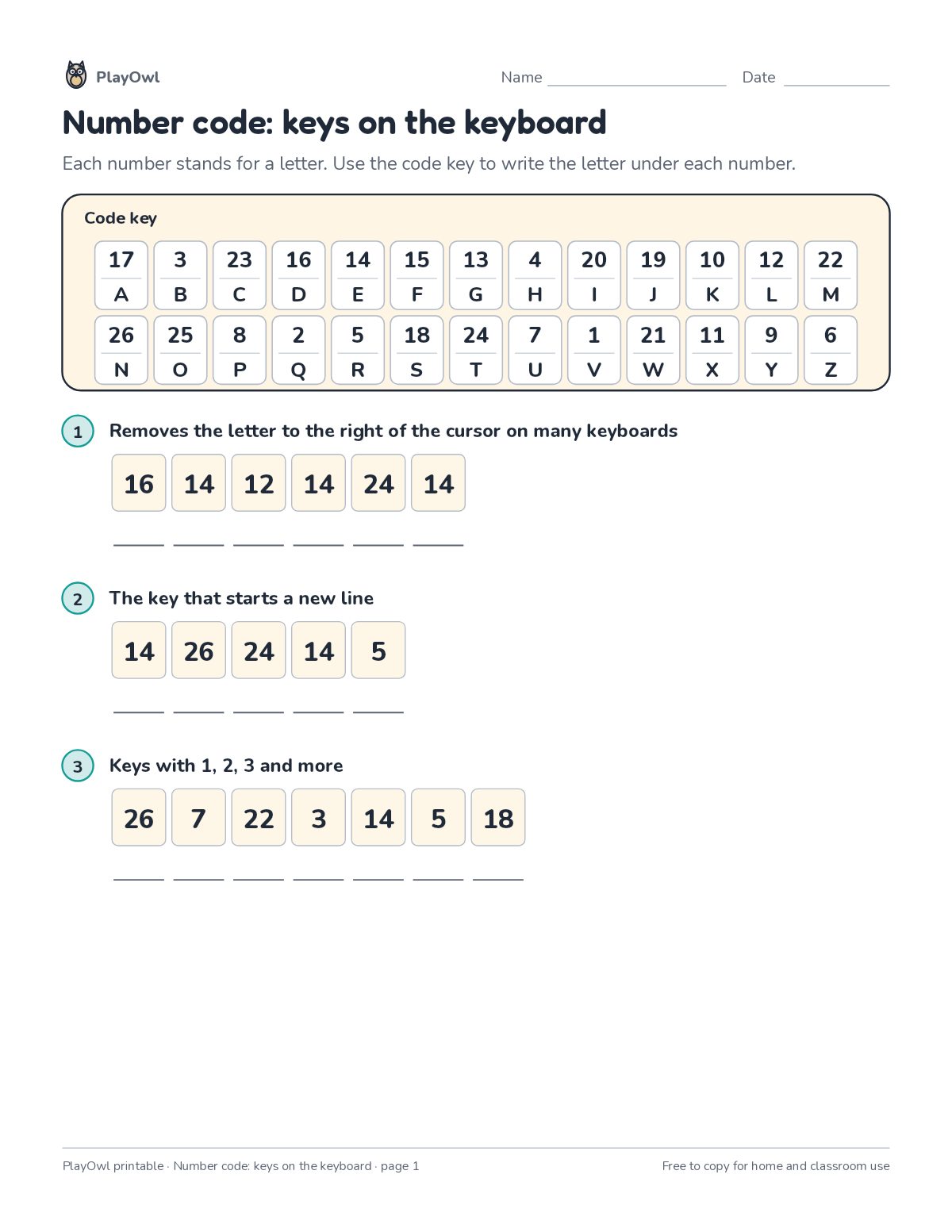
Directions: Each number stands for a letter. Use the code key to write the letter under each number.
- Code key
- 1 Removes the letter to the right of the cursor on many keyboards
- 2 The key that starts a new line
- 3 Keys with 1, 2, 3 and more
What your child practices
Your child practices careful matching and reading. The skill is “All letter keys”: type all letters accurately.
- Grades and ages
- Grade 1, ages 6 to 7
- Time
- About 10 to 15 minutes
- Subject
- Typing & Digital Skills
- Level
- Medium for Grade 1
- Answer key
- Yes, for grown-ups who sign in
- Printing
- 1 page, US Letter or A4, low-ink option
- Updated
How to use it
Read the rules at the top together and try the first step side by side. Use a pencil so mistakes rub out easily, and check every answer at the end. It is pitched at the expected level for Grade 1, for practice after the skill has been taught.
An answer key comes with it as a separate page that grown-ups download after signing in.
Tip for grown-ups: Start with the shortest coded words; one- and two-letter words crack the code fastest.
Done on paper? A grown-up can record it on the child's page in PlayOwl; downloading alone doesn't count as finished.
Typing & Digital Skills · Grade 1
More like this
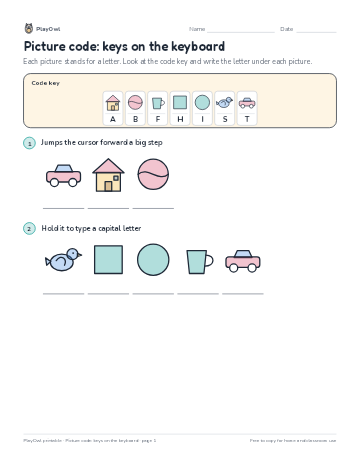 Picture code: keys on the keyboard
Typing & Digital Skills · Grade 1 · Puzzle · 1 page
Picture code: keys on the keyboard
Typing & Digital Skills · Grade 1 · Puzzle · 1 page
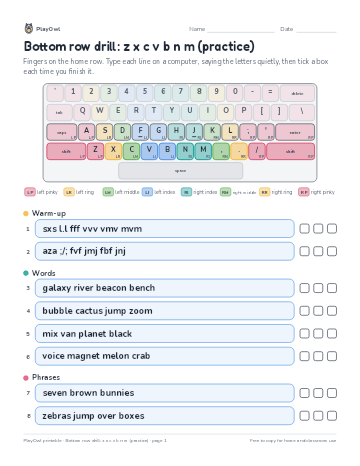 Bottom row drill: z x c v b n m (practice)
Typing & Digital Skills · 4–5 · Worksheet · 1 page
Bottom row drill: z x c v b n m (practice)
Typing & Digital Skills · 4–5 · Worksheet · 1 page
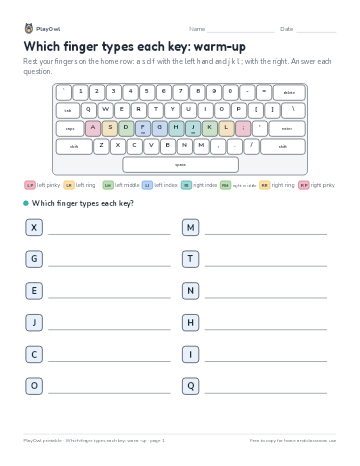 Which finger types each key: warm-up
Typing & Digital Skills · 1–2 · Worksheet · 1 page
Which finger types each key: warm-up
Typing & Digital Skills · 1–2 · Worksheet · 1 page
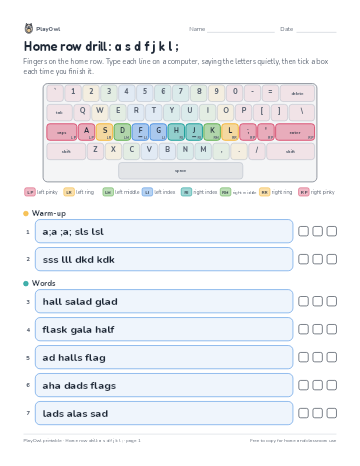 Home row drill: a s d f j k l ;
Typing & Digital Skills · 1–2 · Worksheet · 1 page
Home row drill: a s d f j k l ;
Typing & Digital Skills · 1–2 · Worksheet · 1 page
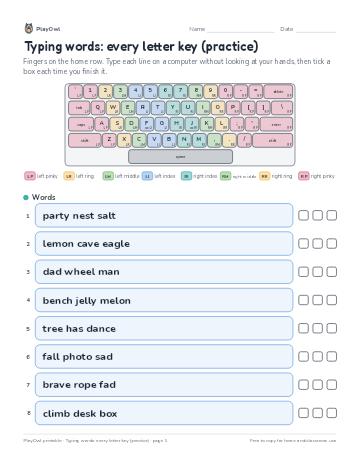 Typing words: every letter key (practice)
Typing & Digital Skills · 1–2 · Worksheet · 1 page
Typing words: every letter key (practice)
Typing & Digital Skills · 1–2 · Worksheet · 1 page
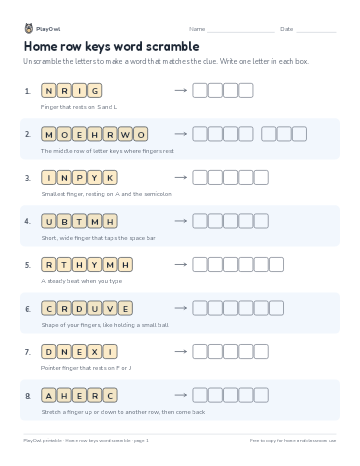 Home row keys word scramble
Typing & Digital Skills · Grade 1 · Puzzle · 1 page
Home row keys word scramble
Typing & Digital Skills · Grade 1 · Puzzle · 1 page
Printable generator
Make your own printables
Make brand-new sheets like this one, with answer keys, using the printable generator that comes with a PlayOwl plan. This sheet stays free.