Secret code puzzle · Typing & Digital Skills
Picture code: keys on the keyboard · Grade 1
Use the picture key to decode 2 secret messages about keys on the keyboard. Practices letter recognition, matching and spelling.
- Grade 1 · ages 6 to 7
- Easy
- 5 to 10 minutes
- 1 page
- Free
Goes with the game Cloud Courier.
The answer key is a separate page for grown-ups. Sign in to download it.
What the sheet says
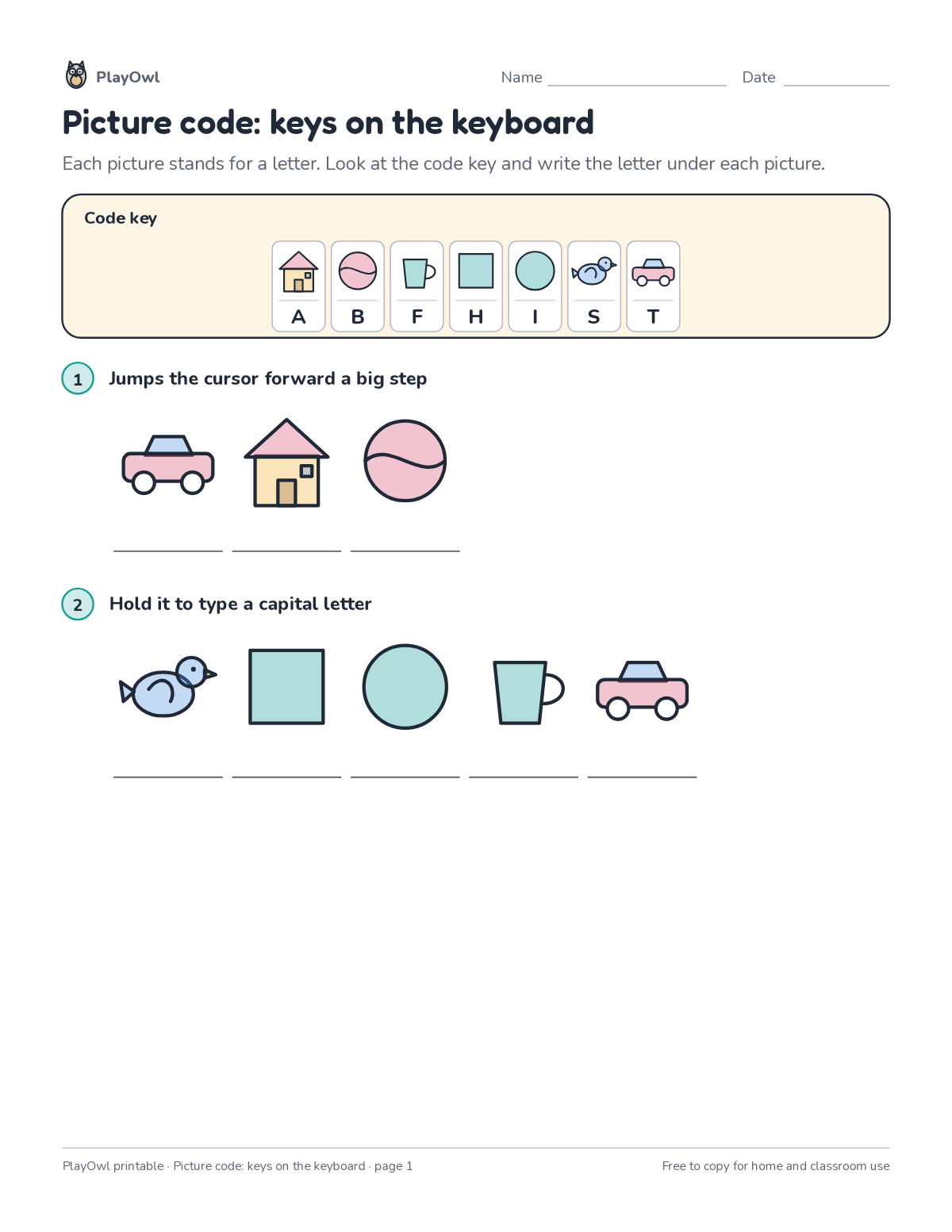
Directions: Each picture stands for a letter. Look at the code key and write the letter under each picture.
- Code key
- 1 Jumps the cursor forward a big step
- 2 Hold it to type a capital letter
What your child practices
Your child practices letter recognition, matching and spelling. The skill is “All letter keys”: type all letters accurately.
- Grades and ages
- Grade 1, ages 6 to 7
- Time
- About 5 to 10 minutes
- Subject
- Typing & Digital Skills
- Level
- Easy for Grade 1
- Answer key
- Yes, for grown-ups who sign in
- Printing
- 1 page, US Letter or A4, low-ink option
- Updated
How to use it
Read the rules at the top together and try the first step side by side. Use a pencil so mistakes rub out easily, and check every answer at the end. It is one of the easier sheets for Grade 1, good as a warm-up or a first look at the skill.
An answer key comes with it as a separate page that grown-ups download after signing in.
Tip for grown-ups: Start with the shortest coded words; one- and two-letter words crack the code fastest.
Done on paper? A grown-up can record it on the child's page in PlayOwl; downloading alone doesn't count as finished.
Typing & Digital Skills · Grade 1
More like this
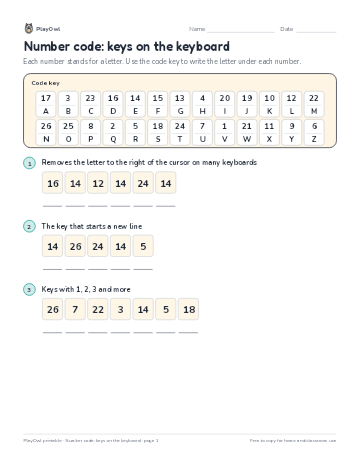 Number code: keys on the keyboard
Typing & Digital Skills · Grade 1 · Puzzle · 1 page
Number code: keys on the keyboard
Typing & Digital Skills · Grade 1 · Puzzle · 1 page
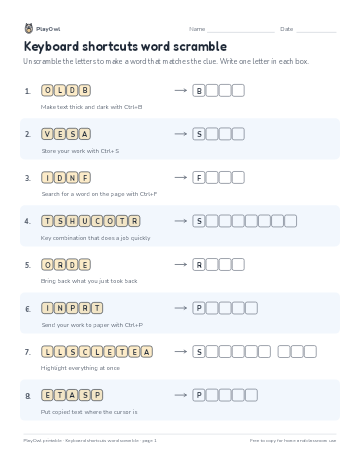 Keyboard shortcuts word scramble
Typing & Digital Skills · Grade 4 · Puzzle · 1 page
Keyboard shortcuts word scramble
Typing & Digital Skills · Grade 4 · Puzzle · 1 page
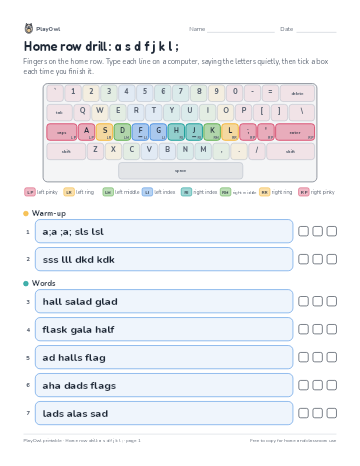 Home row drill: a s d f j k l ;
Typing & Digital Skills · 1–2 · Worksheet · 1 page
Home row drill: a s d f j k l ;
Typing & Digital Skills · 1–2 · Worksheet · 1 page
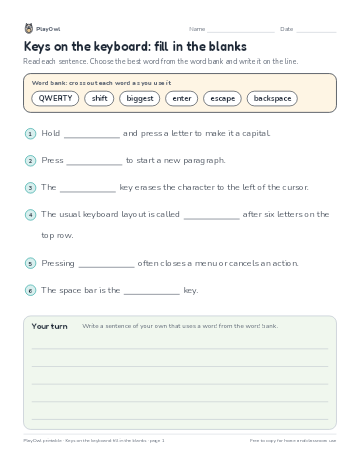 Keys on the keyboard: fill in the blanks
Typing & Digital Skills · Grade 3 · Reading · 1 page
Keys on the keyboard: fill in the blanks
Typing & Digital Skills · Grade 3 · Reading · 1 page
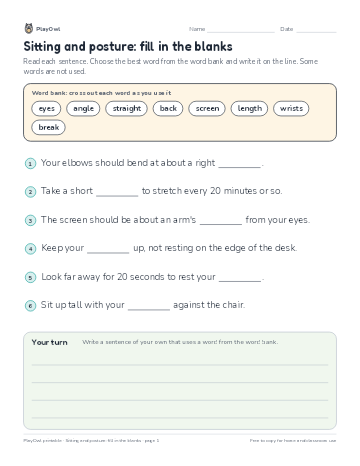 Sitting and posture: fill in the blanks
Typing & Digital Skills · 1–2 · Reading · 1 page
Sitting and posture: fill in the blanks
Typing & Digital Skills · 1–2 · Reading · 1 page
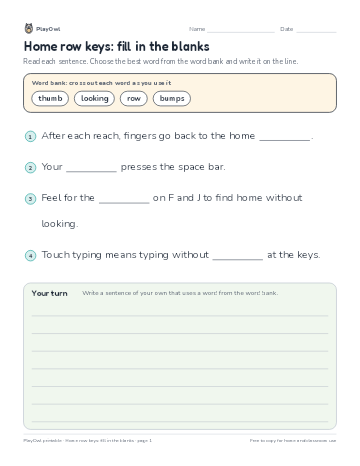 Home row keys: fill in the blanks
Typing & Digital Skills · Grade 1 · Reading · 1 page
Home row keys: fill in the blanks
Typing & Digital Skills · Grade 1 · Reading · 1 page
Printable generator
Make your own printables
Make brand-new sheets like this one, with answer keys, using the printable generator that comes with a PlayOwl plan. This sheet stays free.