How do parking garages identify empty spaces?
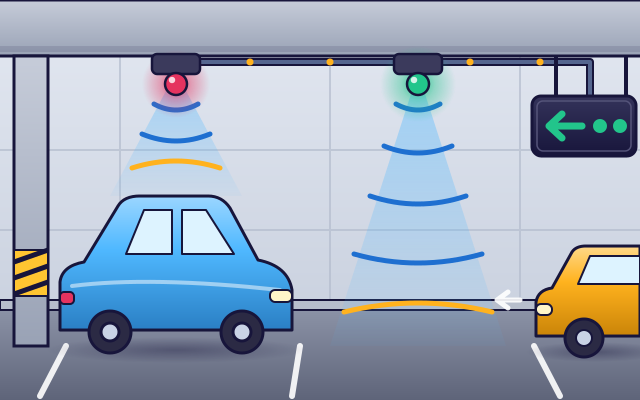
A sensor above each bay checks for a car, a light shows red or green, and signs add up the free spaces to guide drivers.
The big idea: Every bay has its own sensor. It sends out a ping of sound and listens for the echo. A quick echo means a car is there. The lights and signs just show what the sensors found.
It's like a class register: each seat answers here or empty, and the number of free seats is written on the board by the door.
The interactive parts didn't load. The explanations below still work; try reloading the page.
How the garage knows which bays are free
- In a big, busy garage, a driver can circle for ages looking for a space. One bay is empty, but it is hidden between the parked cars.
- A small sensor hangs above each bay. It sends a ping of very high sound straight down and listens. Over an empty bay, the echo has to come all the way back from the floor.
- When a car parks, the ping bounces off its roof and comes back much sooner. The sensor knows the bay is taken and turns its light red. A green light means the bay is free.
- Every sensor sends its answer along a cable to a small computer called a controller. The controller adds up how many bays are free in each row.
- Signs show the count for each row, with arrows. The driver follows the arrow and spots the green light at once. As the car parks, the light turns red and the sign counts one less.
Look inside a parking guidance system
Tap each part. Follow the message from the sensor to the signs.
- Bay sensor. The sensor hangs from the ceiling above the middle of the bay. It sends a ping of sound down and times the echo to tell whether a car is there.
- Bay light. The light under the sensor shows what it found: green for a free bay and red for a taken one. It hangs at the front, so drivers can see it from far down the aisle.
- Data cable. A cable links all the sensors in a row. Each sensor's message, taken or free, travels along it.
- Controller. The controller is a small computer. It asks each sensor in turn, adds up the free bays and tells the signs what to show.
- Aisle sign. The aisle sign hangs where drivers must choose a direction. It shows an arrow and the number of free bays that way.
- Entrance sign. The sign at the entrance shows how many bays are free in the whole garage, or on each level, before you even drive in.
Move cars and watch the signs
Drag cars into bays and back out to the street. Watch each bay's light, the row signs and the entrance sign. What changes, and when?
Experiment: A car drives out of its bay. What changes?
- Read the entrance sign and the two row signs.
- Park a car from the street. Which lights and signs change?
- Send a car back to the street and watch again.
What we found: When a car leaves, its sensor stops hearing a quick echo, so the light turns green. The controller counts that bay as free, and the row sign and the entrance sign both go up by one. Every number on a sign comes from the sensors above the bays.
Turn on JavaScript to try it yourself.
The sign is wrong!
The signs do not match the garage. Three sensors are stuck. Find them and tap them to repair them, without tapping the ones that work.
Seeing with sound
The sensor above a parking bay cannot see. It finds out what is below it with sound. It sends a short ping, too high for you to hear, and waits for the echo.
Sound takes time to travel. If the bay is empty, the ping goes all the way to the floor and back. If a car is parked there, the ping hits the roof and returns much sooner. So a quick echo means a car, and a slow echo means an empty bay.
The sensor turns that answer into a light, green or red. It also sends it along a cable to a controller. The controller is a small computer that keeps asking every sensor, again and again, and counts the free bays in each row.
The signs just show those counts. That is why the whole system depends on the sensors: if one sensor is wrong, its light is wrong and every sign that counts it is wrong too. The class register idea stops working in one way: a sensor never gets bored or looks away, but it can be fooled by something that is not a car.
Key words
- Sensor
- A device that detects something in the world and turns it into a signal.
- Ultrasound
- Sound that is too high for people to hear.
- Echo
- Sound that bounces off something and comes back.
- Threshold
- The cut-off the sensor uses: anything closer than this counts as a car.
- Controller
- A small computer that collects the sensors' answers, counts the free bays and updates the signs.
Check your thinking
-
How does the sensor know a car is in the bay?
Show the answer
Its ping echoes back sooner from the car's roof than from the floor. The roof is closer than the floor, so the echo comes back faster.
-
A car parks in a free bay. What happens to the number on the row sign?
Show the answer
It goes down by one. One bay fewer is free, so the controller's count drops by one.
-
A sensor hangs 2.5 meters above the floor. Its echo returns after about 6 thousandths of a second. What is below it?
Show the answer
Something about 1 meter away, such as a car roof. 343 meters per second times 0.006 seconds is about 2 meters there and back, so 1 meter each way.
-
A sign says 3 free, but drivers find only 2 free bays. What is the most likely cause?
Show the answer
One sensor is stuck on free, although a car is parked under it. The sign only adds up what the sensors say. One wrong sensor gives one wrong space.
-
Why is the light hung at the front of the bay and not above the middle?
Show the answer
So drivers can see it from far down the aisle. A light at the aisle edge is not hidden by the parked cars.
You're a Buildings & city systems expert!
You watched, looked inside, tried it, solved the challenge and went deeper. Pick another question below, or switch the age at the top to see this topic another way.
More about buildings & city systems
 #366
Buildings & city systems
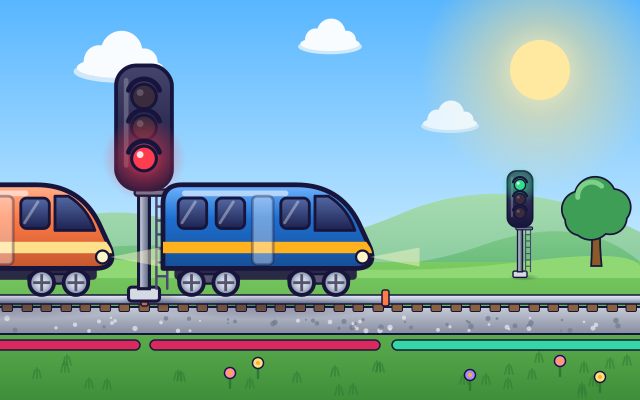
How do railway signals keep trains separated?
Divide track into sections and operate signals as trains enter and leave.
#366
Buildings & city systems
How do railway signals keep trains separated?
Divide track into sections and operate signals as trains enter and leave.
 #367
Buildings & city systems
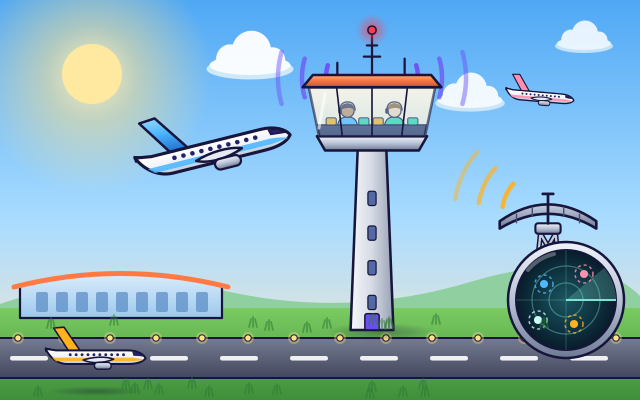
How does air traffic control organize flights?
Guide aircraft along assigned routes and coordinate spacing and runway approaches.
#367
Buildings & city systems
How does air traffic control organize flights?
Guide aircraft along assigned routes and coordinate spacing and runway approaches.
 #368
Buildings & city systems
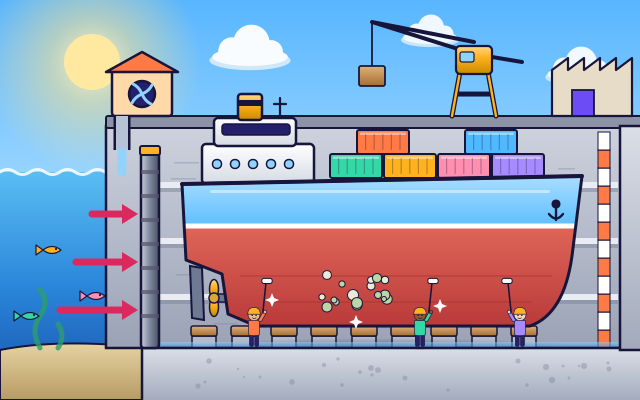
How do dry docks make ship repairs possible?
Float in a vessel, close the gate, and lower water around its hull.
#368
Buildings & city systems
How do dry docks make ship repairs possible?
Float in a vessel, close the gate, and lower water around its hull.
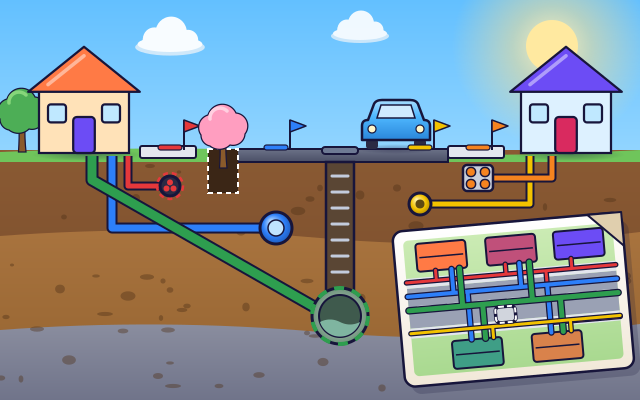 #369
Buildings & city systems
How do utility maps show what is underground?
Switch between pipe and cable layers before planning a simulated excavation.
#369
Buildings & city systems
How do utility maps show what is underground?
Switch between pipe and cable layers before planning a simulated excavation.
Keep exploring
Games to play next
- City Driving AdventureExplore the city behind the wheel, park safely and collect roadside deliveries.
- Bridge LabBuild a bridge from beams, brace it with triangles, and stay on budget.
- Area ArchitectDesign rooms that hit the area and perimeter on the blueprint.
Guide for grown-ups
- How to start homeschooling: a step-by-step guide for familiesA guide for parents · 7 min read
Science games by grade
Science worksheets by grade
- Preschool Science Worksheets
- Pre-K Science Worksheets
- Kindergarten Science Worksheets
- 1st Grade Science Worksheets
- 2nd Grade Science Worksheets
- 3rd Grade Science Worksheets
- 4th Grade Science Worksheets
- 5th Grade Science Worksheets
- 6th Grade Science Worksheets
- 7th Grade Science Worksheets
- 8th Grade Science Worksheets